Download Brand Guideline Layout Template for Adobe InDesign
Present your brand identity clearly with a professional brand guideline
In today’s highly competitive business world, having a clear and unique brand identity is very important. A brand guideline is a key tool that helps define how your brand looks and feels. It covers elements such as logo usage, color palette, typography, and design style, so that all communication stays consistent and builds trust for your business. This download brand guideline layout template helps you get started more easily.
If you are looking for a way to present your brand in a more professional way, this brand guideline layout template for Adobe InDesign is designed to help you get started easily. With a clear structure and unique design, you can create your brand guideline in a well-balanced way, save time, and make your work stand out.
Start quickly with a template from an expert designer
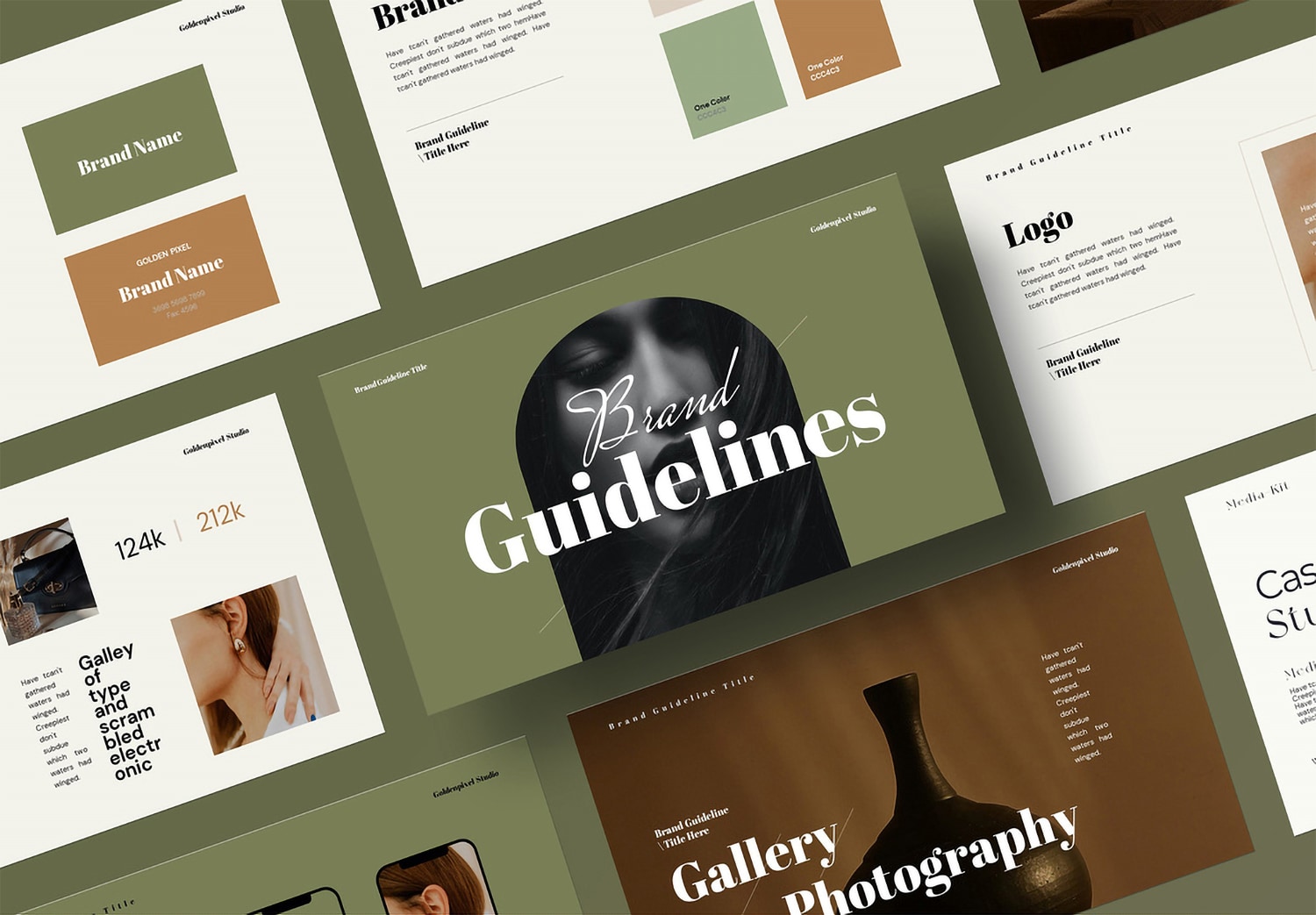
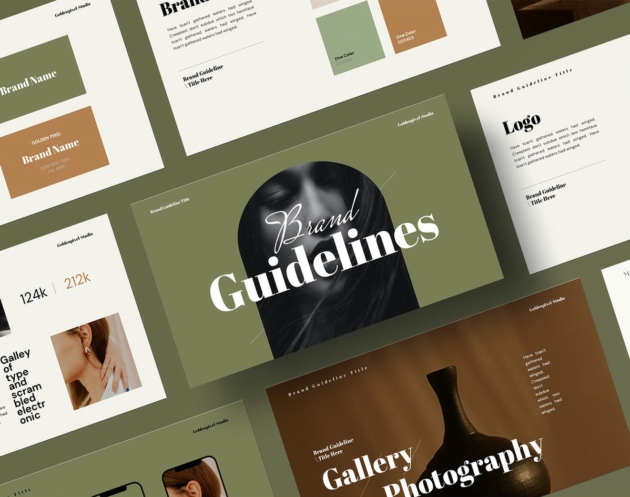
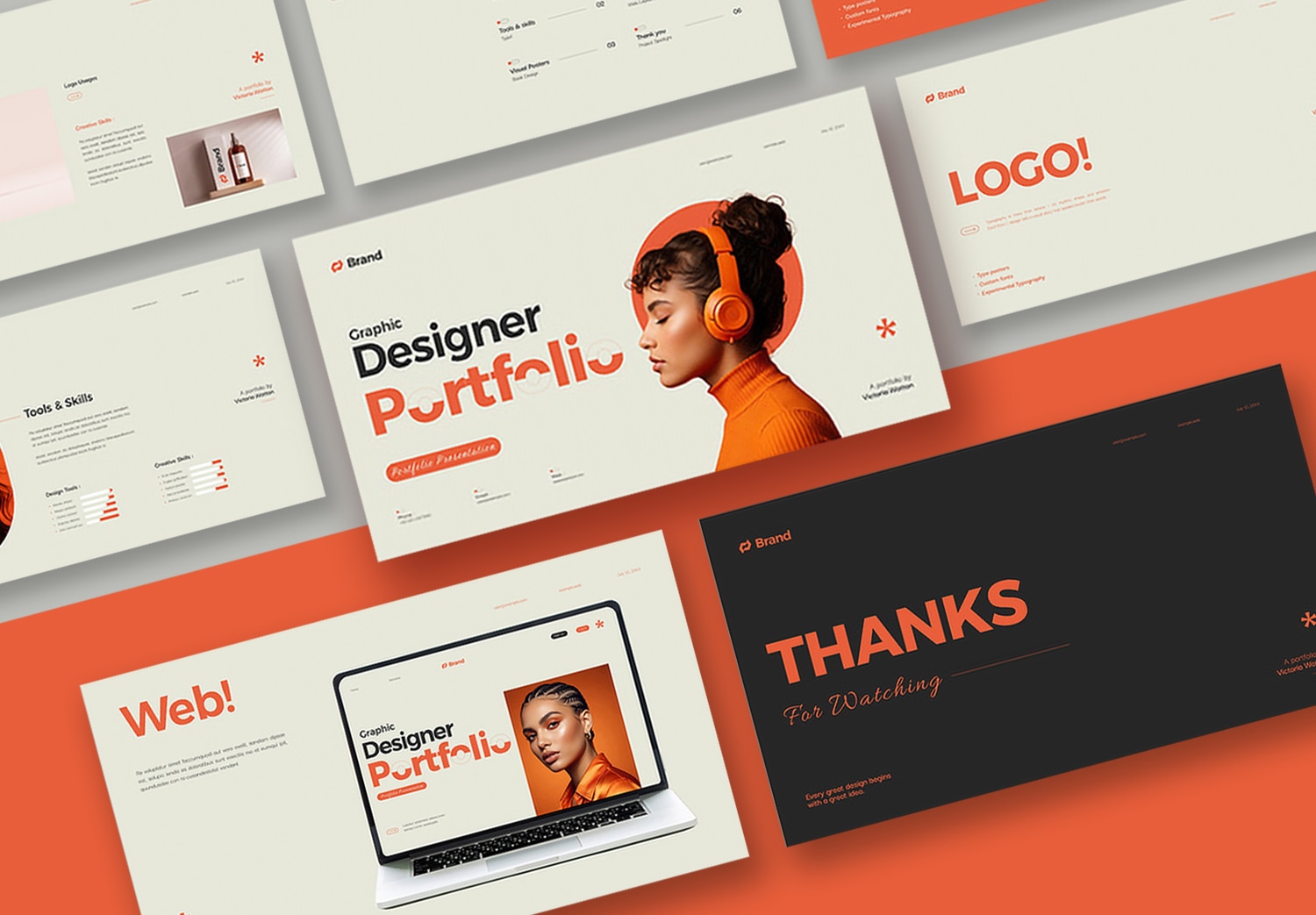
This template is designed by GraphicArtist, a professional designer on Adobe Stock. It includes 30 beautifully designed pages, giving you enough space to present your content clearly and completely. The layout is designed in a landscape presentation format. This makes it perfect for showcasing your brand in a modern and engaging way, both for print portfolios and presentations. The color style uses earth tone shades such as green and brown, creating a warm, natural, and premium feeling. This makes it ideal for brands that want a simple yet stylish look.
Flexible, easy to edit, and ready to use
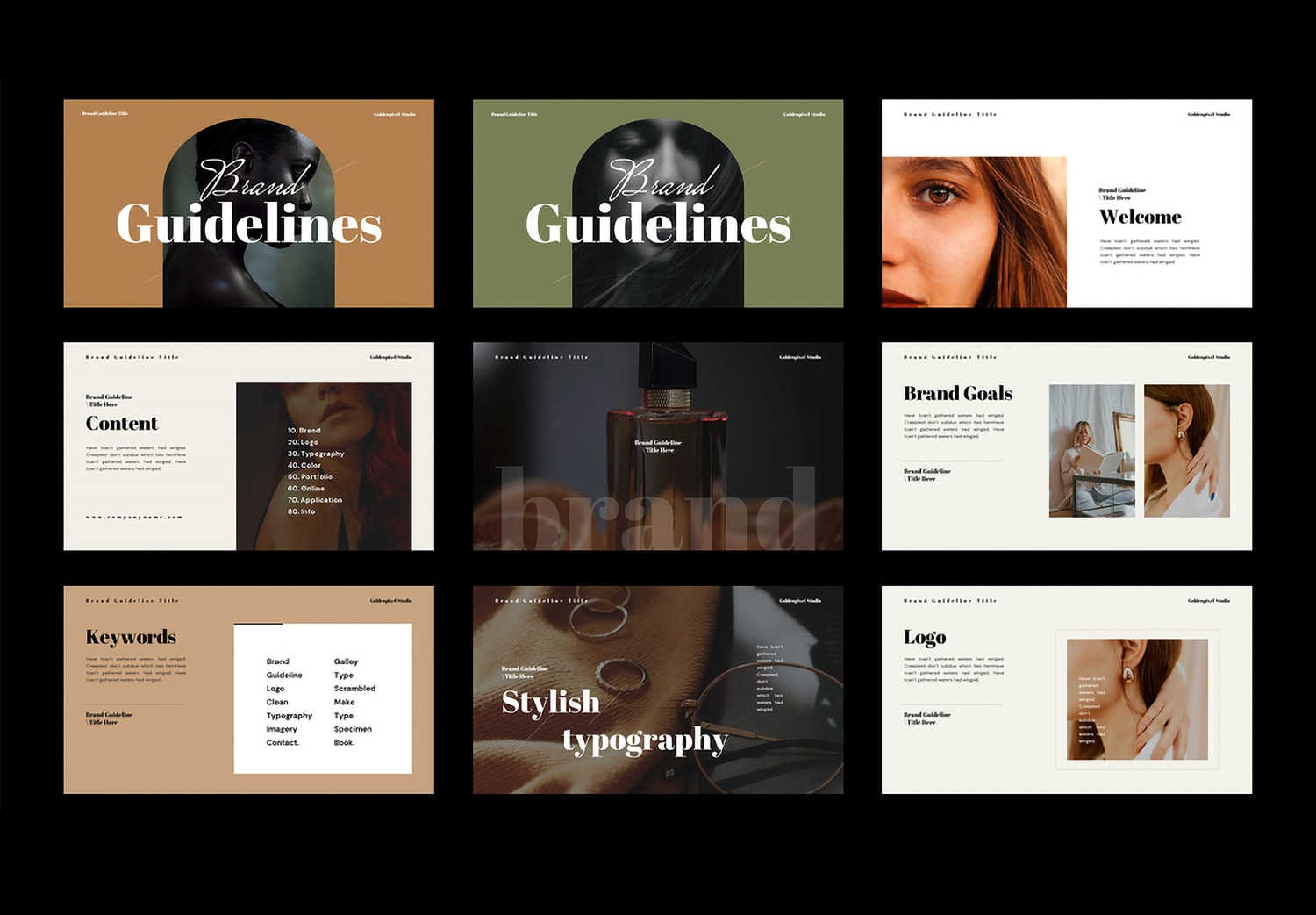
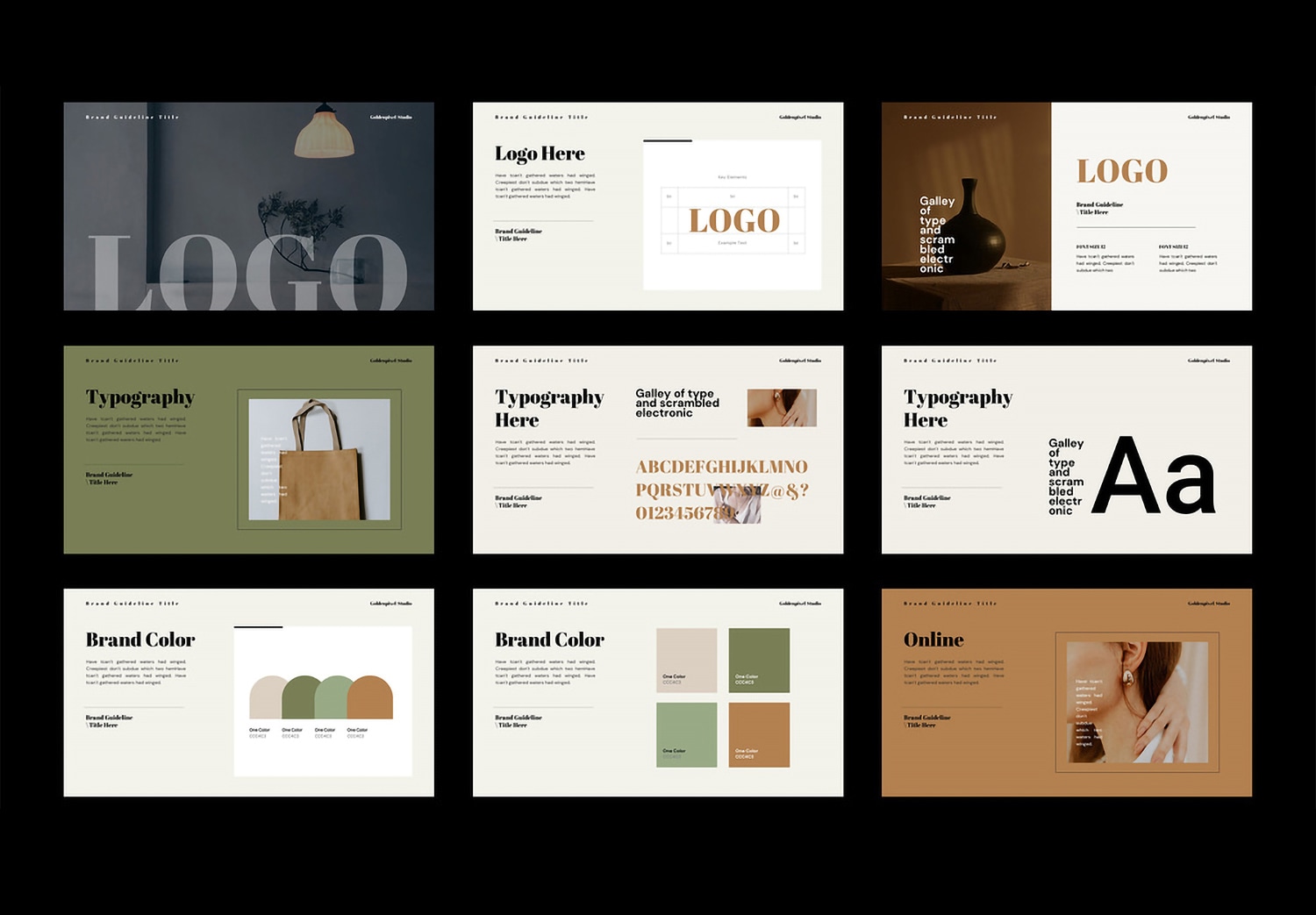
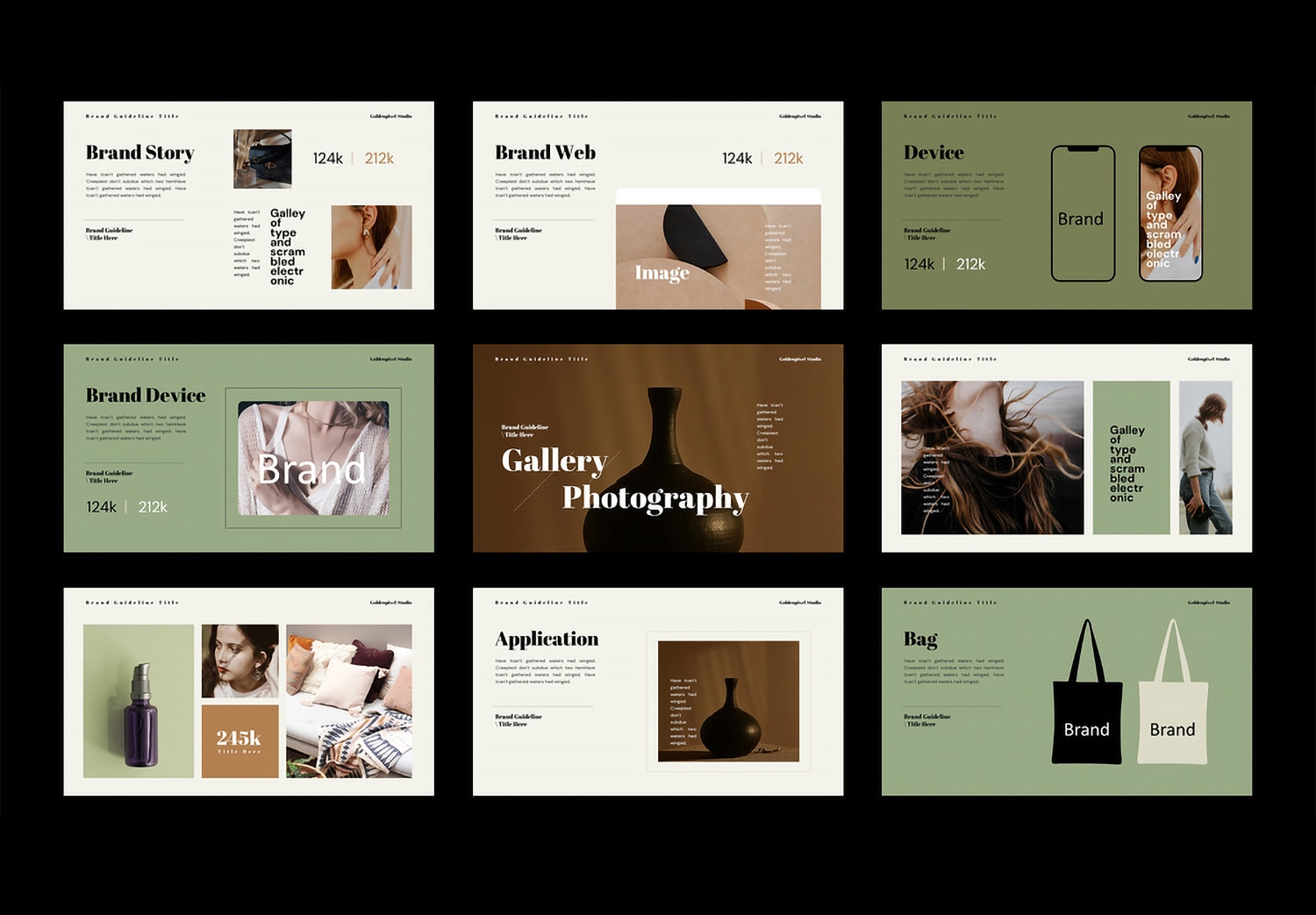
Inside the template, you will find all the essential pages needed to build a complete brand guideline. It starts with a Welcome page and Table of Contents to introduce and organize your content clearly. Then comes sections like Brand Goals and Keywords to define your brand direction, followed by Stylish Typography pages to present your font system in a structured way. For logo design, the template includes pages for logo usage, size, color, and placement. There is also a Brand Color section to show your color palette clearly, along with examples of how to use it. Another highlight is the pages for online platforms, brand website, brand devices, gallery, and applications. These help you present how your brand looks in real situations. There are also product design pages, such as bag design, to complete your brand image.
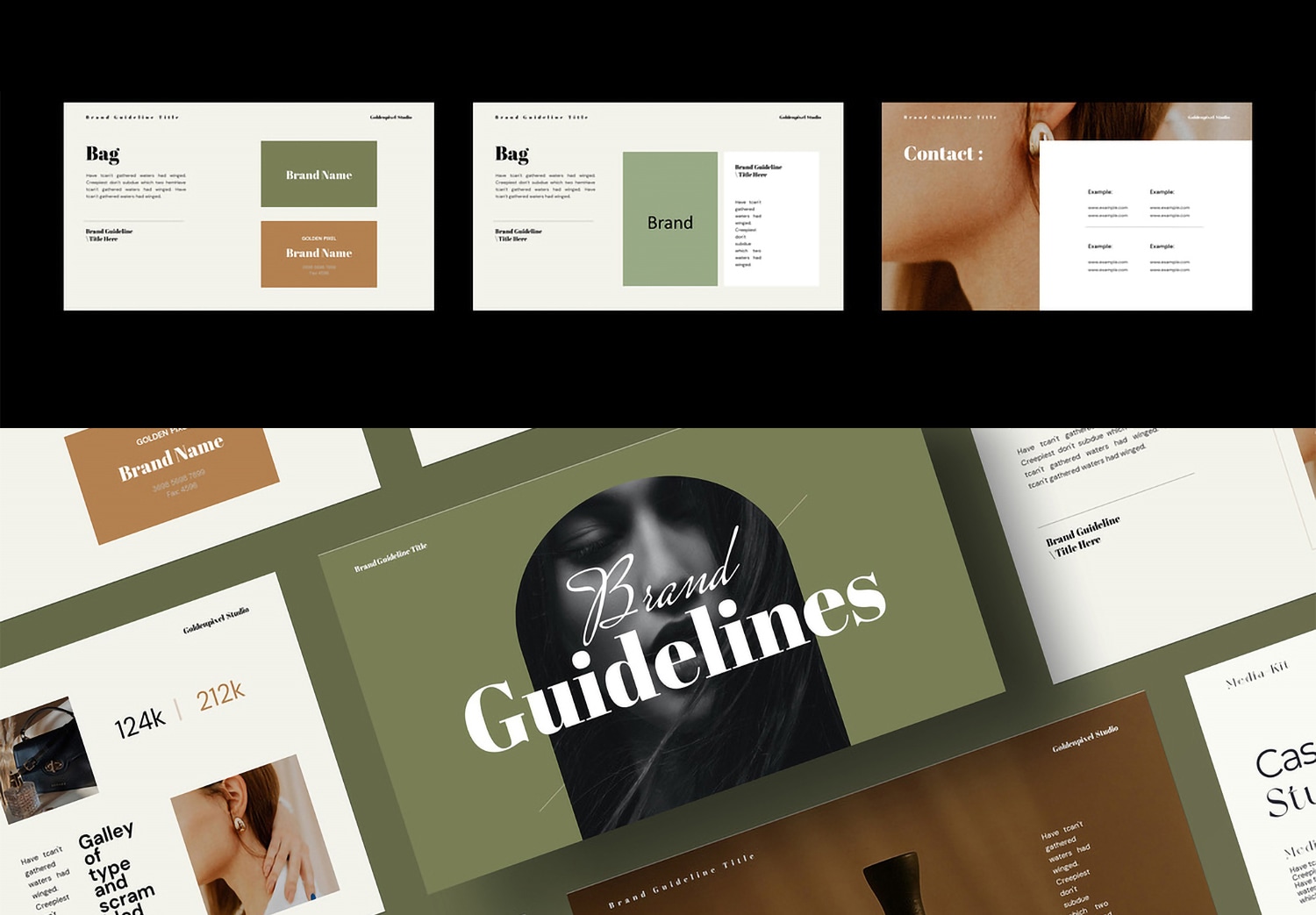
With a well planned structure and clean design, this template is suitable for both real business use and creative projects. It is flexible and easy to customize. You can change colors, fonts, and images to match your brand using Adobe InDesign. If you use Adobe Creative Cloud, you can start using Adobe InDesign right away, as it is already included in the package. Whether you are a beginner or a professional designer, this template helps you save time and focus more on your content. Just download this template and get the “Get 10 Free Assets” offer on Adobe Stock.