Download Portfolio Layout with Red and Gray Accents
Present your business with a professional portfolio
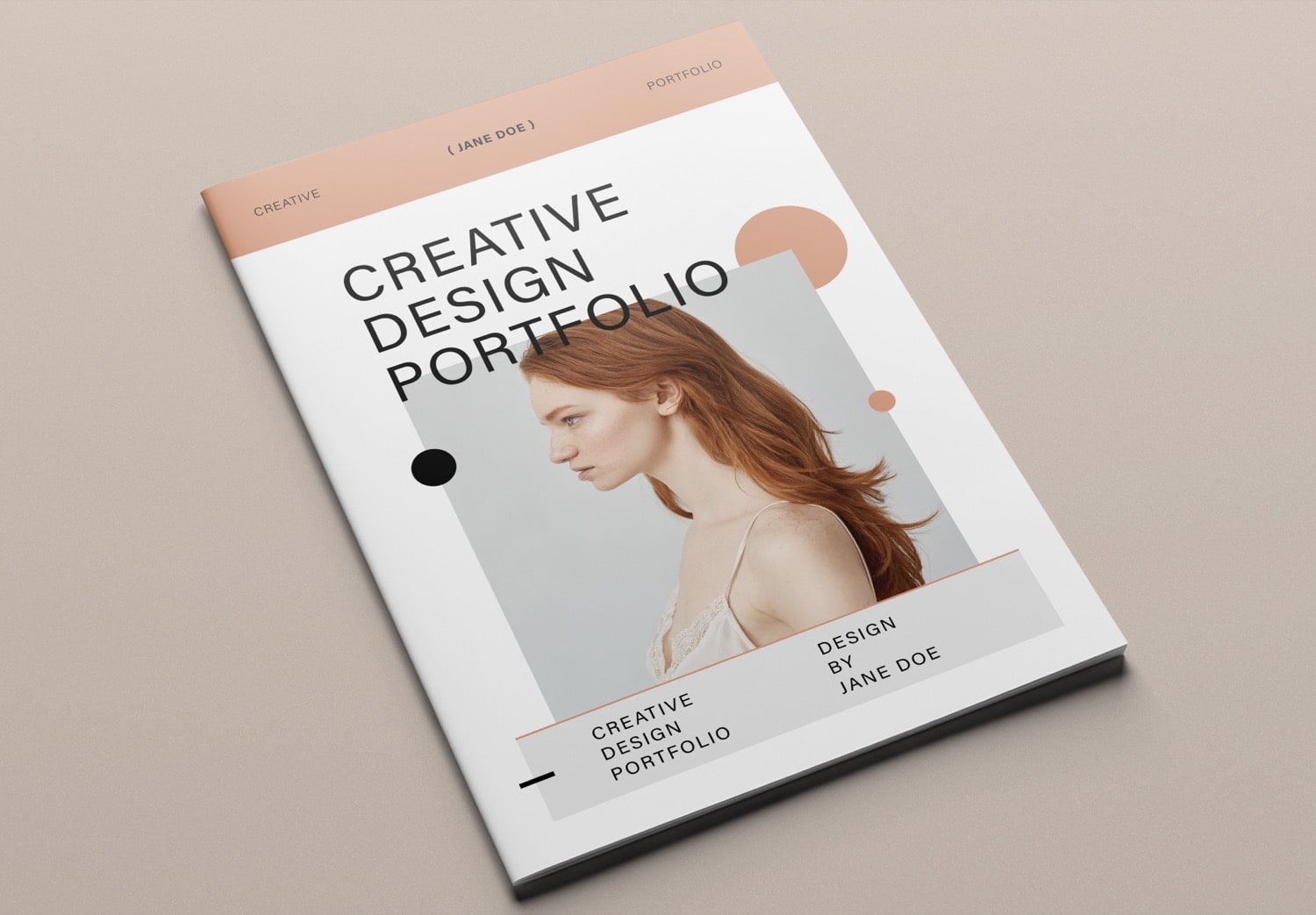
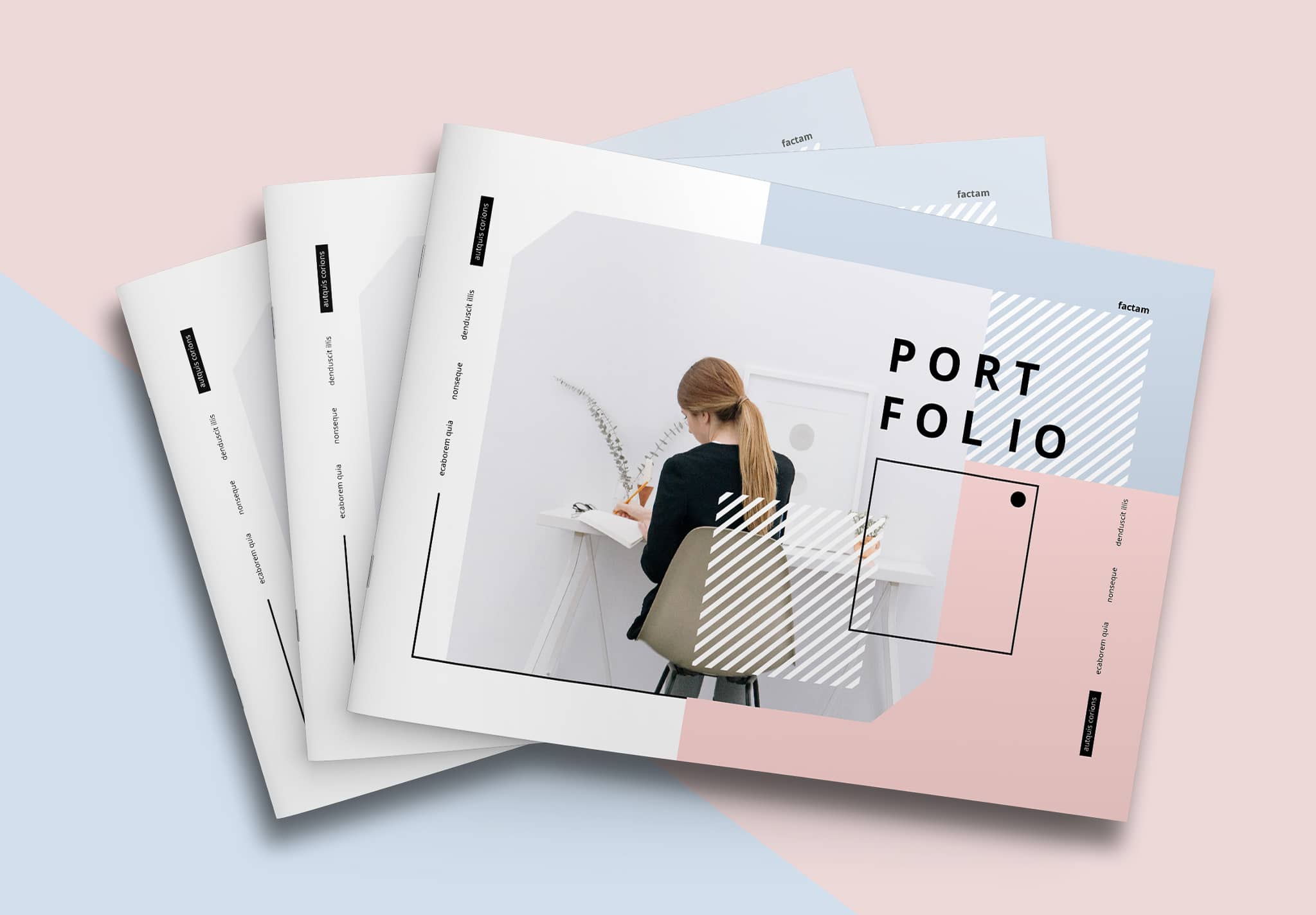
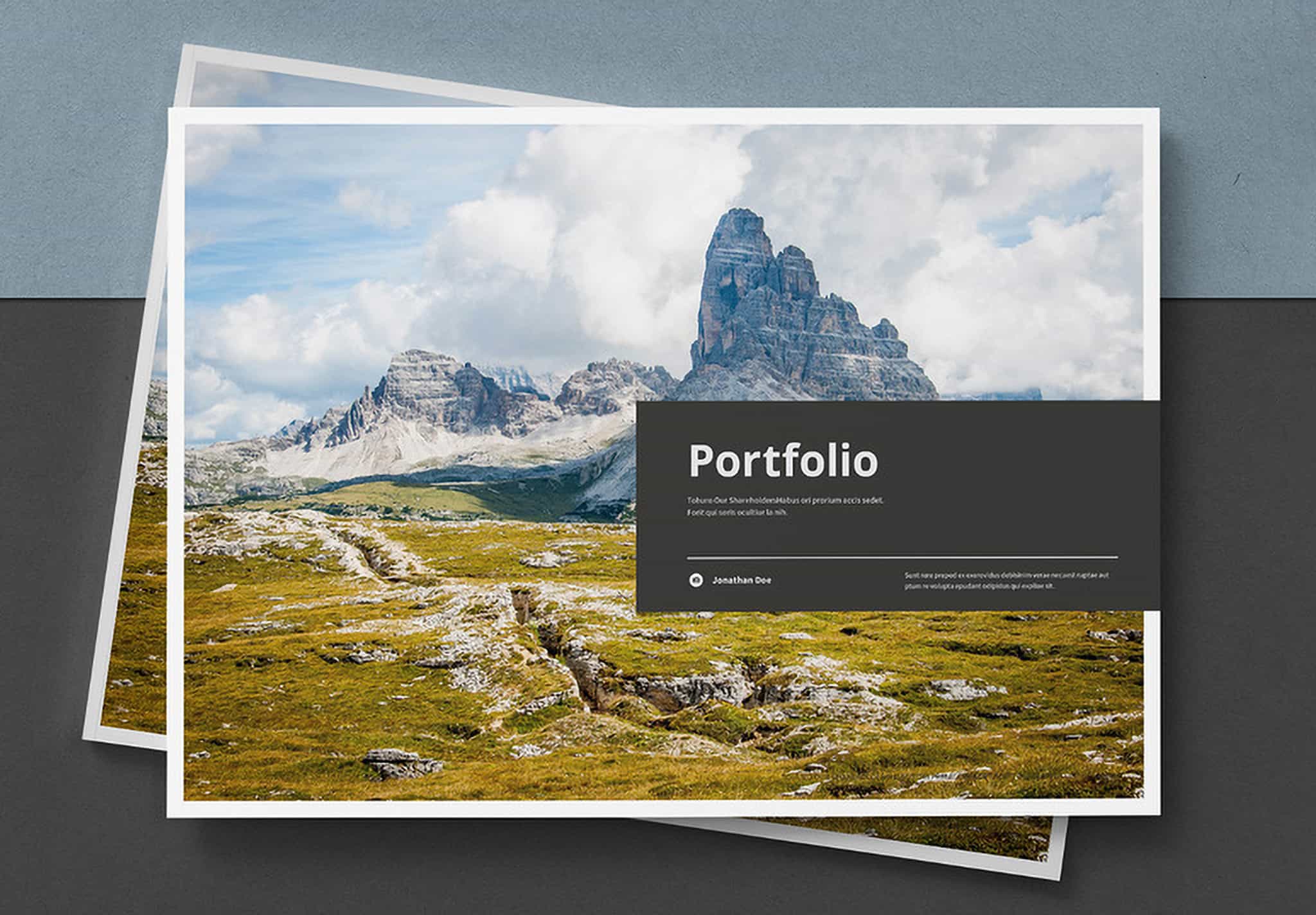
A portfolio helps you promote yourself in many ways. You can use it to show your work, apply for a job, or promote your business to clients. Each purpose needs a different kind of impression. When you use a portfolio for your business, it should look professional and build trust.
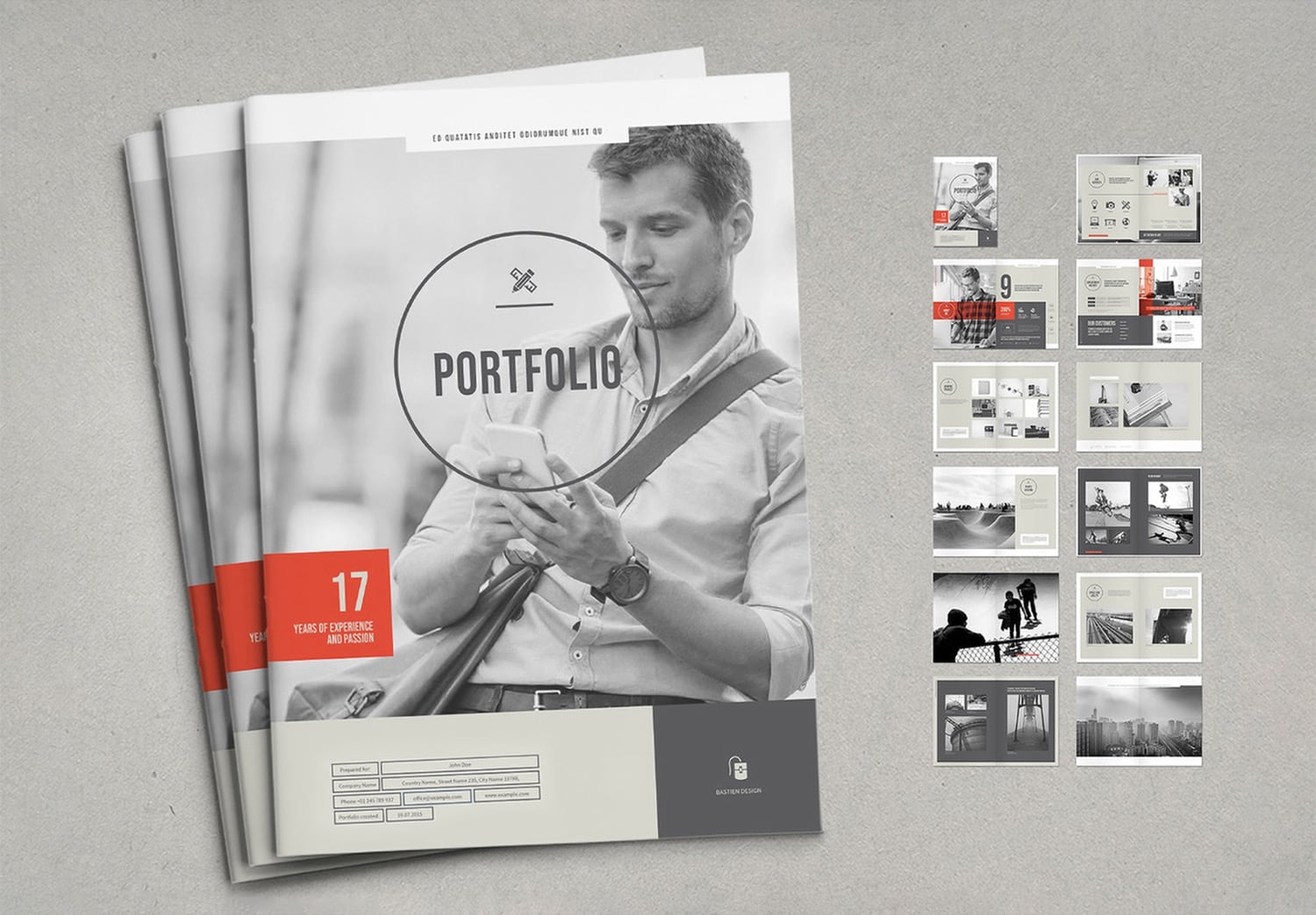
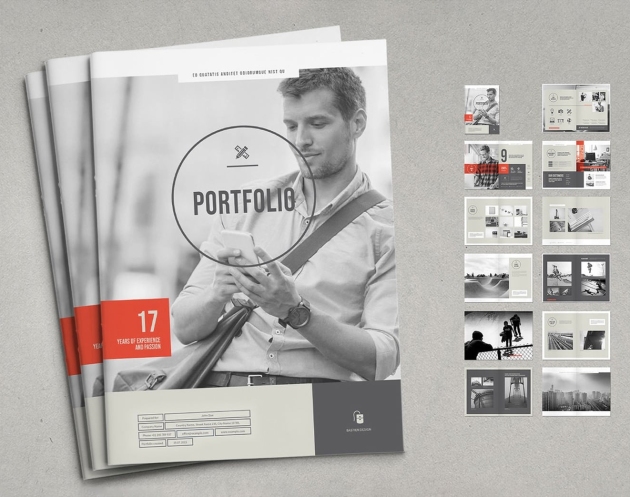
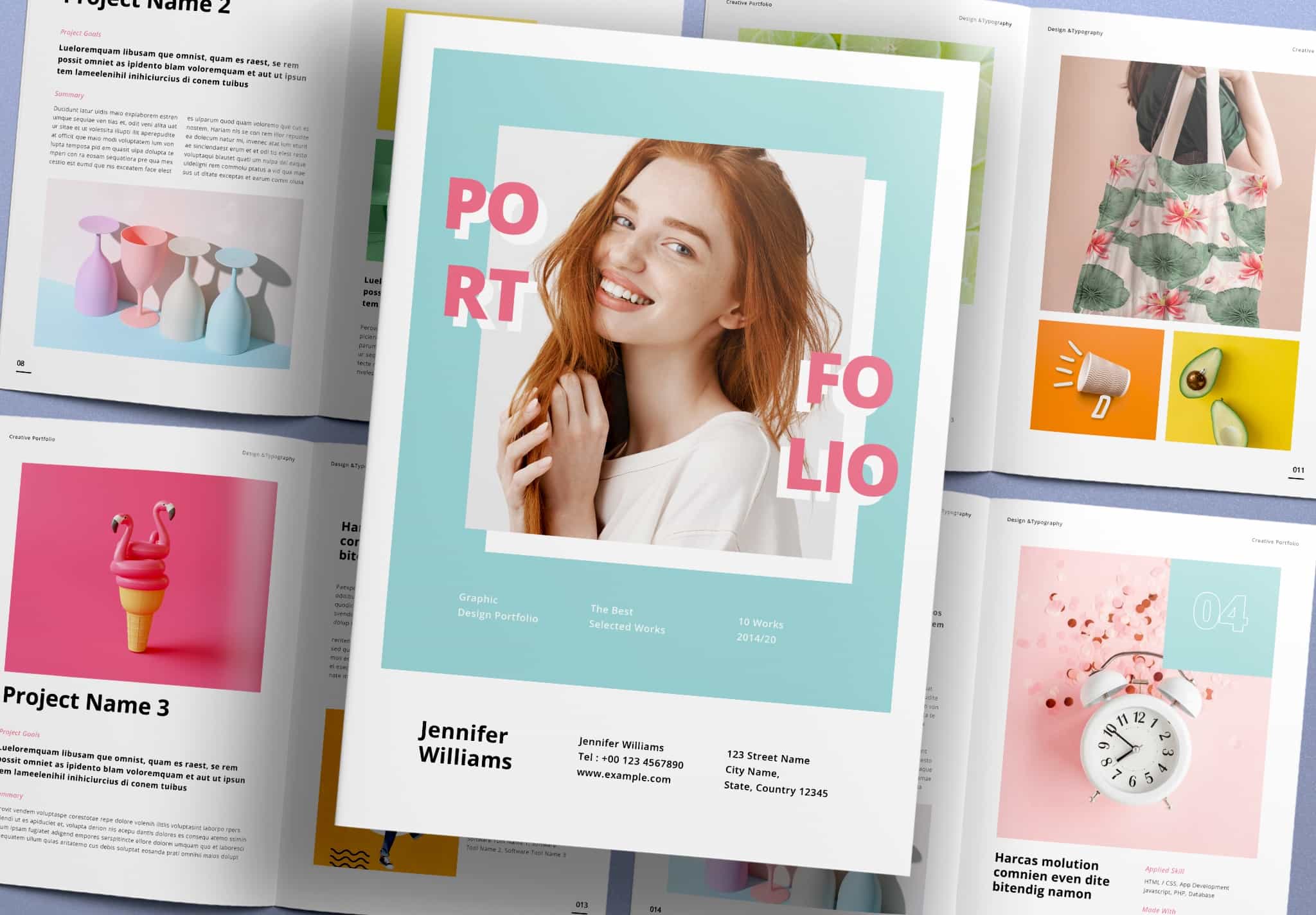
This template is designed by TypoEdition, a designer experienced in print design on Adobe Stock. This template has been popular on the platform for a long time. It comes with 24 ready-to-use pages in A4 and US Letter sizes, which are standard formats for portfolio books.
This portfolio uses gray as the main color, with red elements to highlight important parts. This color style gives your business content a modern and strong look. On the cover, you can add your image, contact details, or a short introduction to your business. Inside, the “Our Service” page includes icons that you can choose to match your work. You can replace the text and add your images by dragging them into the image placeholders.
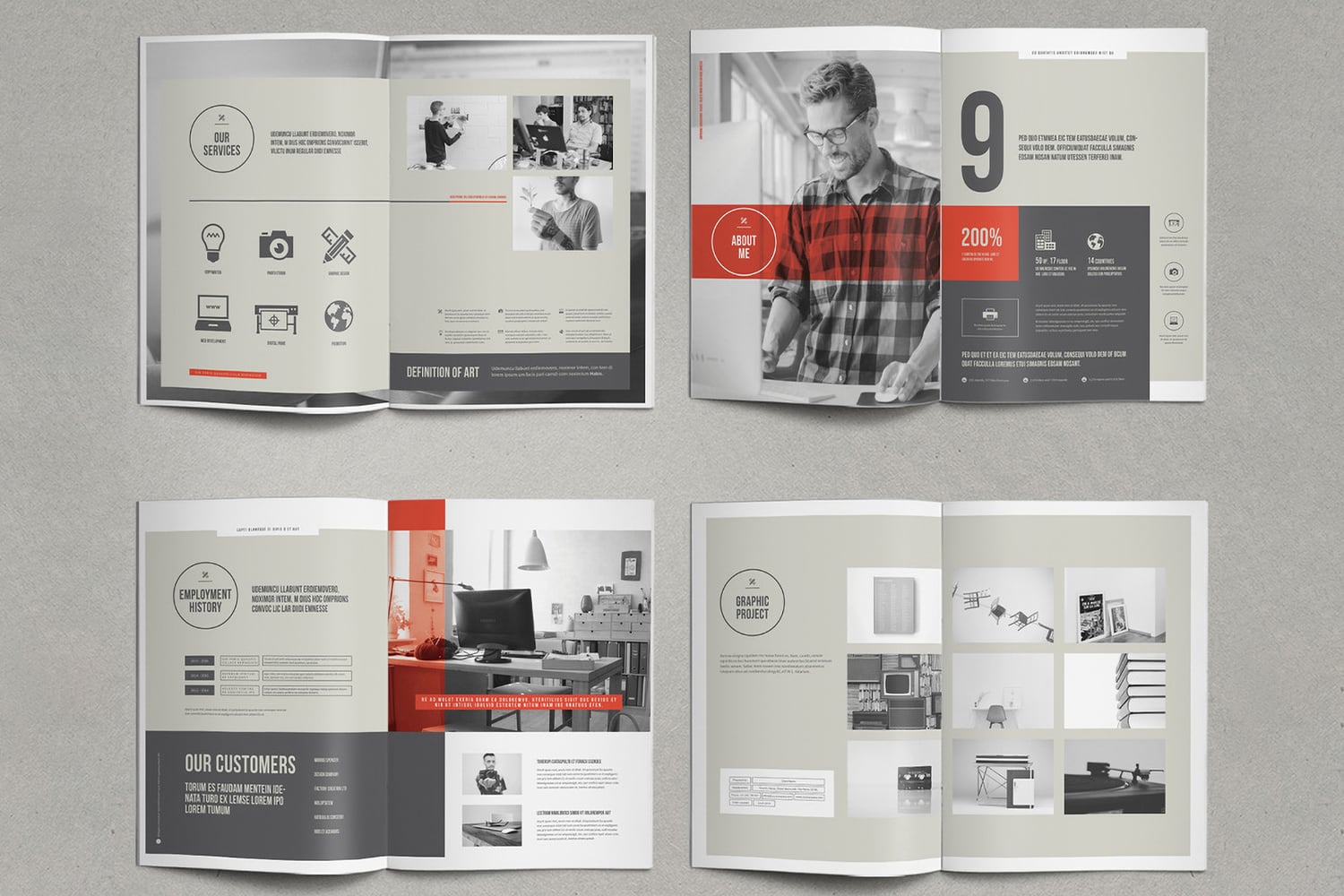
The “About Me” page has a strong and eye-catching design. You can add your photo, and the red element across the image helps guide the viewer’s attention to key information. On the next page, you will find the “Employment History” section. You can show your past projects, including project names, clients, timelines, concepts, and other details.
After introducing your business, the next section focuses on your work. You will find many layout options to present your projects. Each layout looks clean and easy to follow, while keeping the same design style across the portfolio.
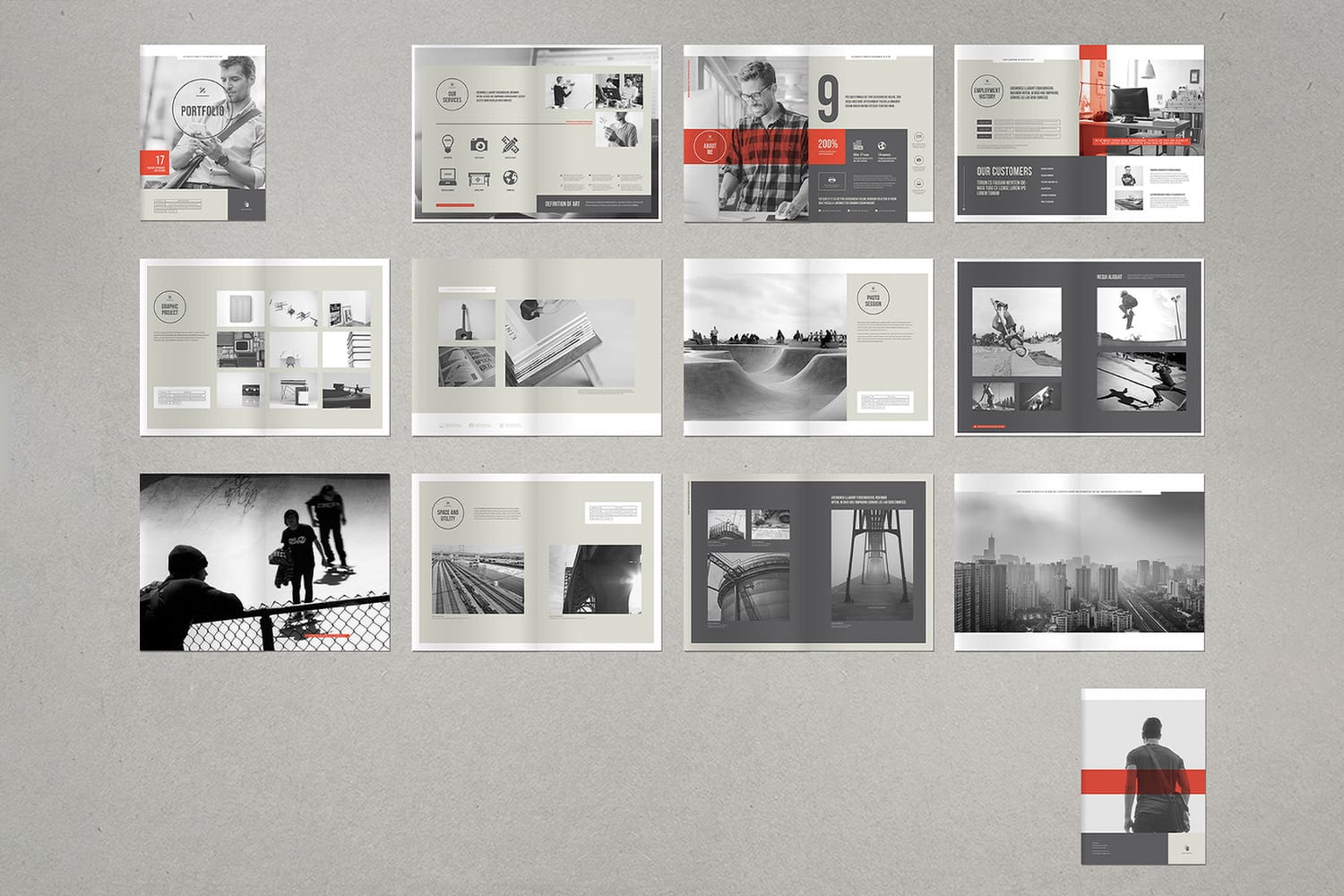
Feel free to download and start your work easily.
You can edit everything in Adobe InDesign. Many professional designers use this program because it makes design work easier and more flexible. To use this template, you only need to replace the content and drag and drop your images into the placeholders.
If you use Adobe Creative Cloud, you already have access to Adobe InDesign. You can also start with a free trial. If you continue, you can Get Adobe Creative Cloud up to 50% off for three months, and Students get up to 71% off.
If this template fits your needs, feel free to download it. You can get up to Get 10 free downloads on Adobe Stock. Using the right tools helps you work faster and create a professional portfolio more easily.