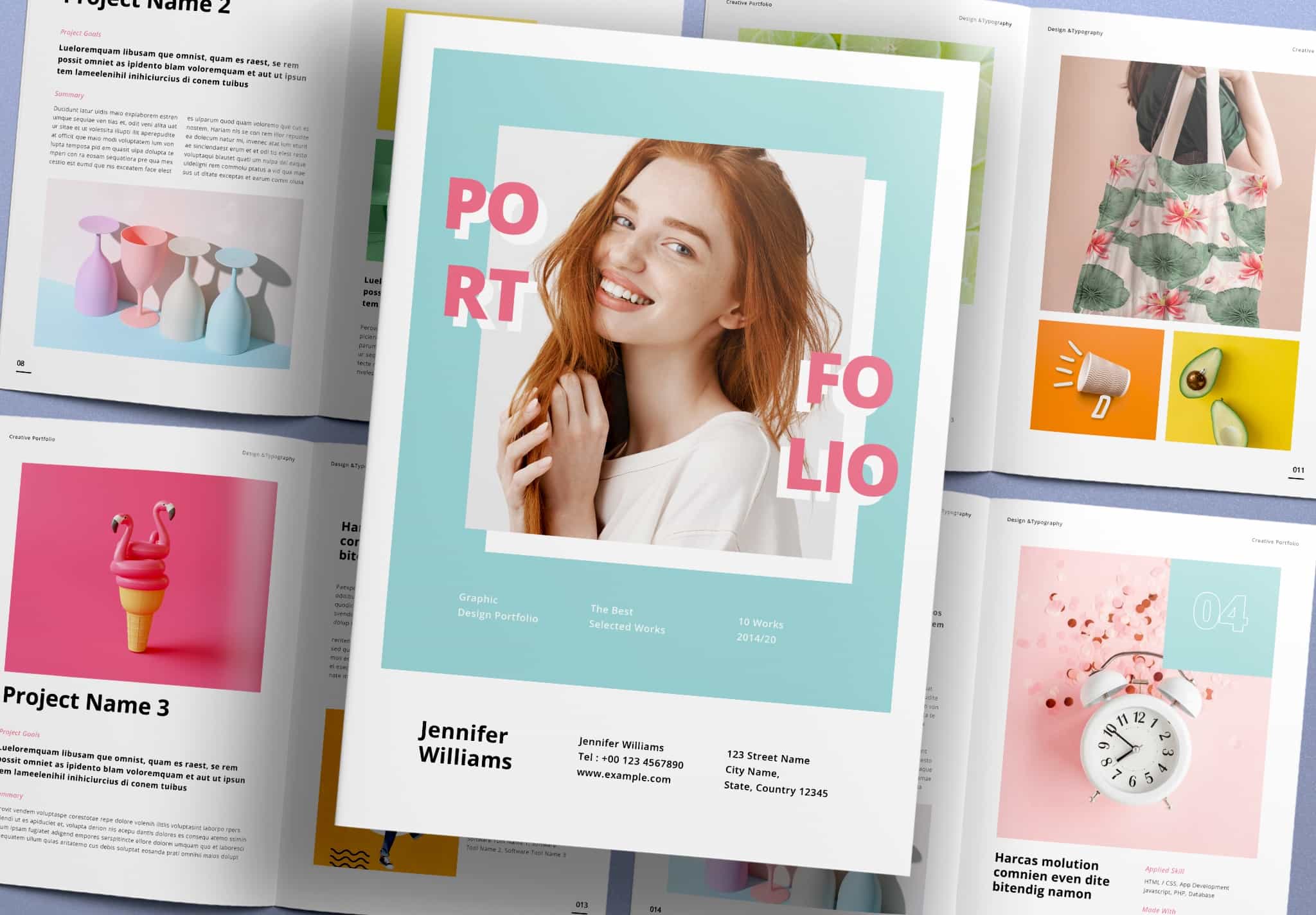
Download Landscape Portfolio Layout with 64 Pages Design
Show Your Landscape Photos with a Landscape Portfolio.
If you are a photographer and want to show your best work. How can you make your photos more interesting?
The good layout can present your photos in many ways and guide the viewer’s eyes. This helps create a smooth flow and makes your story stronger. You already know this matters because it helps you share your work clearly.
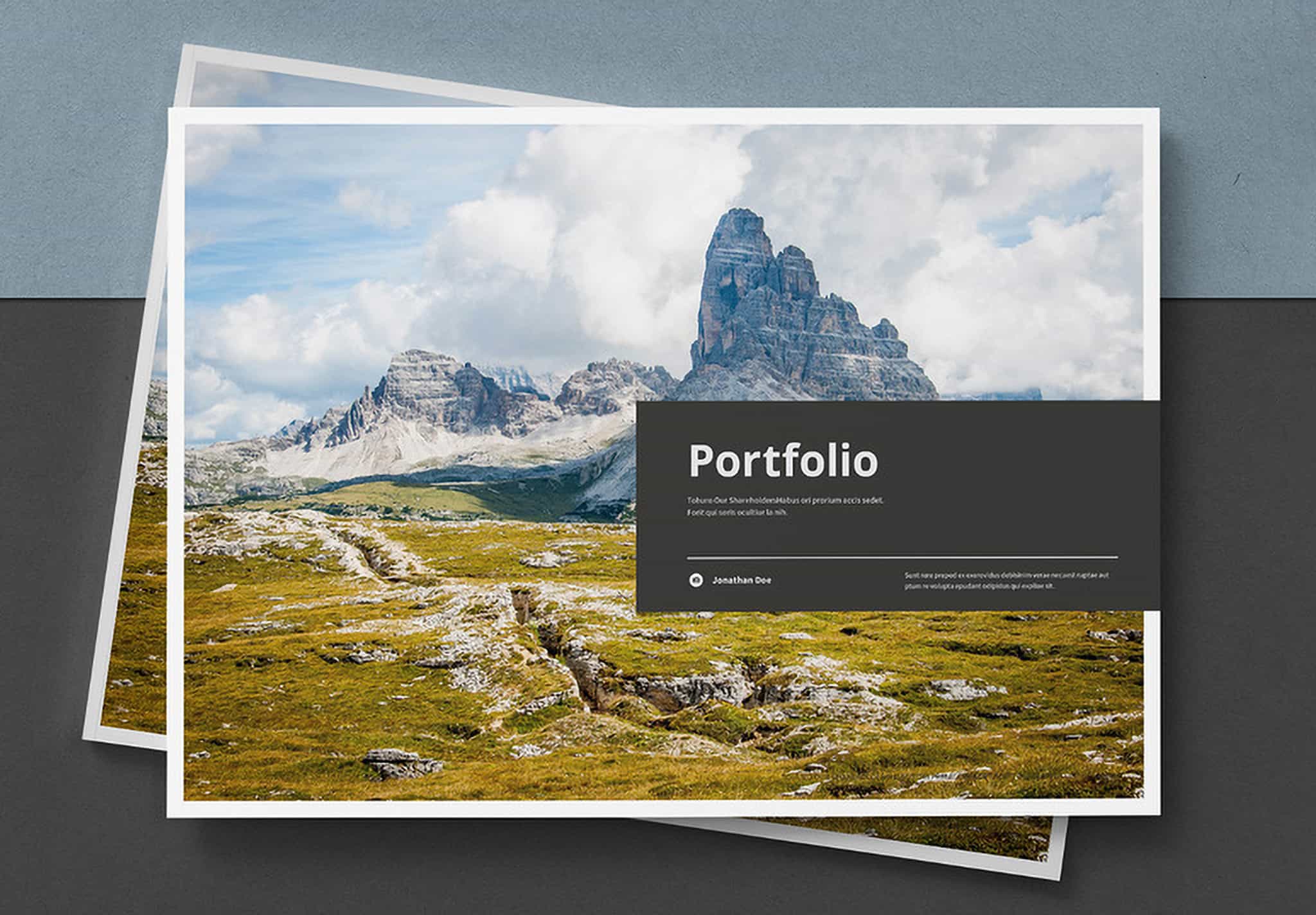
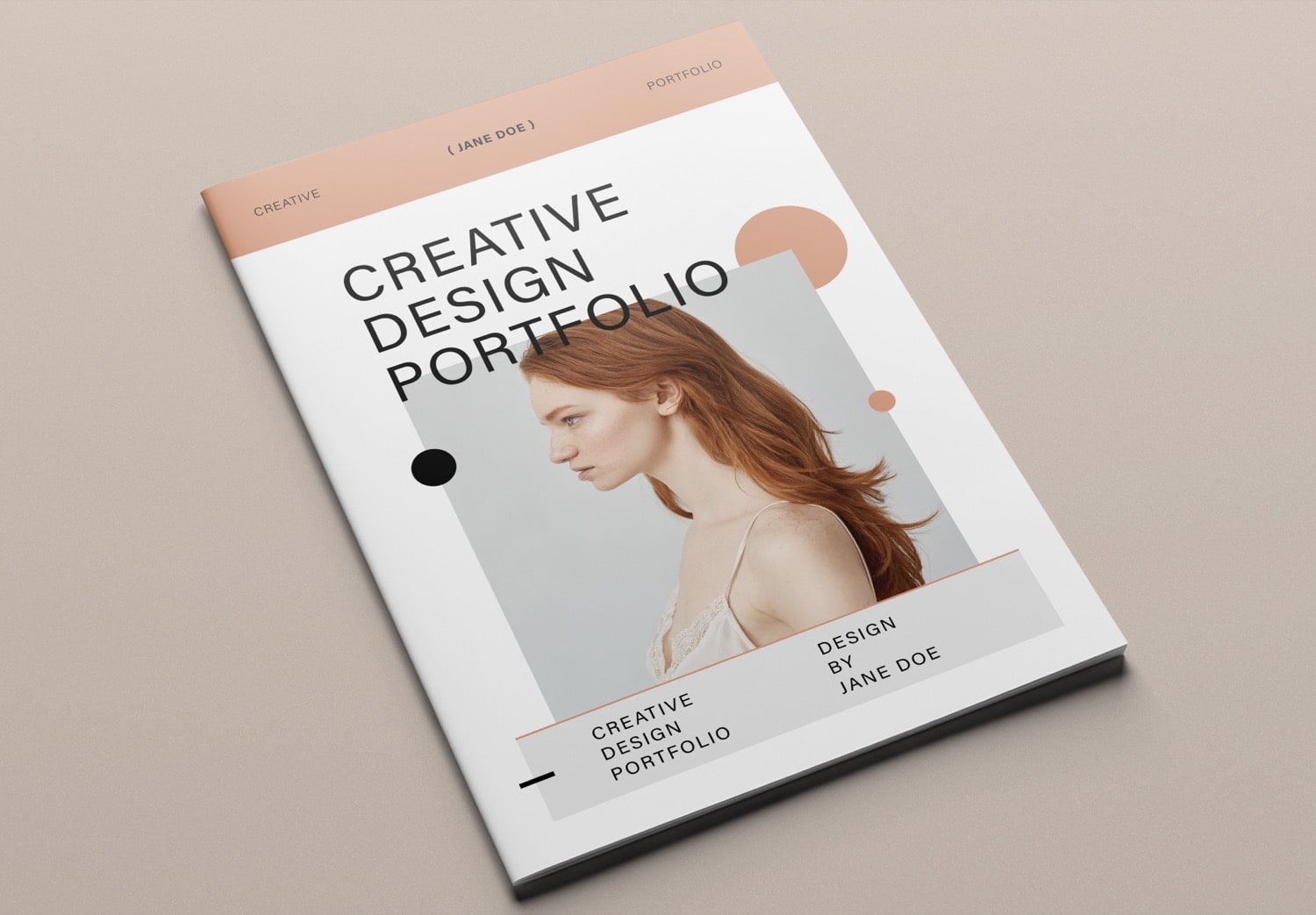
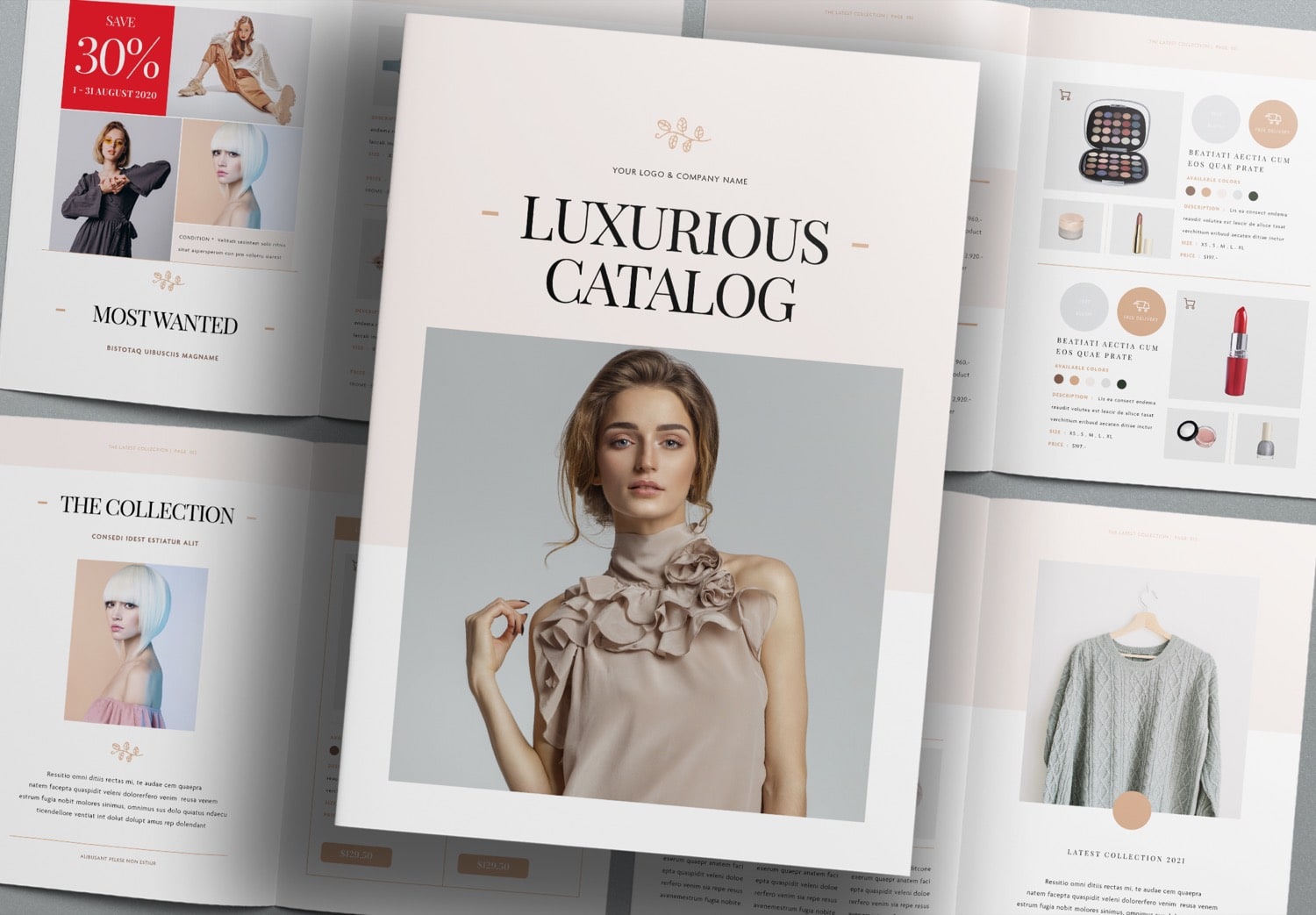
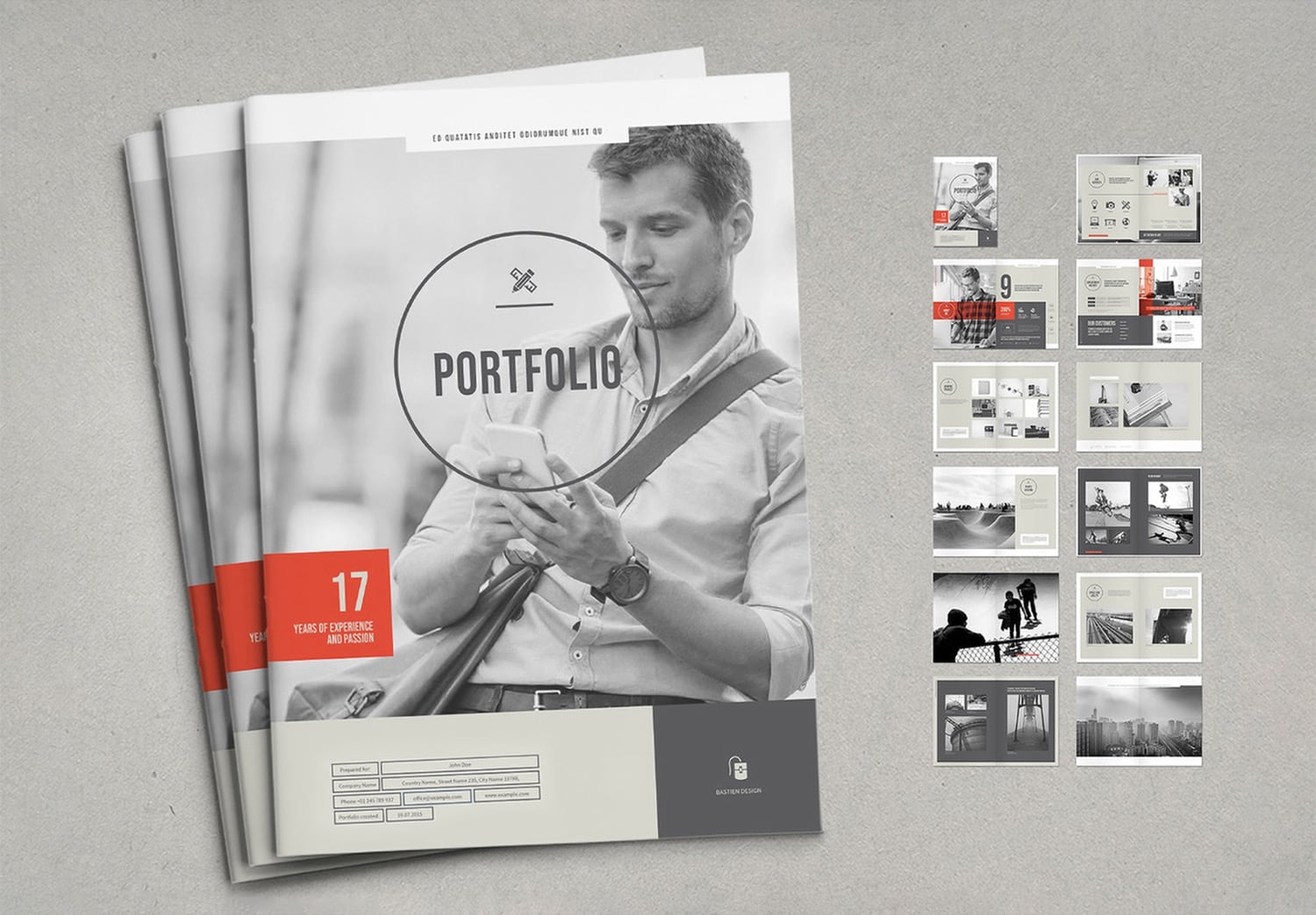
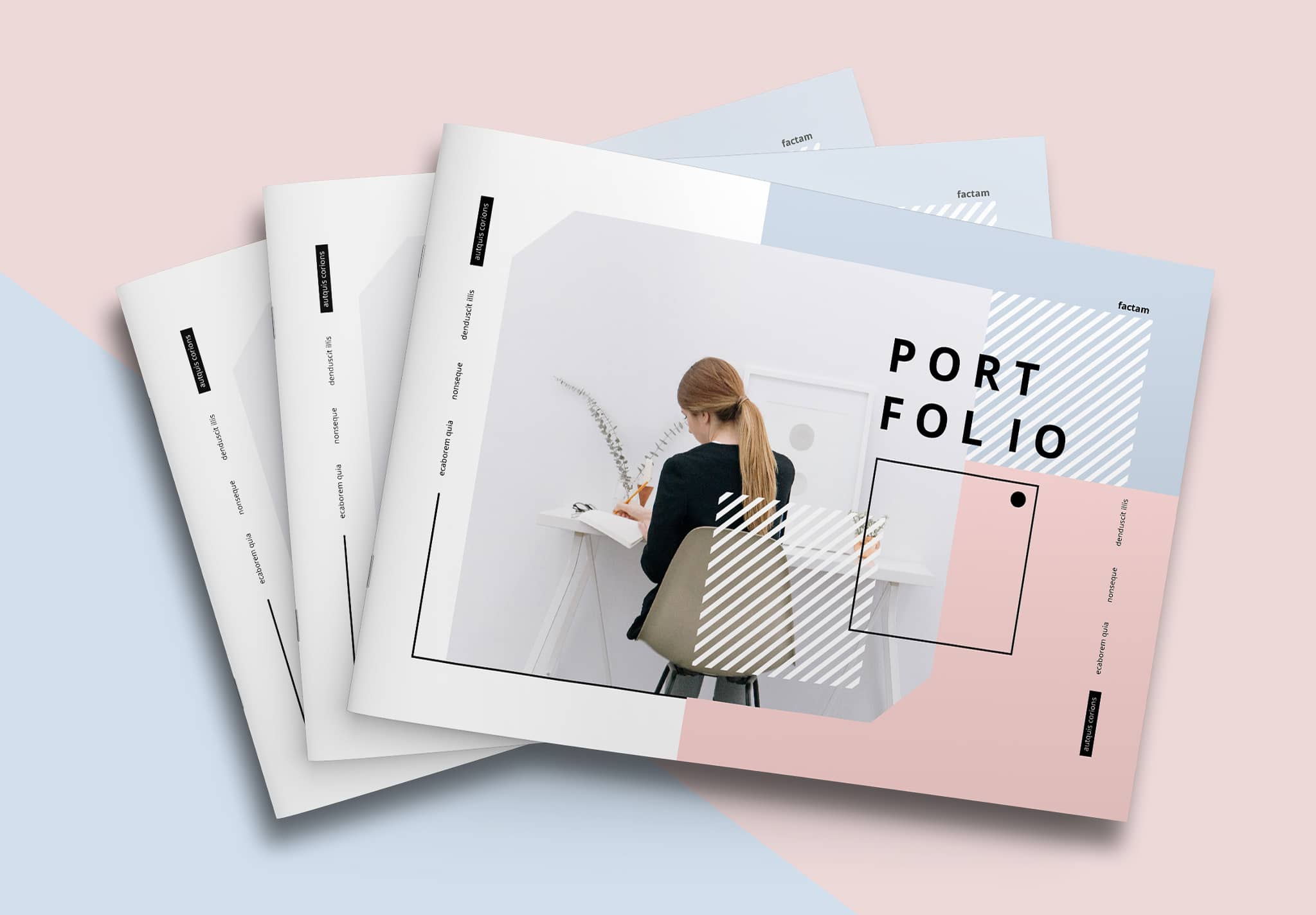
This Landscape Portfolio designed by “TypoEdition” a graphic designer with strong experience in print design. This template has become popular on Adobe Stock. It includes 64 ready-to-use pages in both A4 and US Letter sizes. You can use it for a photobook or a gallery album with many photos. Each page has a different layout, which keeps your presentation fresh and exciting.
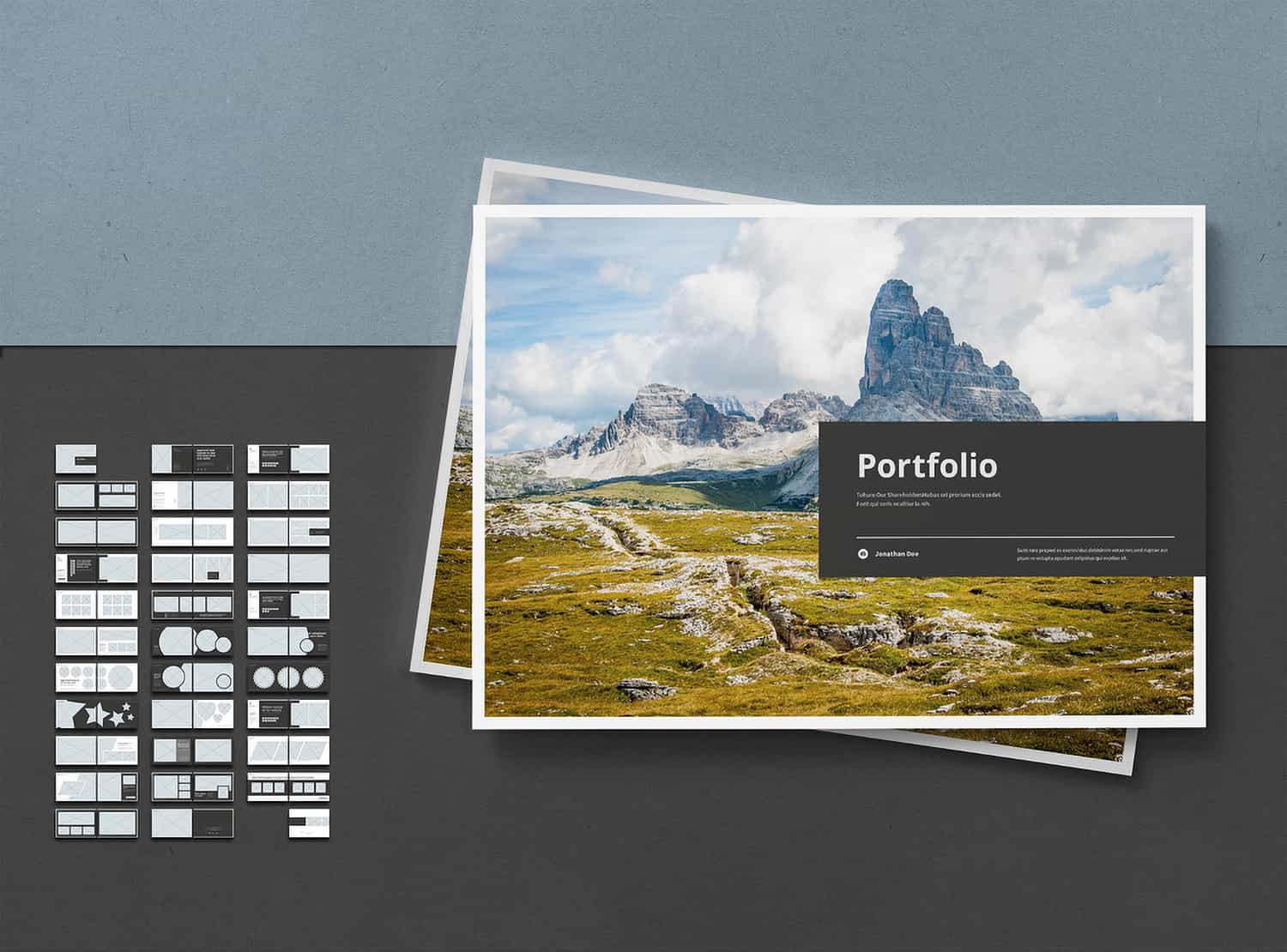
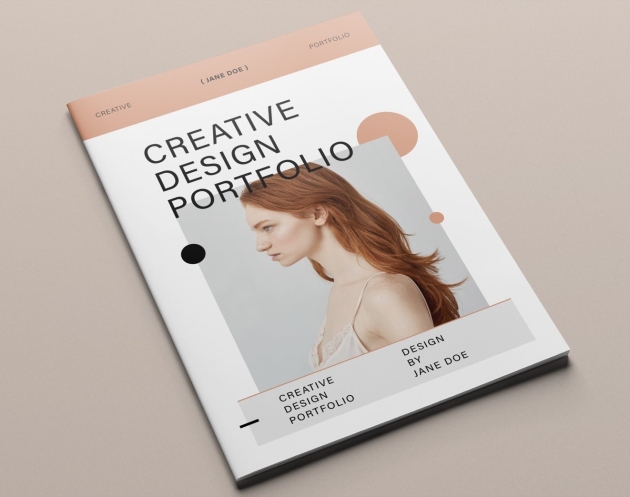
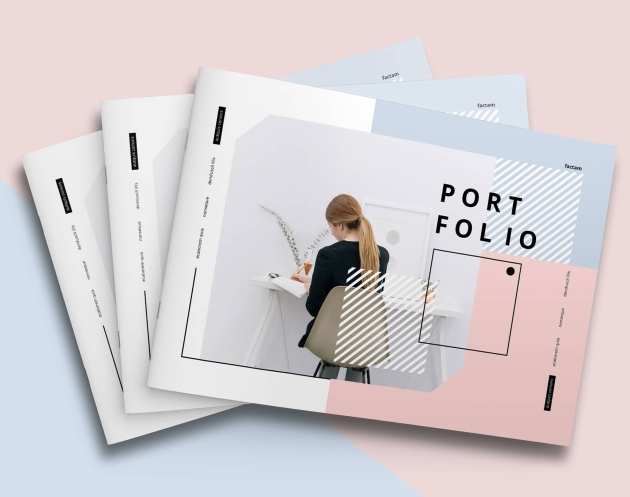
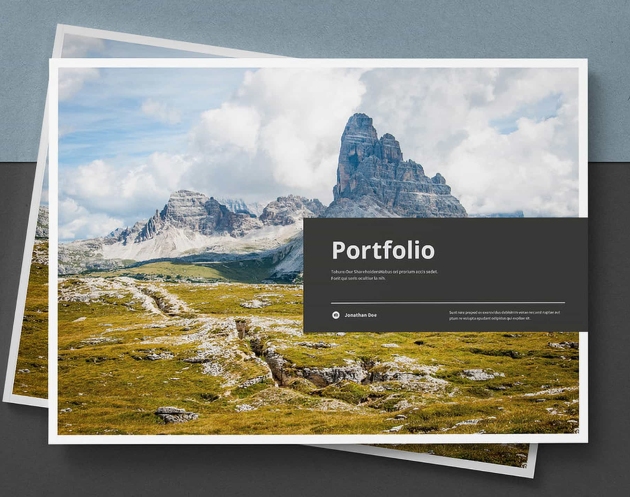
Let’s start creating your portfolio. Use this template and focus on how you want to tell your story. The cover lets you place a large image and add your details while keeping the focus on your photo. The back cover uses a gray shape that overlaps the image and connects visually with the front cover. This creates a smooth and consistent look.
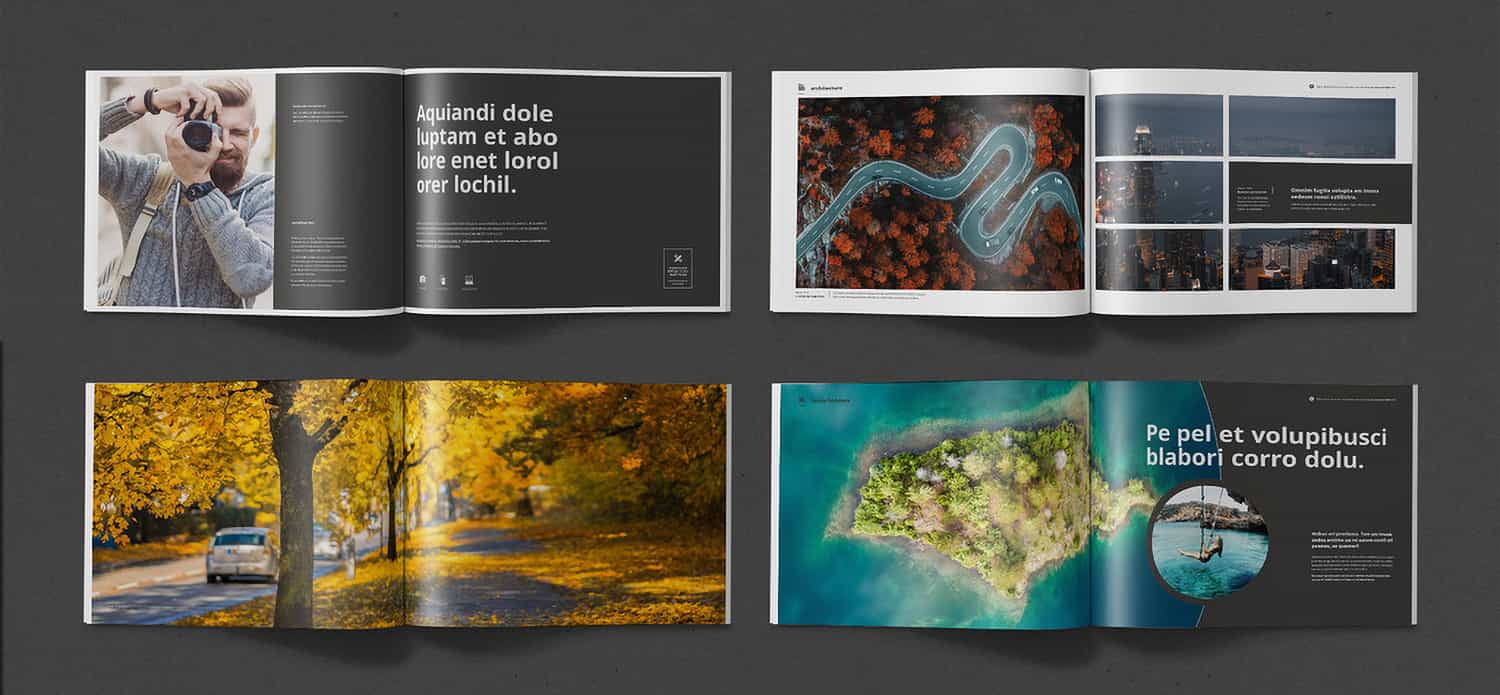
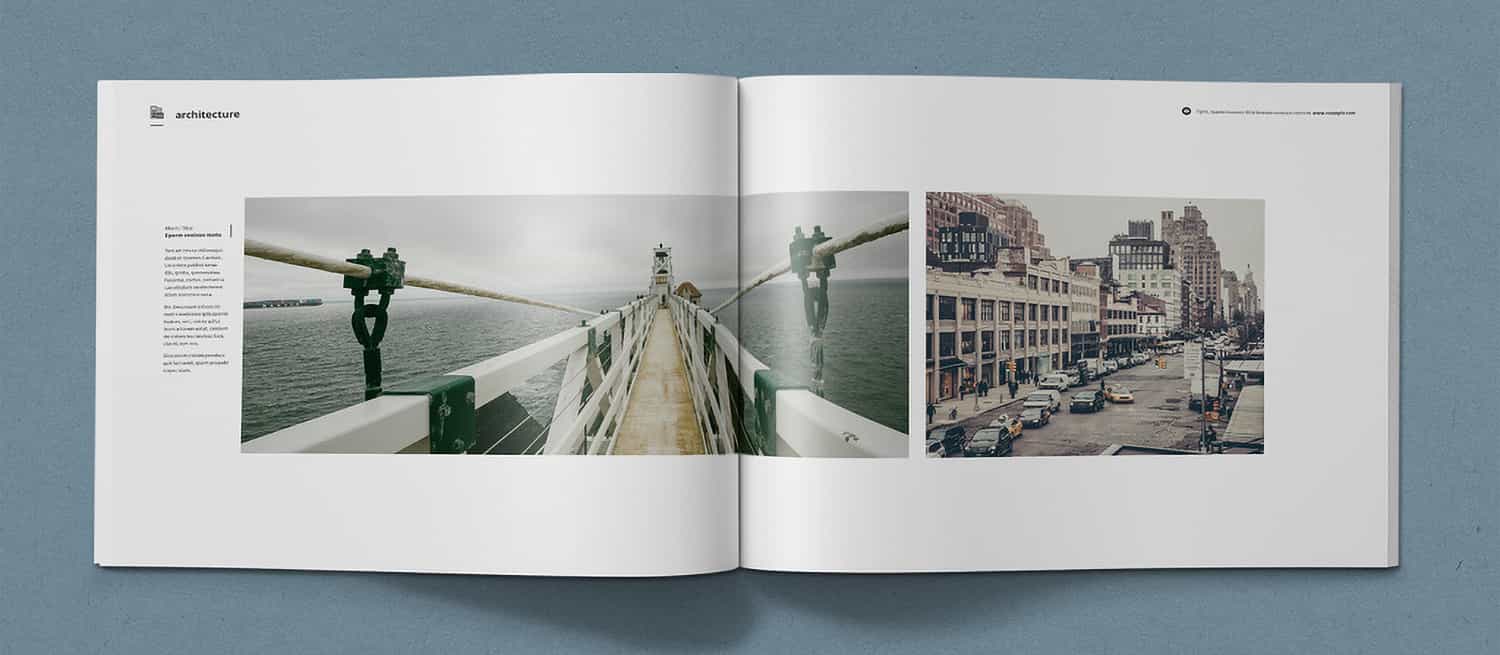
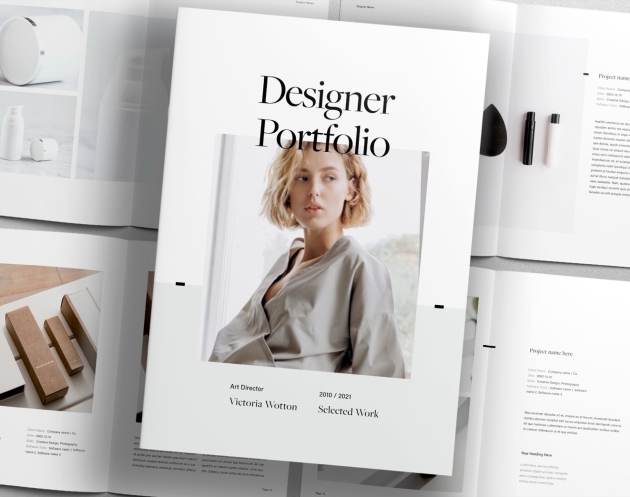
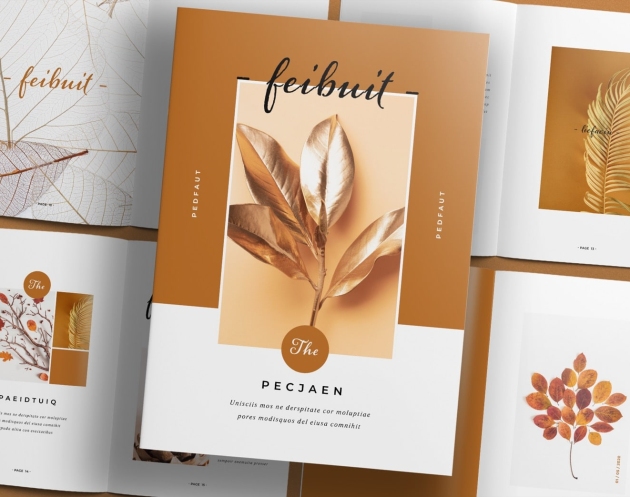
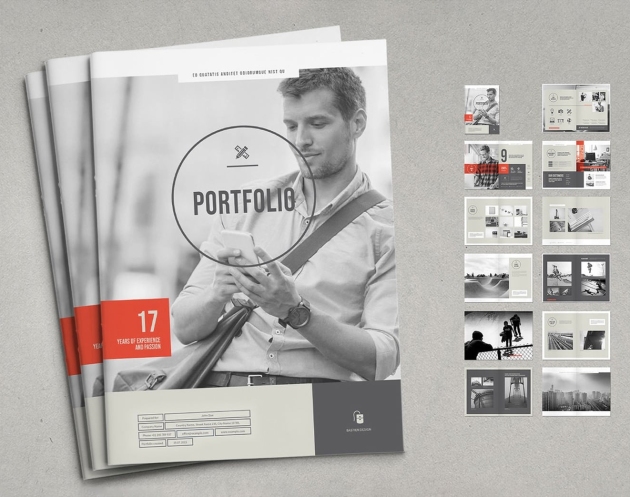
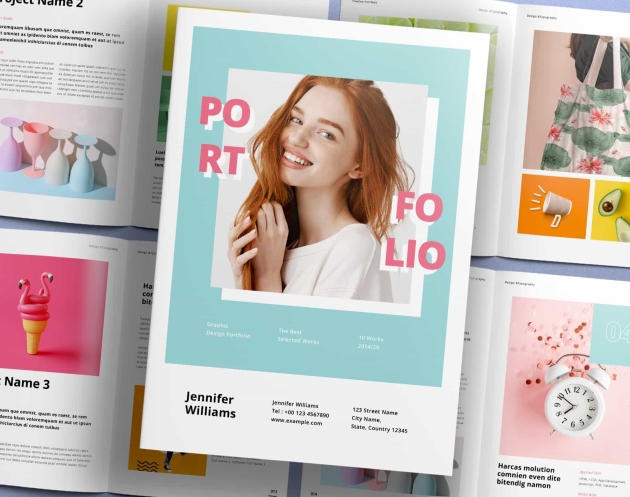
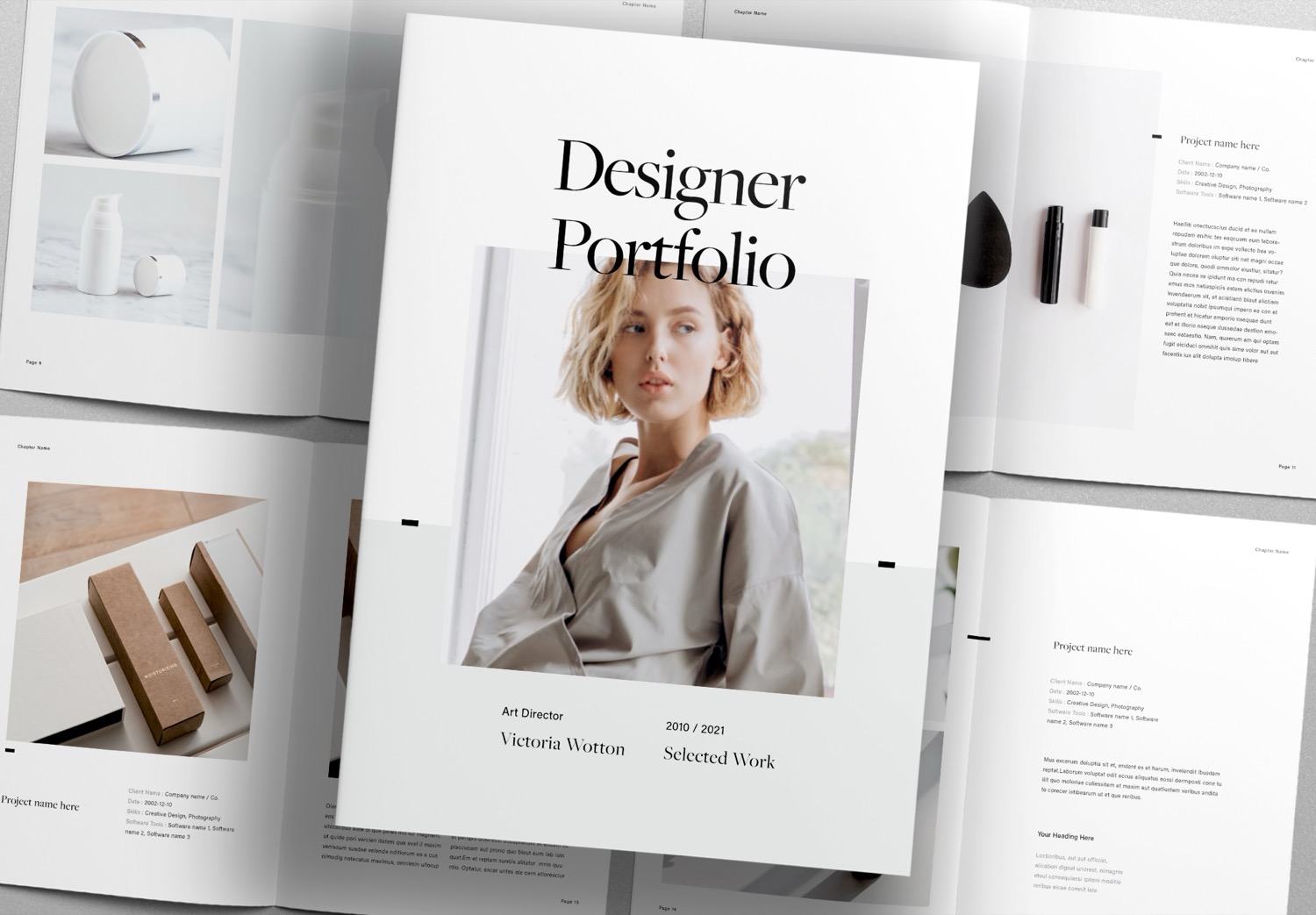
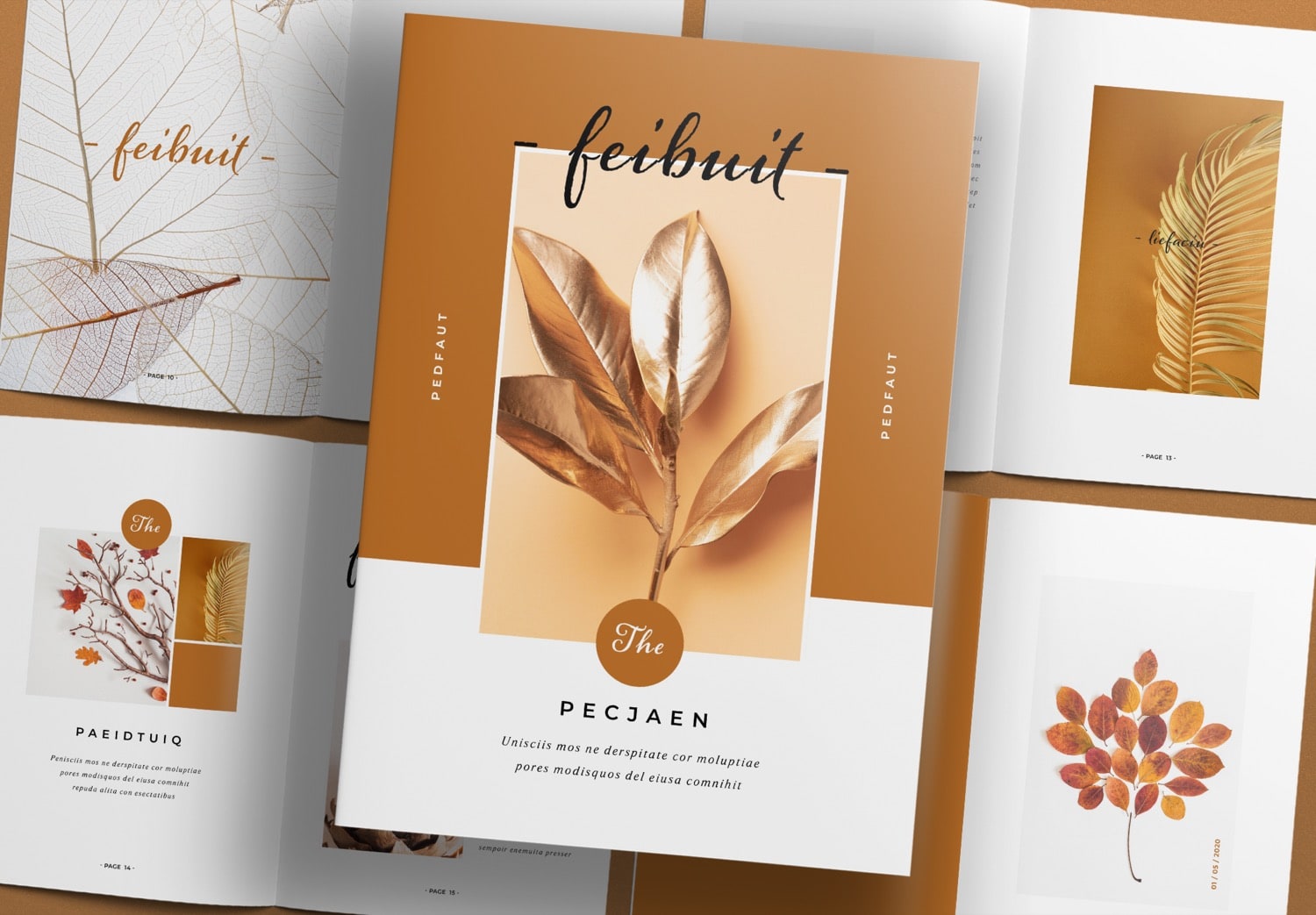
Inside, the template follows a photobook style. It gives you many ways to arrange your photos. You can add text for captions, concepts, or inspiration. The template includes many image placeholders. You can use single large images or arrange photos in gallery layouts. It also offers different shapes like squares, circles, and even creative shapes like stars and hearts to make your presentation more engaging.
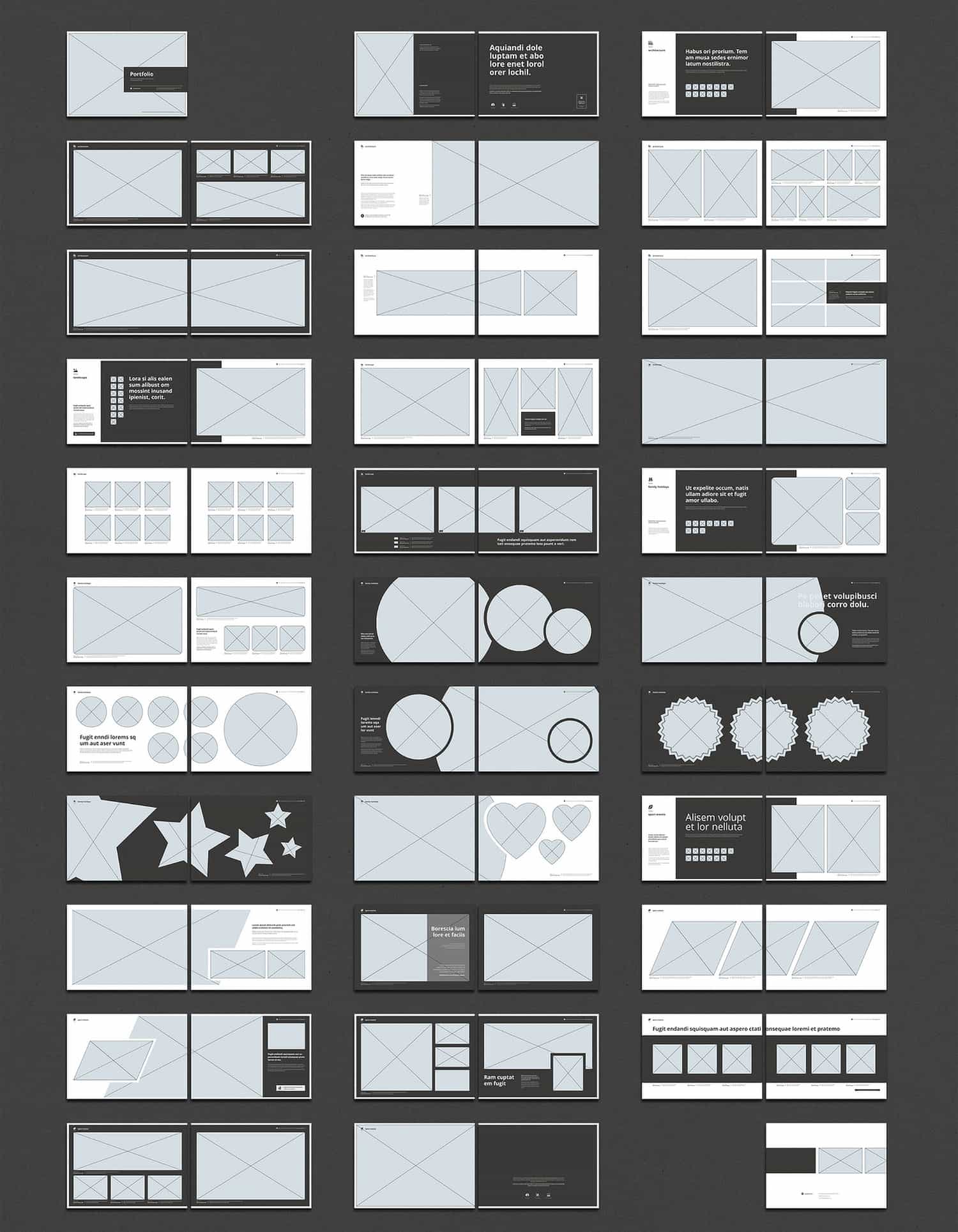
Free to download and fully editable.
If this template fits your needs, you can download it with 10 free downloads on Adobe Stock. You can edit this template using Adobe InDesign, which also offers a free trial. Students can get up to 71% discount if they continue using it. This template helps you create a portfolio quickly and easily—from design to print. It includes paragraph styles that keep your text consistent. When you replace the content, your layout will still look like the original design. The image placeholders are ready to use. You just drag and drop your photos. For printing, the file uses CMYK color mode for high-quality results. It also includes bleed settings for clean trimming. It is very easy to use. You only need to add your content, and you can save a lot of time.