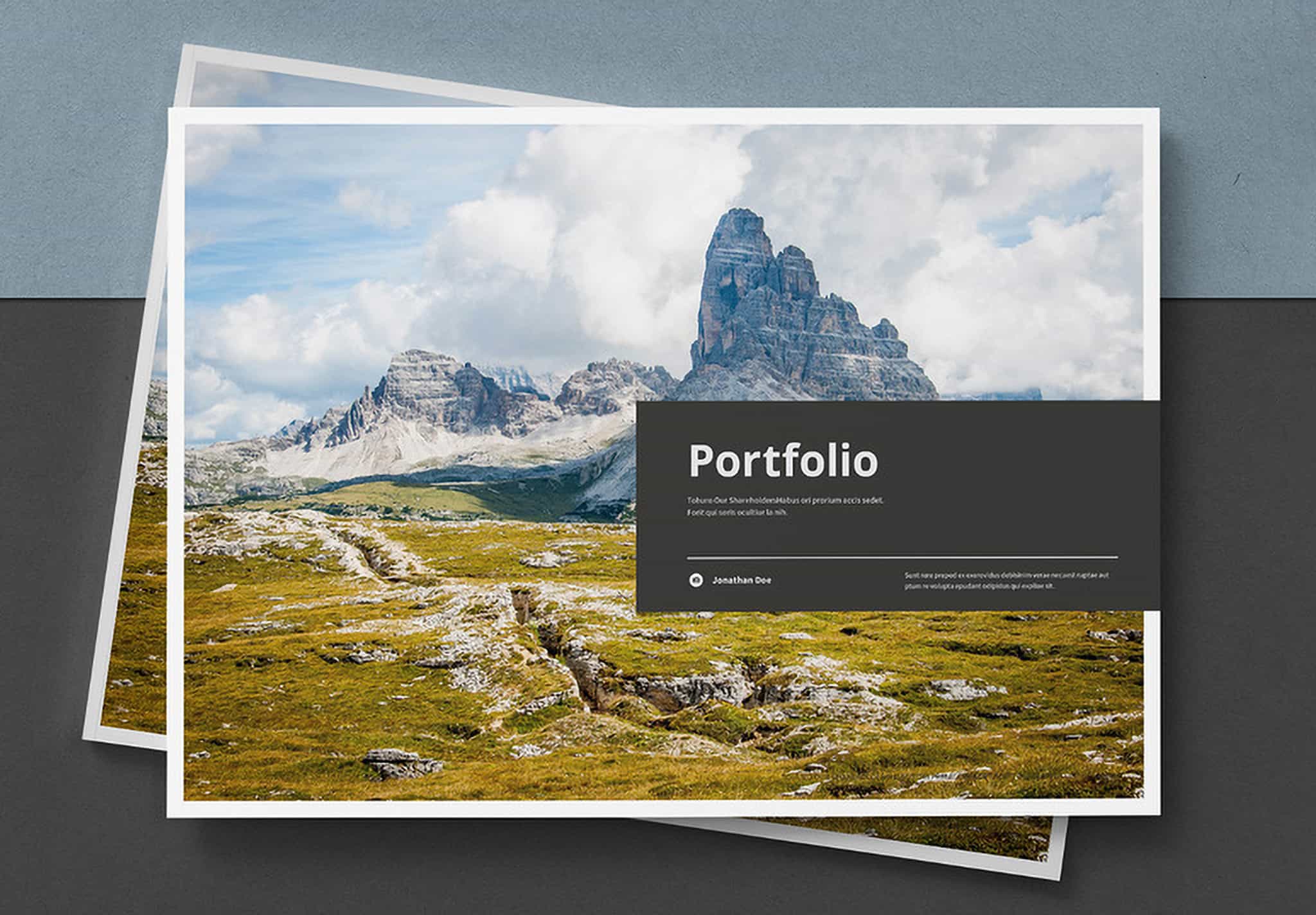
Free Modern Magazine Template for Adobe InDesign
Clean design, strong impression.
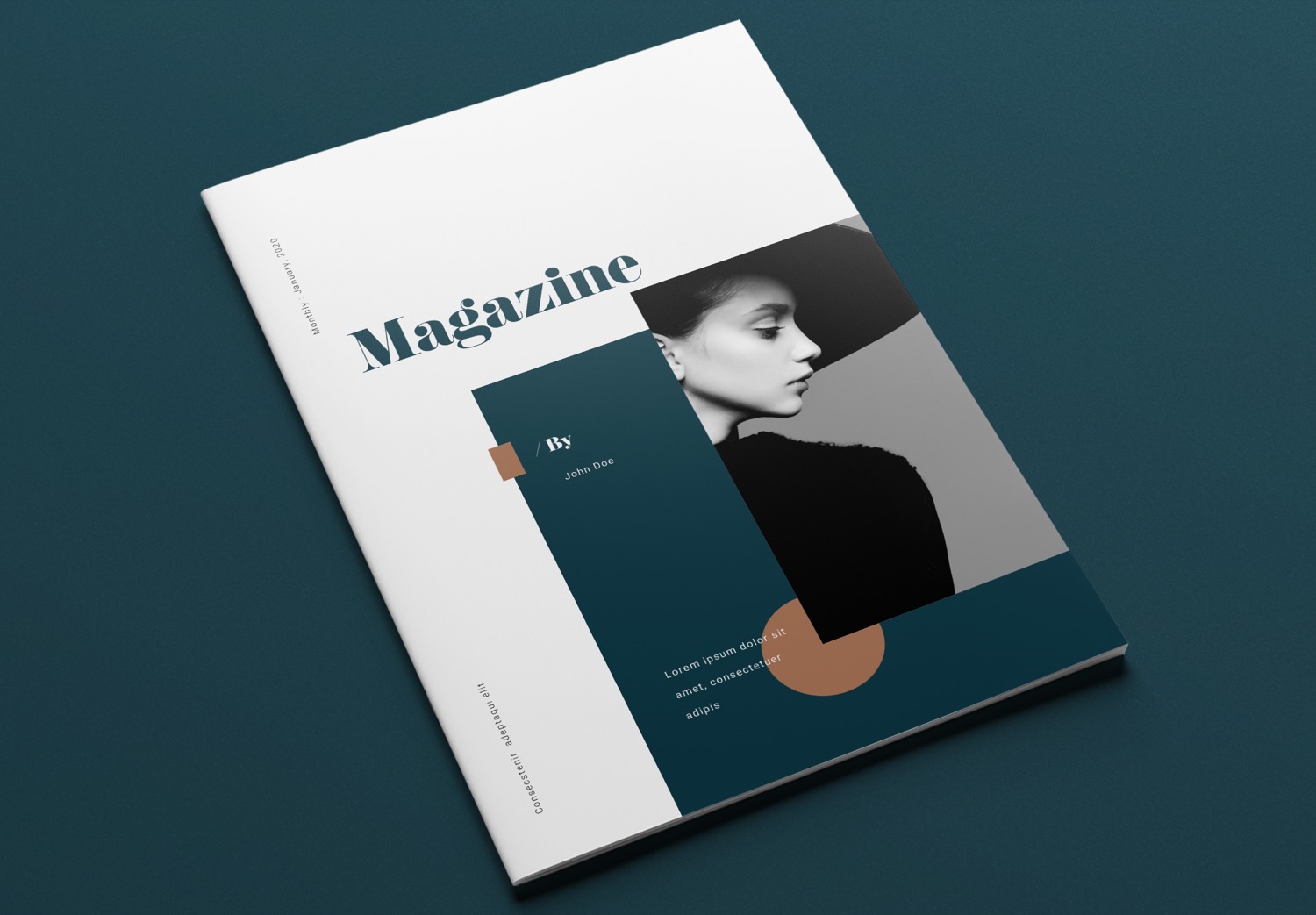
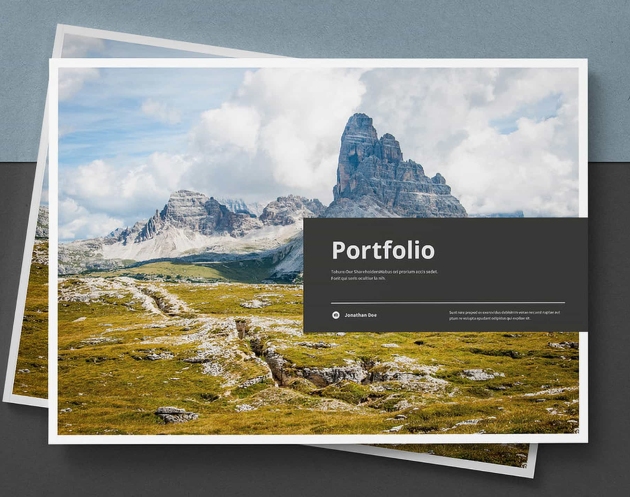
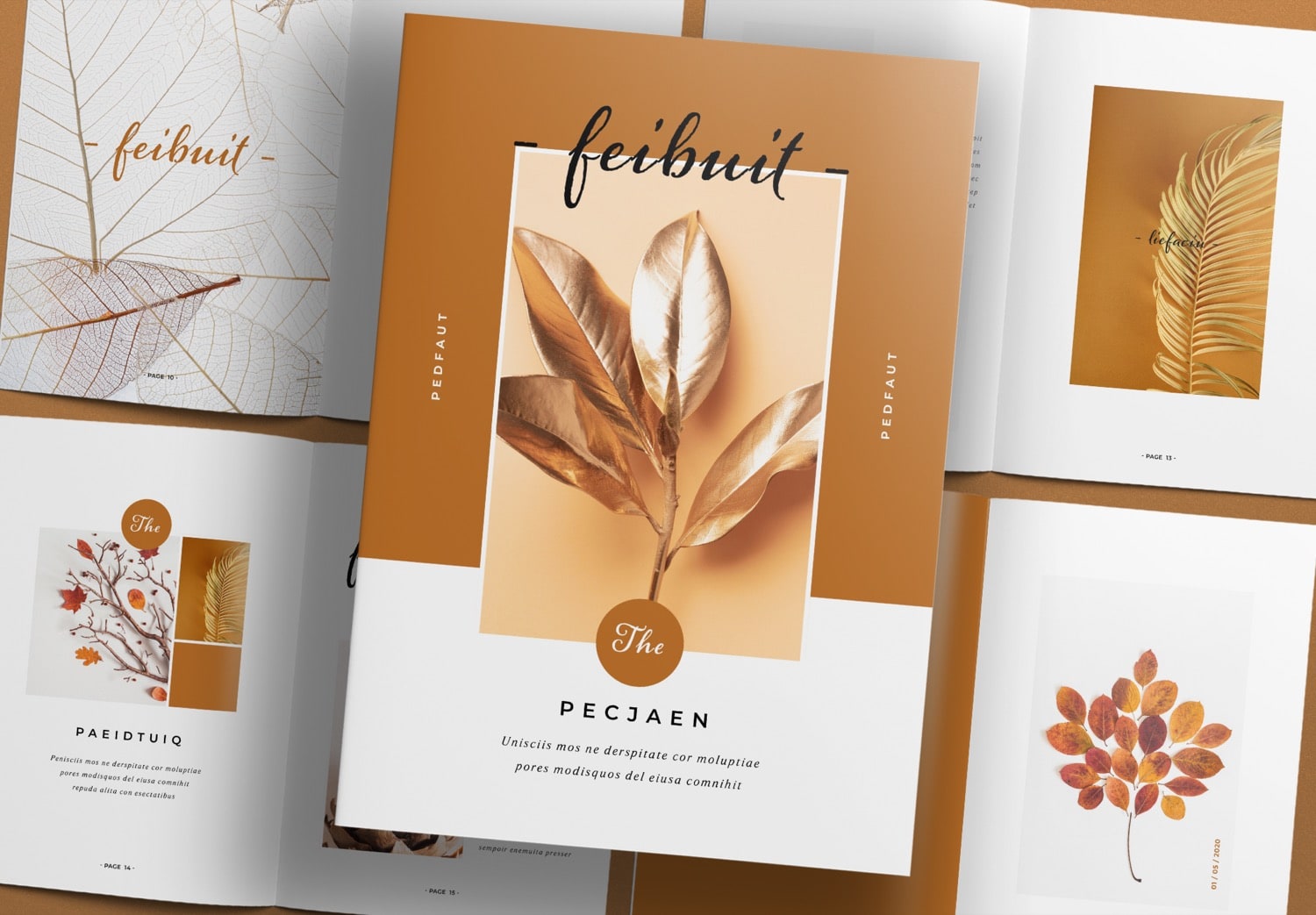
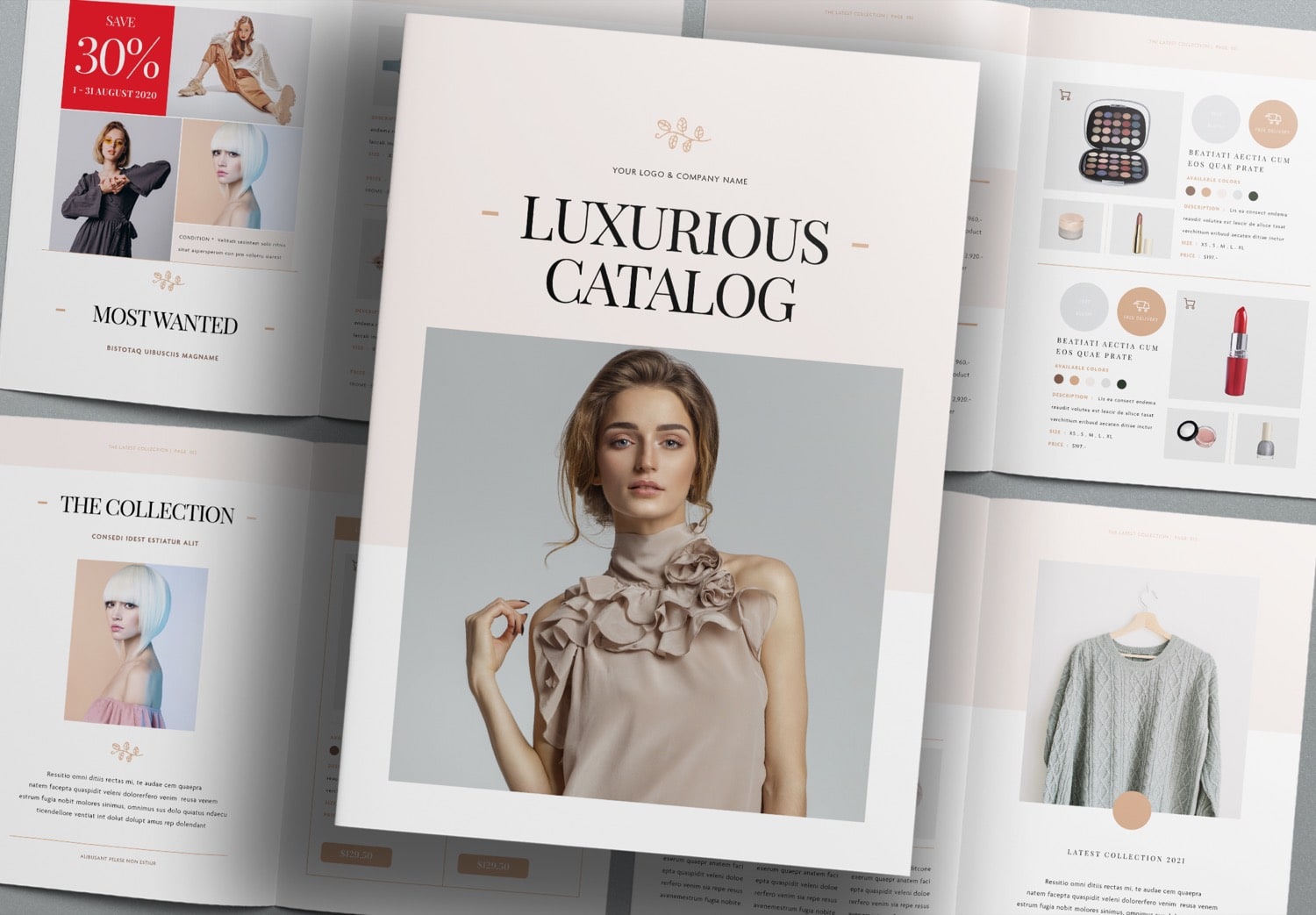
If you are looking for a template to create a magazine, photobook, or a book to present your creative work and ideas, this template is a great choice. It features a bold and eye-catching design. The earthy color palette of white, green, and brown creates a clean and elegant look. The font pairing is well balanced and easy to read. This template helps you start your project quickly and smoothly.
This magazine template is designed by “Sirisako,” an experienced designer with many works on Adobe Stock. It includes 16 ready-to-use pages in standard A4 and US Letter sizes. You can fully edit it in Adobe InDesign, a popular tool for print design. If you are starting with Adobe Creative Cloud, which includes Adobe InDesign, you can get Adobe Creative Cloud 50% discount for three months after the trial period. Students get up to 71% off.
Design made easy, results that stand out
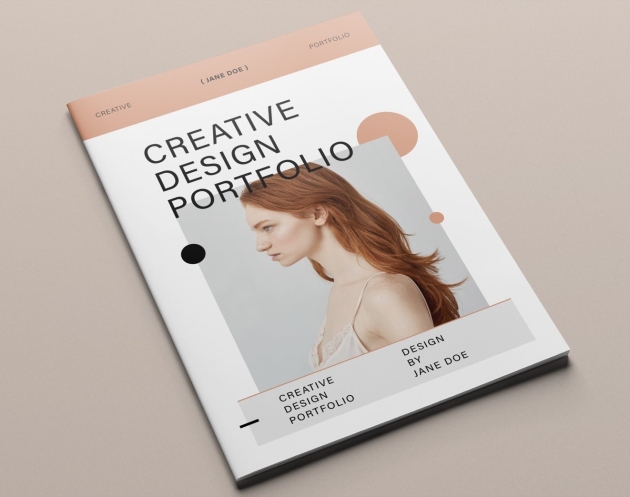
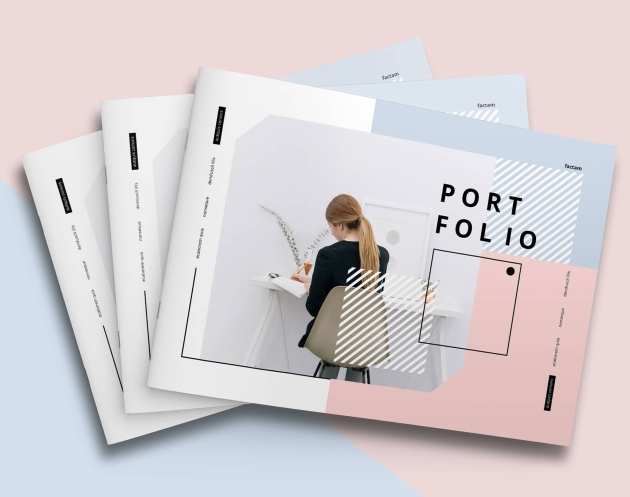
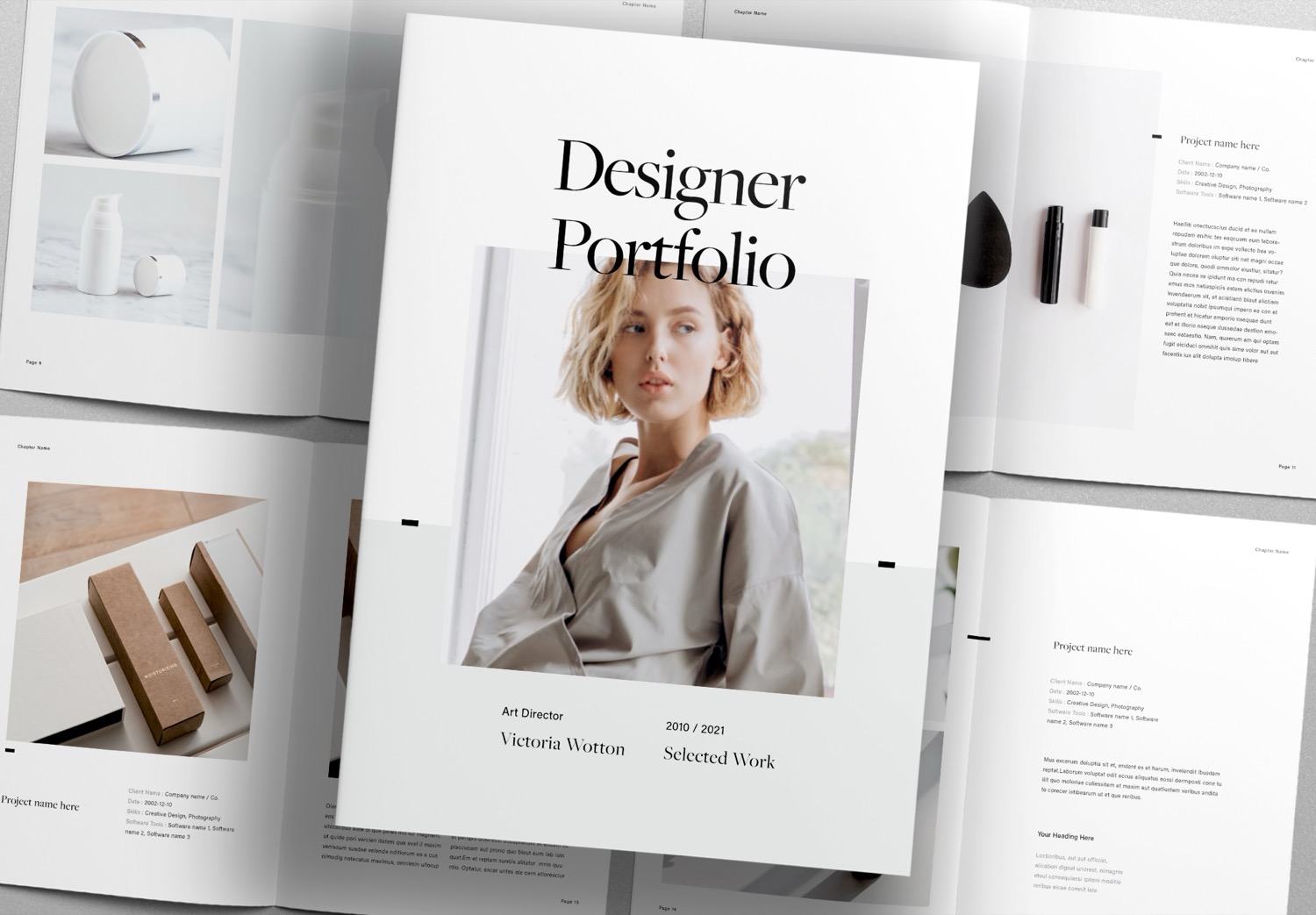
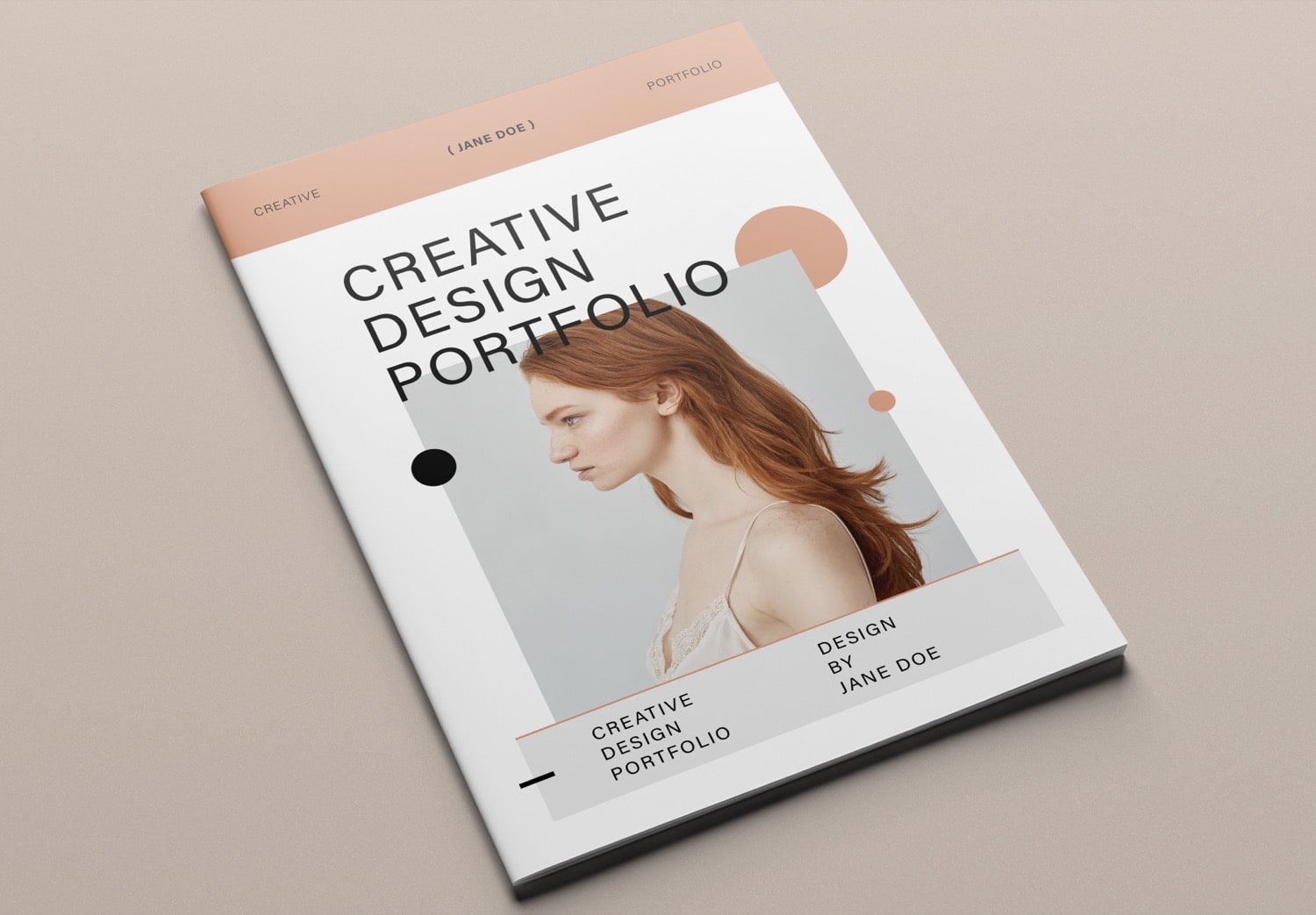
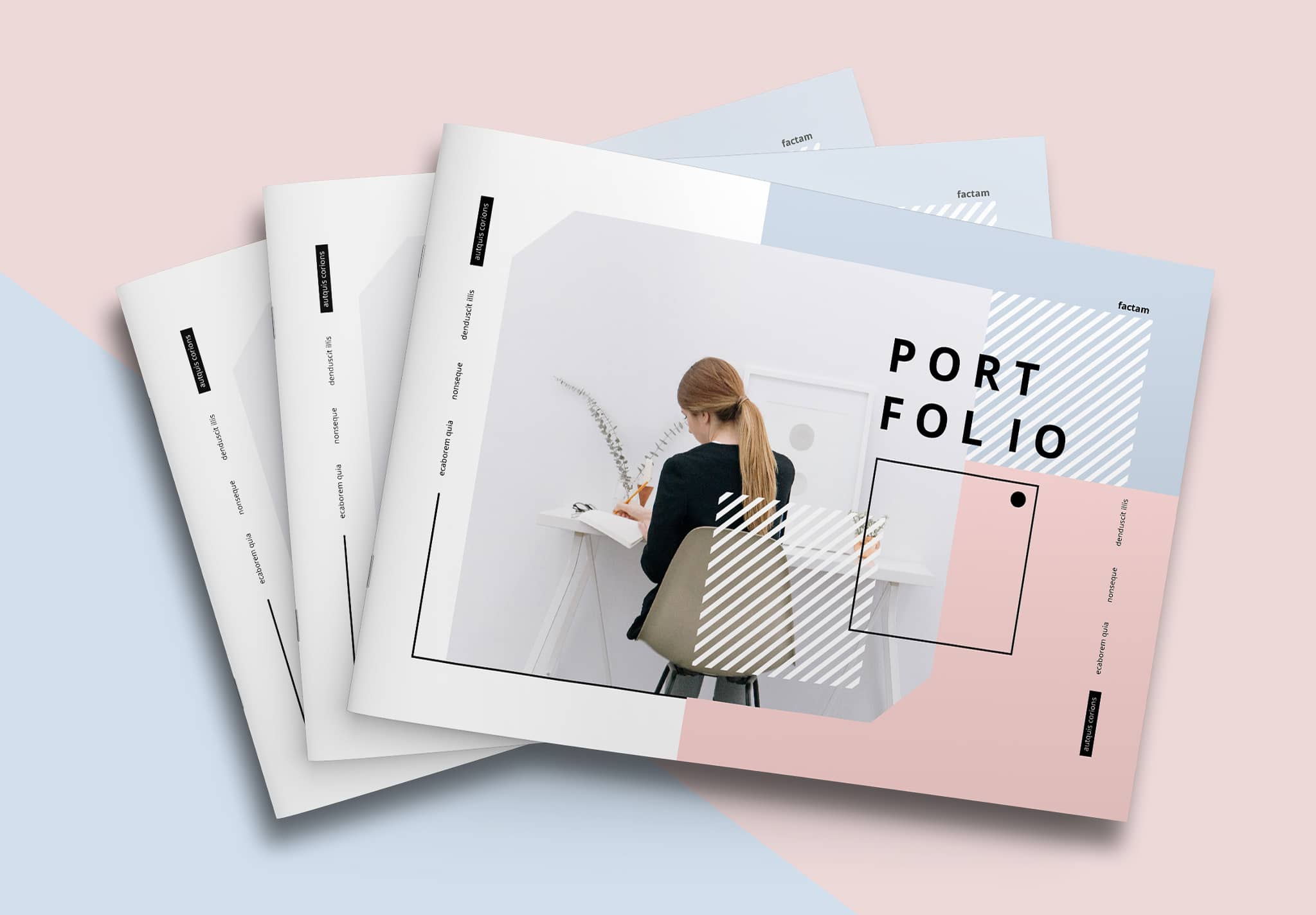
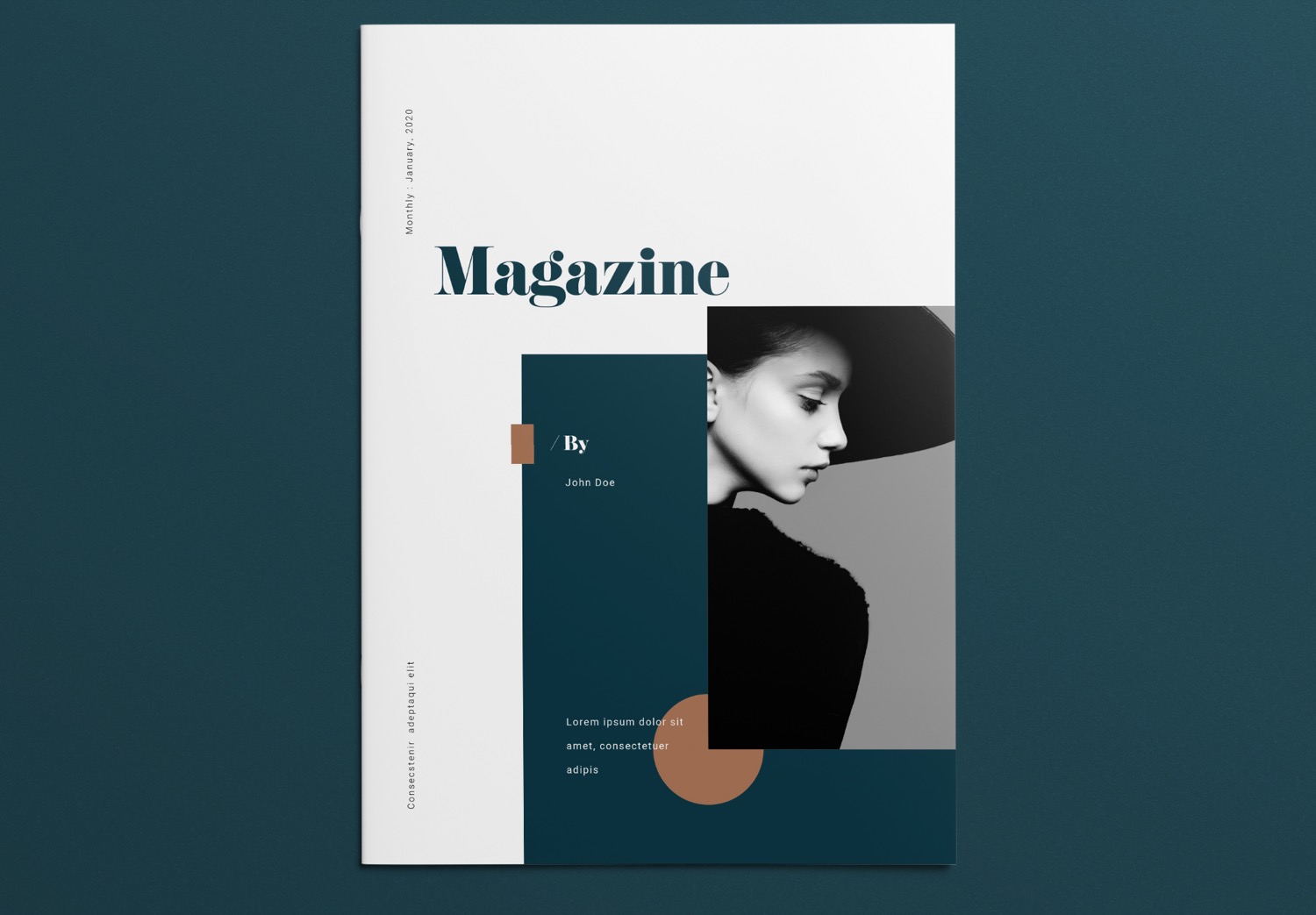
The cover design follows a modern, clean, and elegant concept. It uses a serif font for the magazine title, paired with a sans-serif font for the body text. This combination improves readability and creates a nice visual balance. You can easily change all text to fit your project, whether you create a magazine, photobook, lookbook, or portfolio.
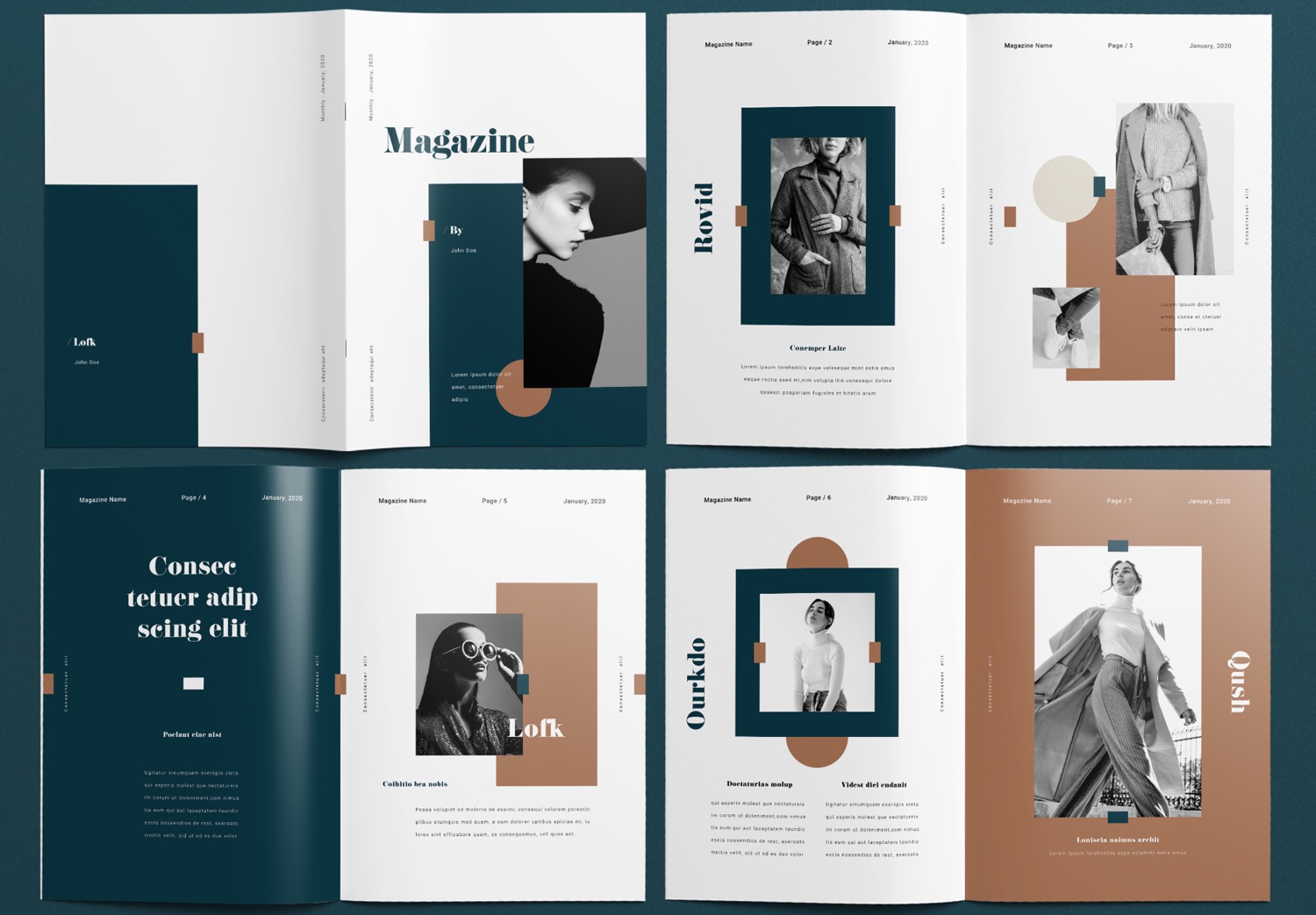
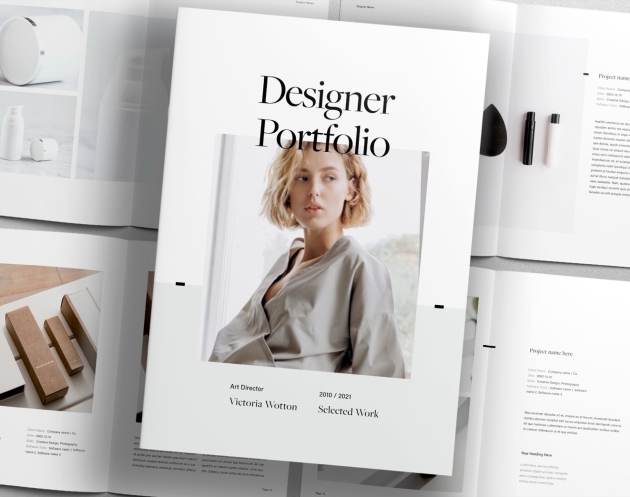
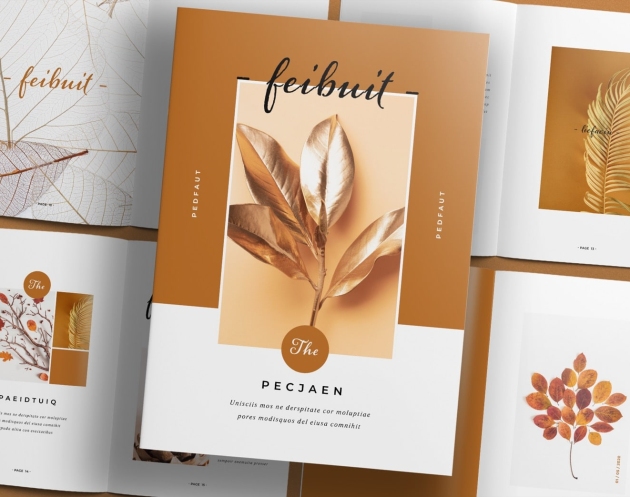
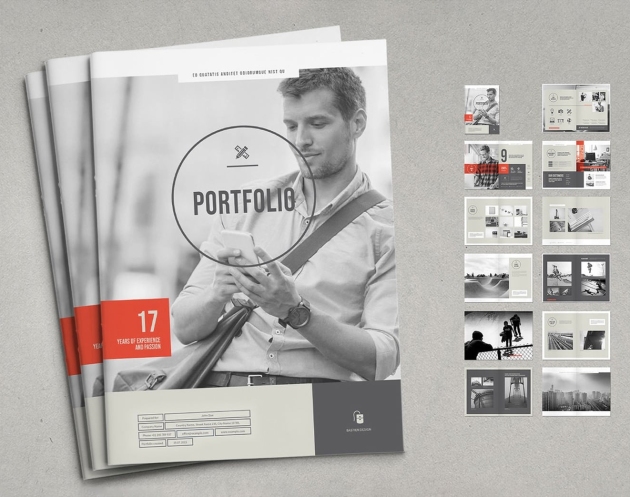
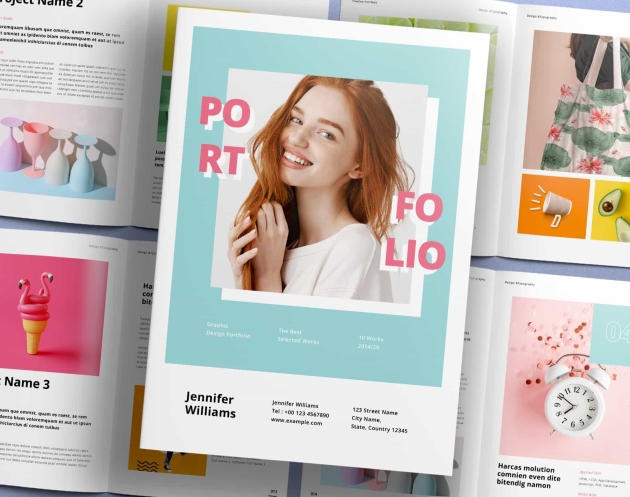
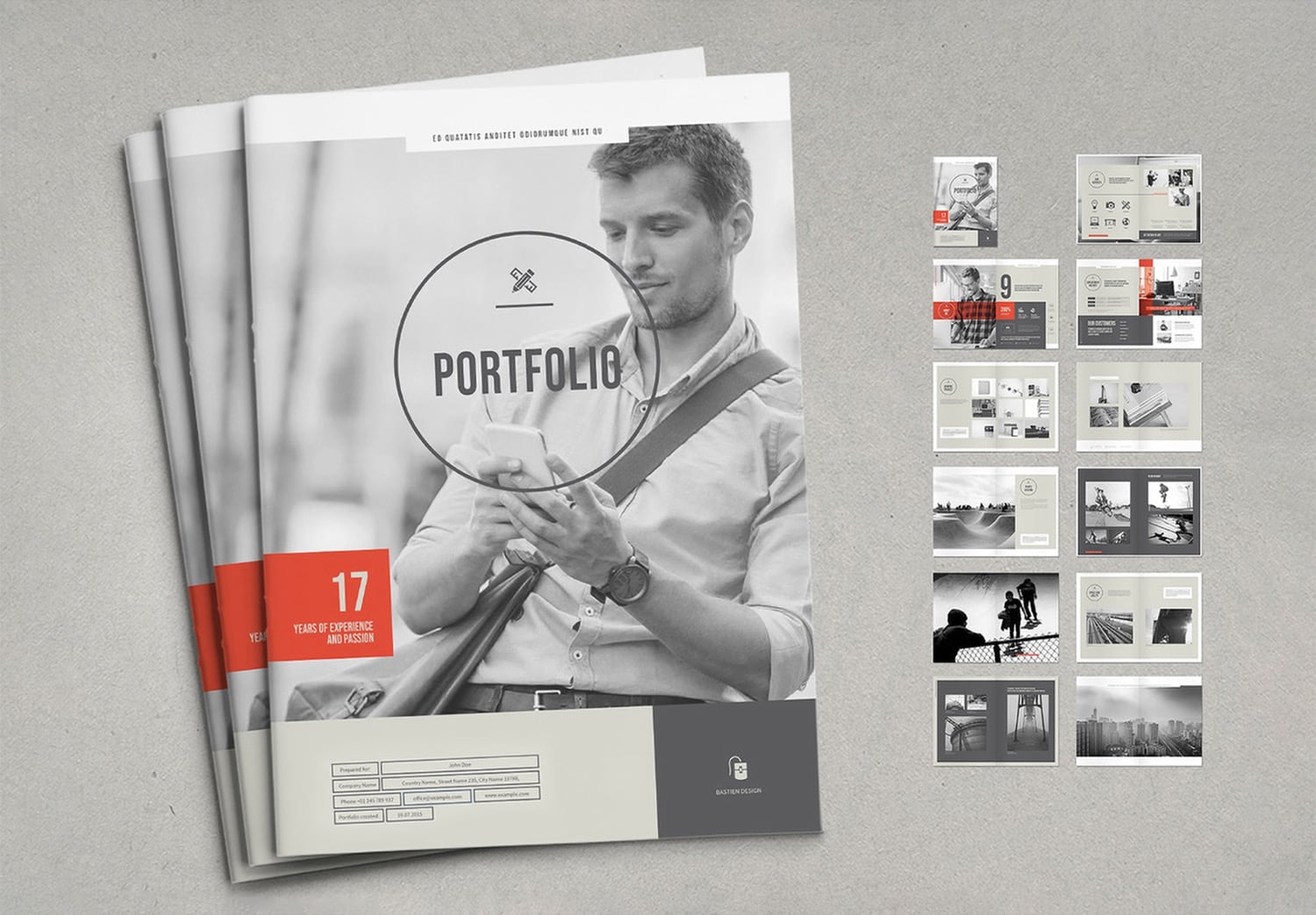
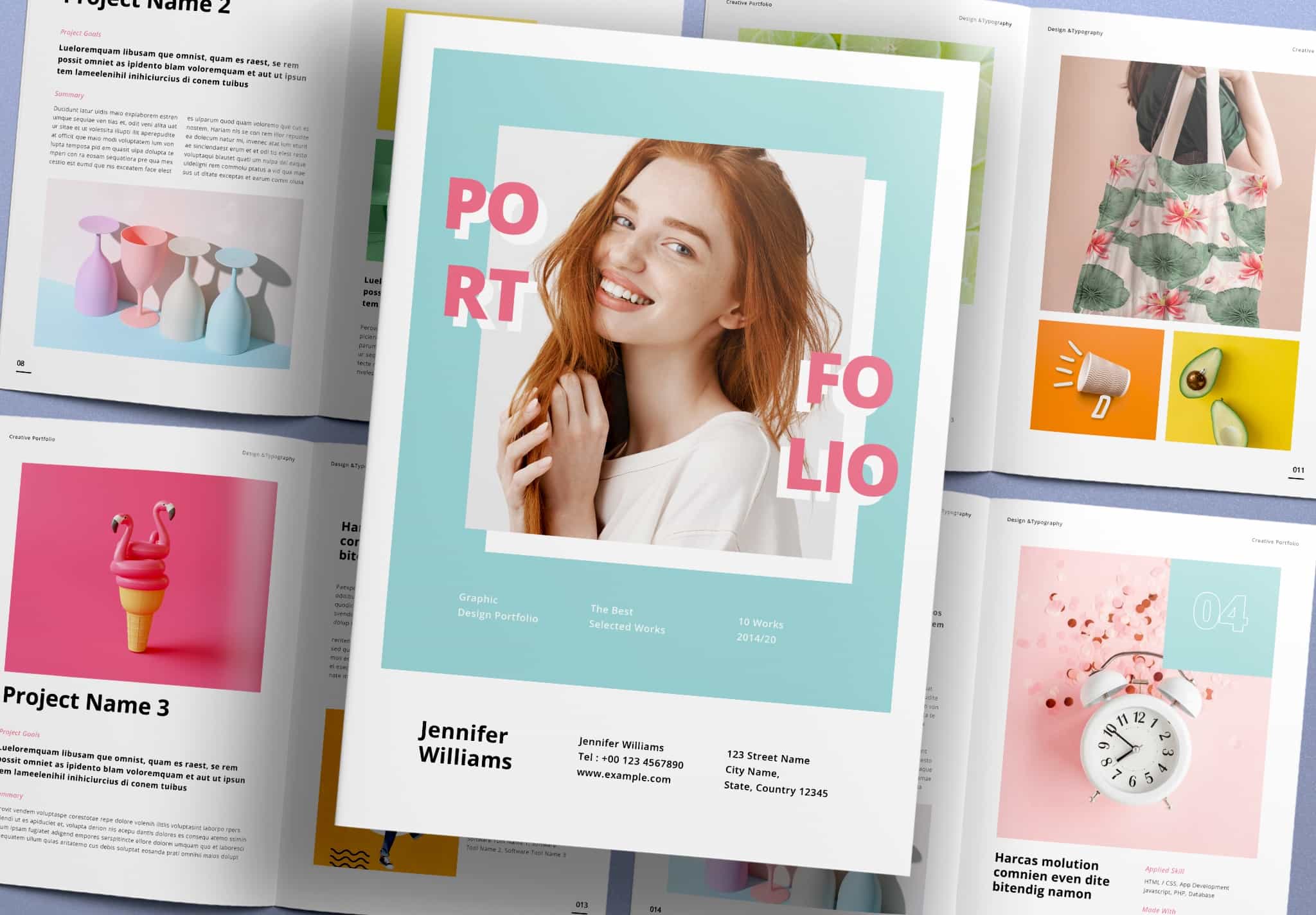
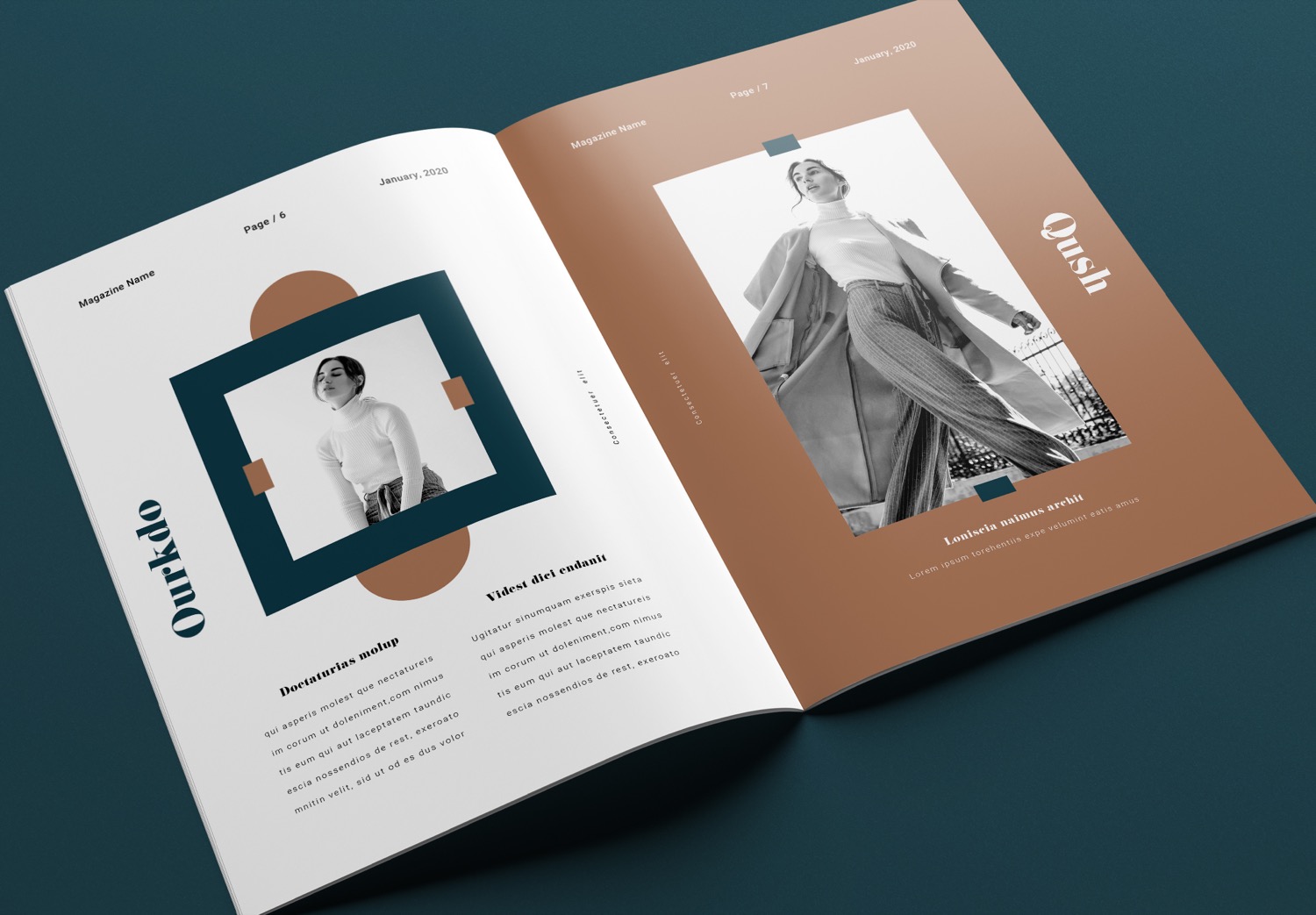
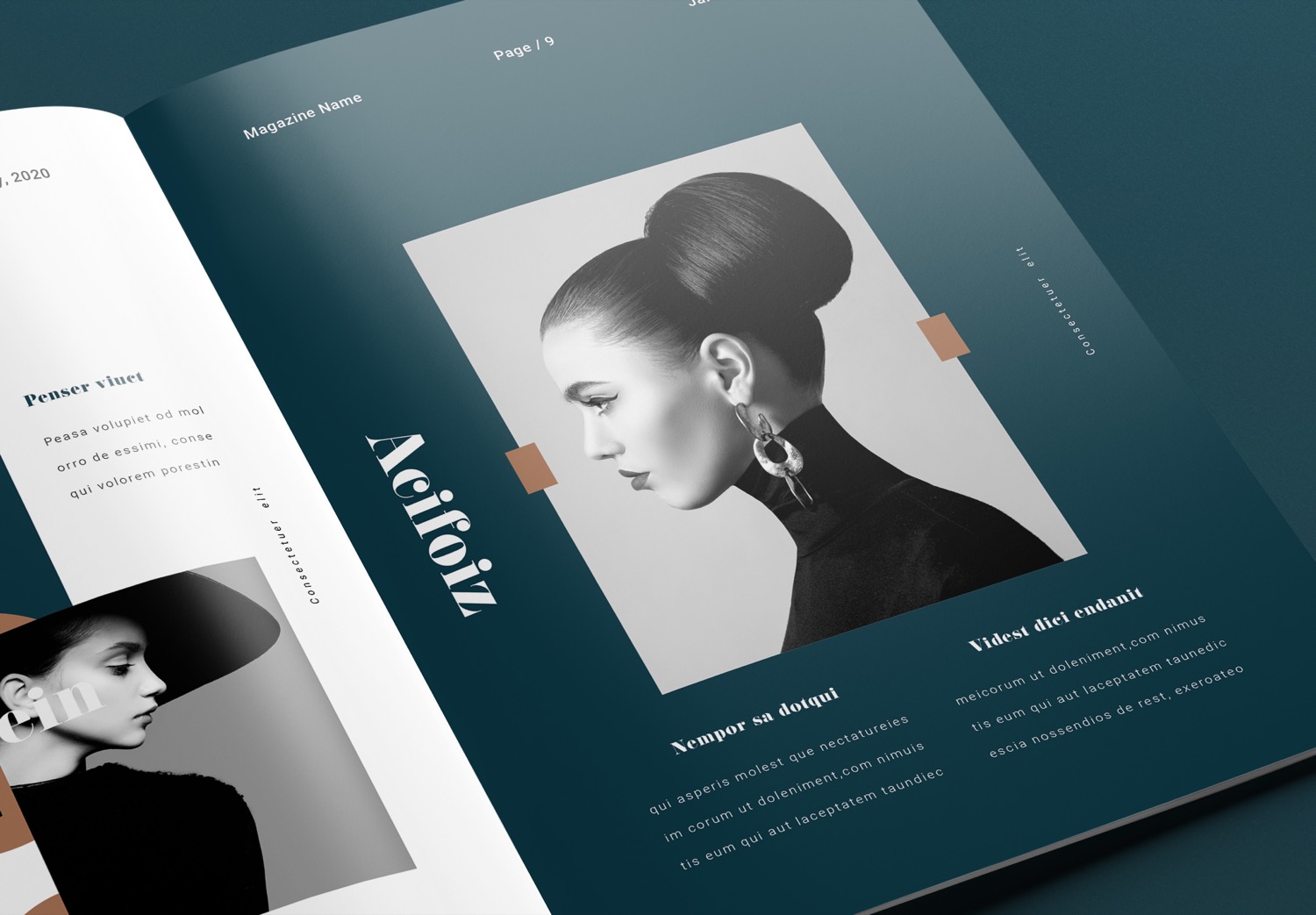
All 16 pages use unique layouts and compositions, but they still follow the same design concept and style. You can use only some pages or rearrange them to match your needs. The overall design will still look consistent. This makes your workflow easier and saves time, so you can focus more on your content.
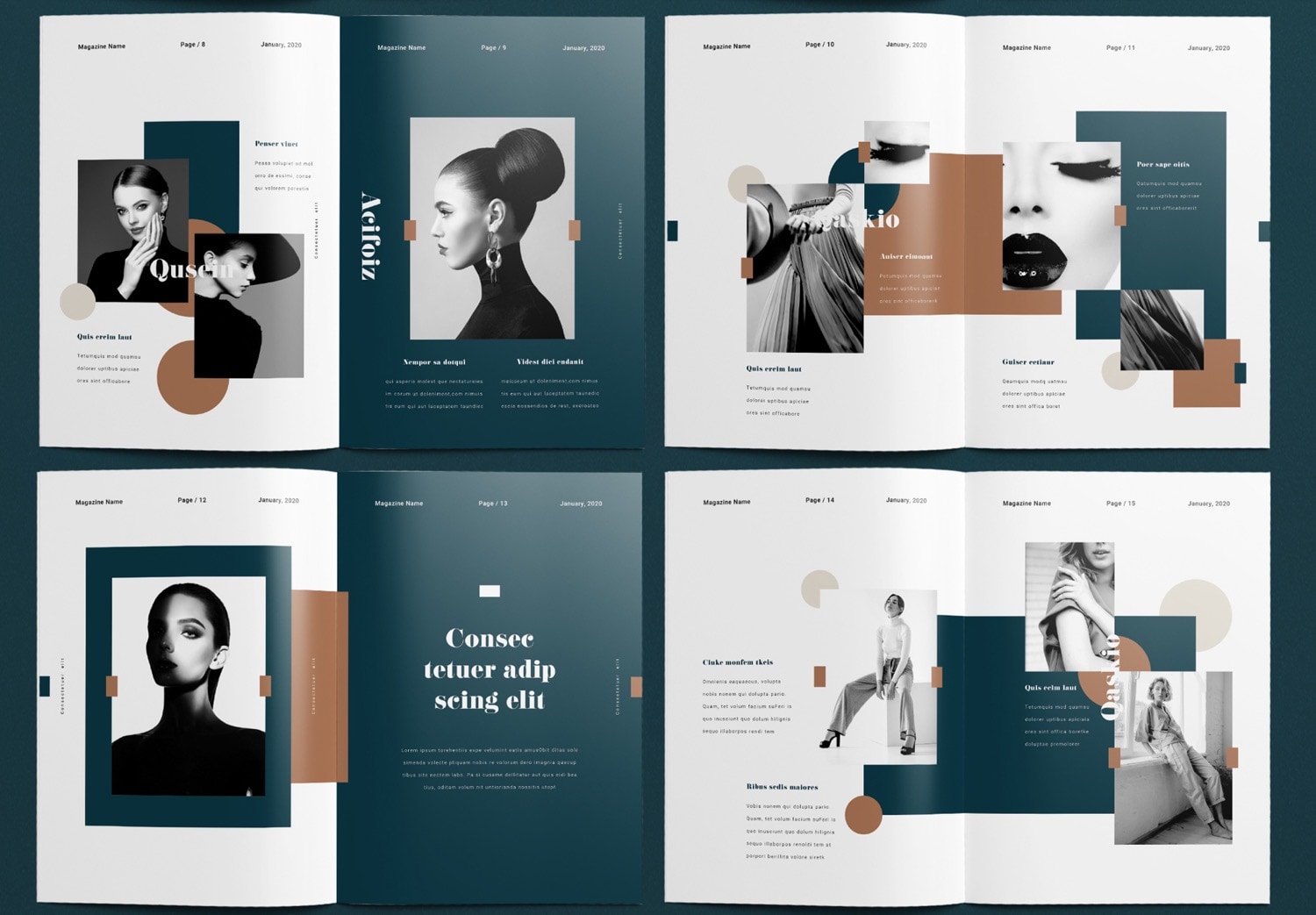
If this template matches your idea, don’t wait to download it. A free version is available for you to try.
You can also Get 10 free downloads from Adobe Stock for the full version.