Free Minimal Green Portfolio Layout Template for InDesign.
A fresh design that expresses a positive attitude.
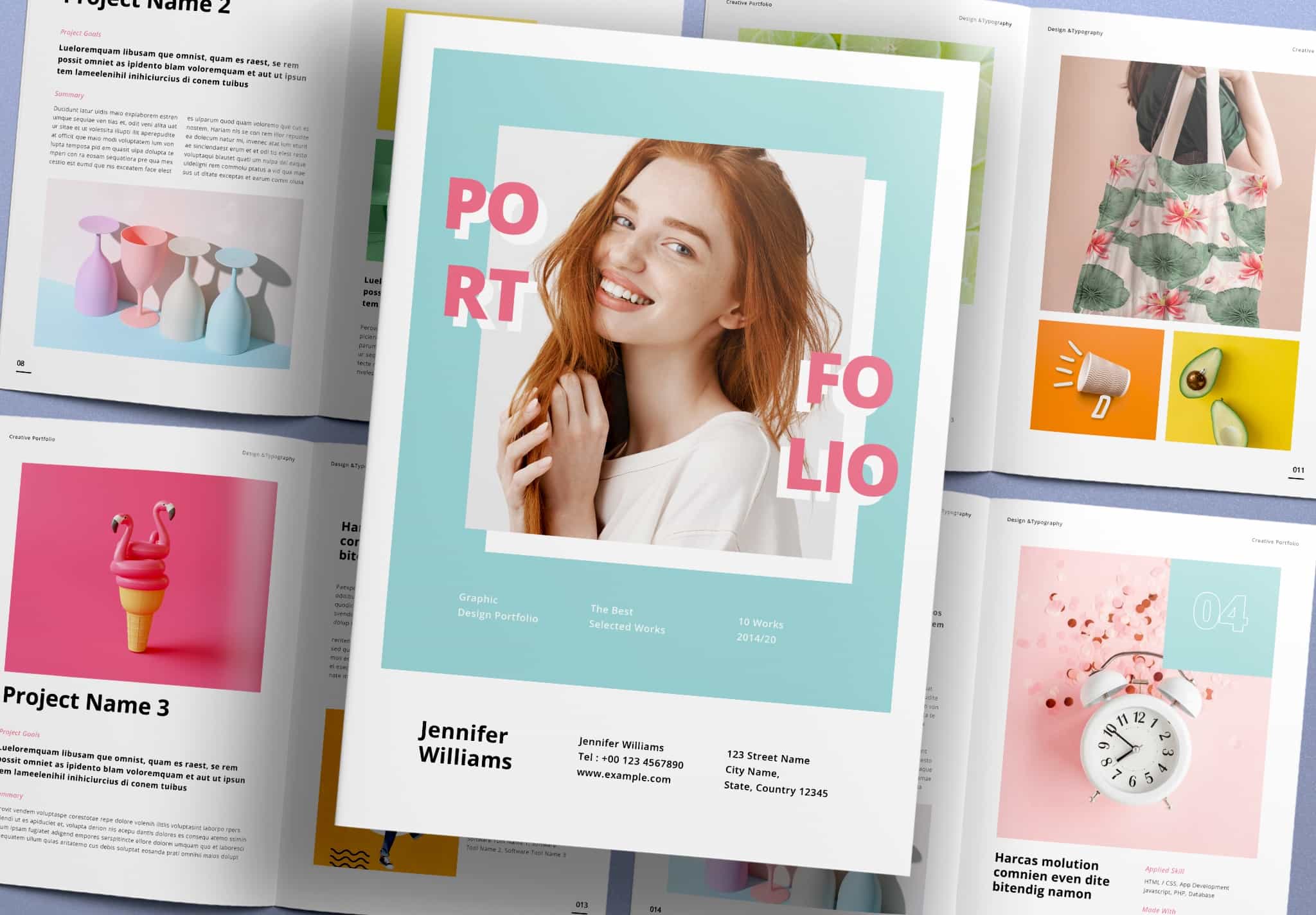
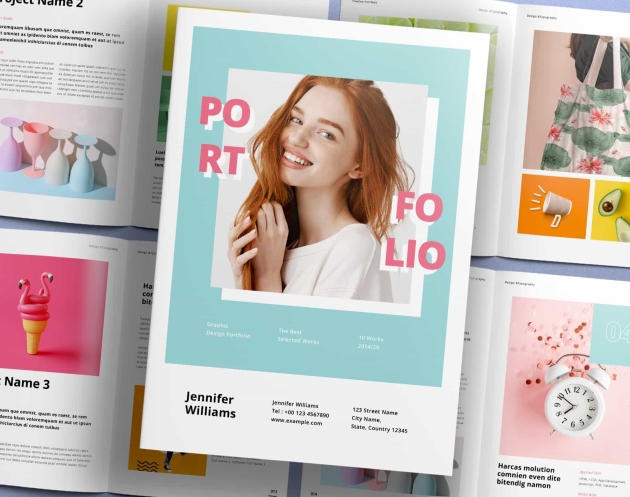
This portfolio cover feels fresh and full of positive energy. It gives a friendly and welcoming feeling when people look at your work. The minimal color style makes it soft and easy on the eyes. If you are looking for a template with this kind of mood, this one is a great choice.
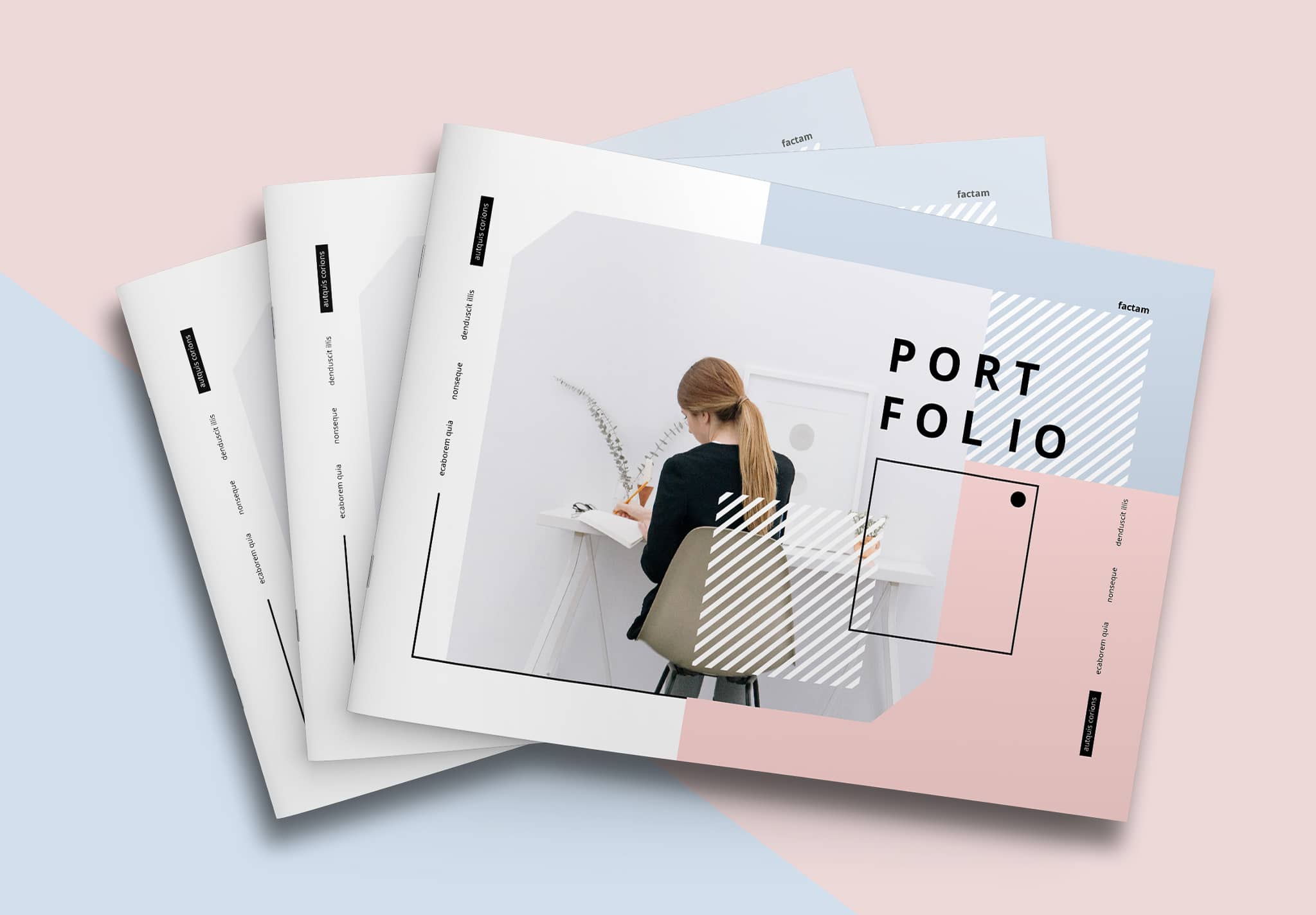
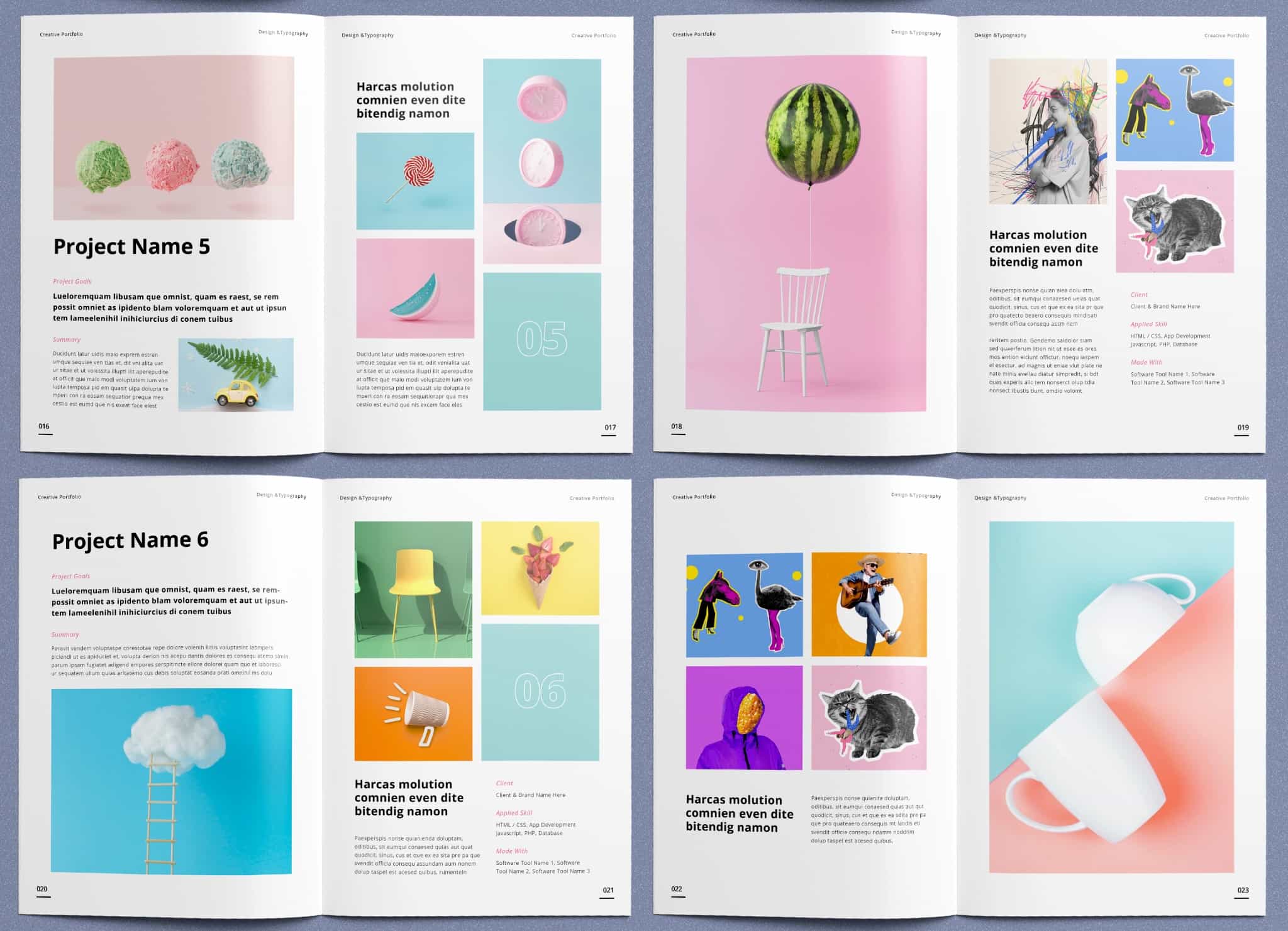
The template uses pastel green and pink, and the inside pages follow the same theme. This keeps the whole book clean and minimal from start to finish. It works very well for students and designers, especially those who want a soft and fresh style to present their work.
Minimal Green Portfolio was created by “Sirisako” a specialist in portfolio design on Adobe Stock. This template includes 24 ready-to-use pages in A4 and US Letter sizes. You can use it to create a portfolio or other projects like a magazine, catalog, photobook, or any type of book.
All 24 pages have different layouts. You can also rearrange the pages to fit your needs by simply dragging and dropping them. It’s very easy to use because it works in Adobe InDesign, a popular tool for professional designers. To use this template, you just replace the text and drag and drop your images into the placeholders. That’s all—you can finish your portfolio quickly.
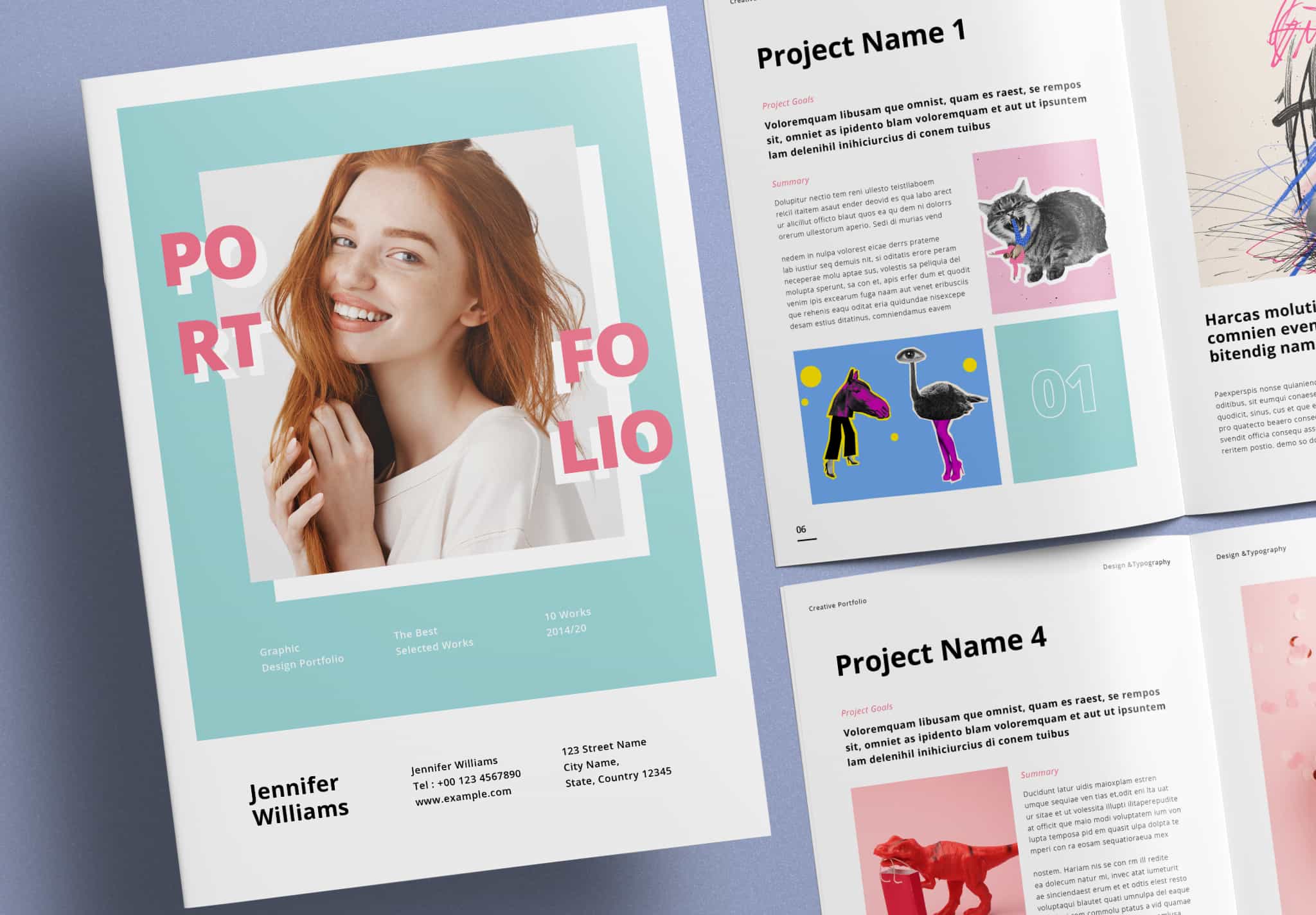
Simple, Fresh, and Easy to Use
This template focuses on three things: minimal style, fresh feeling, and ease of use. The front cover lets you add your photo and information, such as your name, project title, and contact details. It uses a pastel green background with a pink “Portfolio” title placed in a clean and balanced layout. It looks cute, fresh, and modern. The back cover also lets you add your information. It uses pink elements on a white and pastel green background to match the front cover.
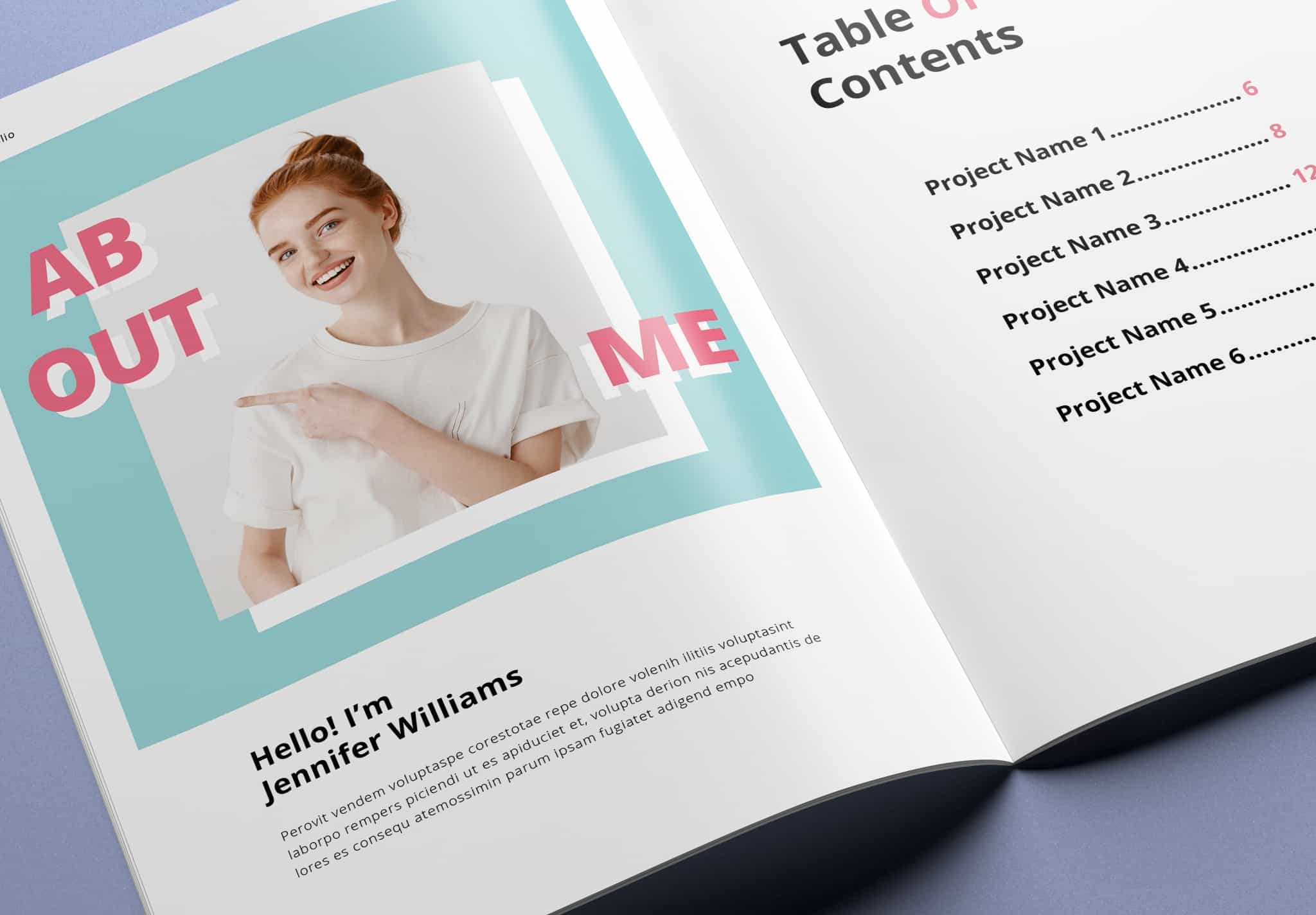
Inside the book, you will find an “About Me” page where you can introduce yourself, share your inspiration, and tell your story. You can also add your photo.
Next is the Table of Contents page, where you can list your topics. The template already includes automatic page numbers, so you don’t need to manage them yourself, even if you add more pages.
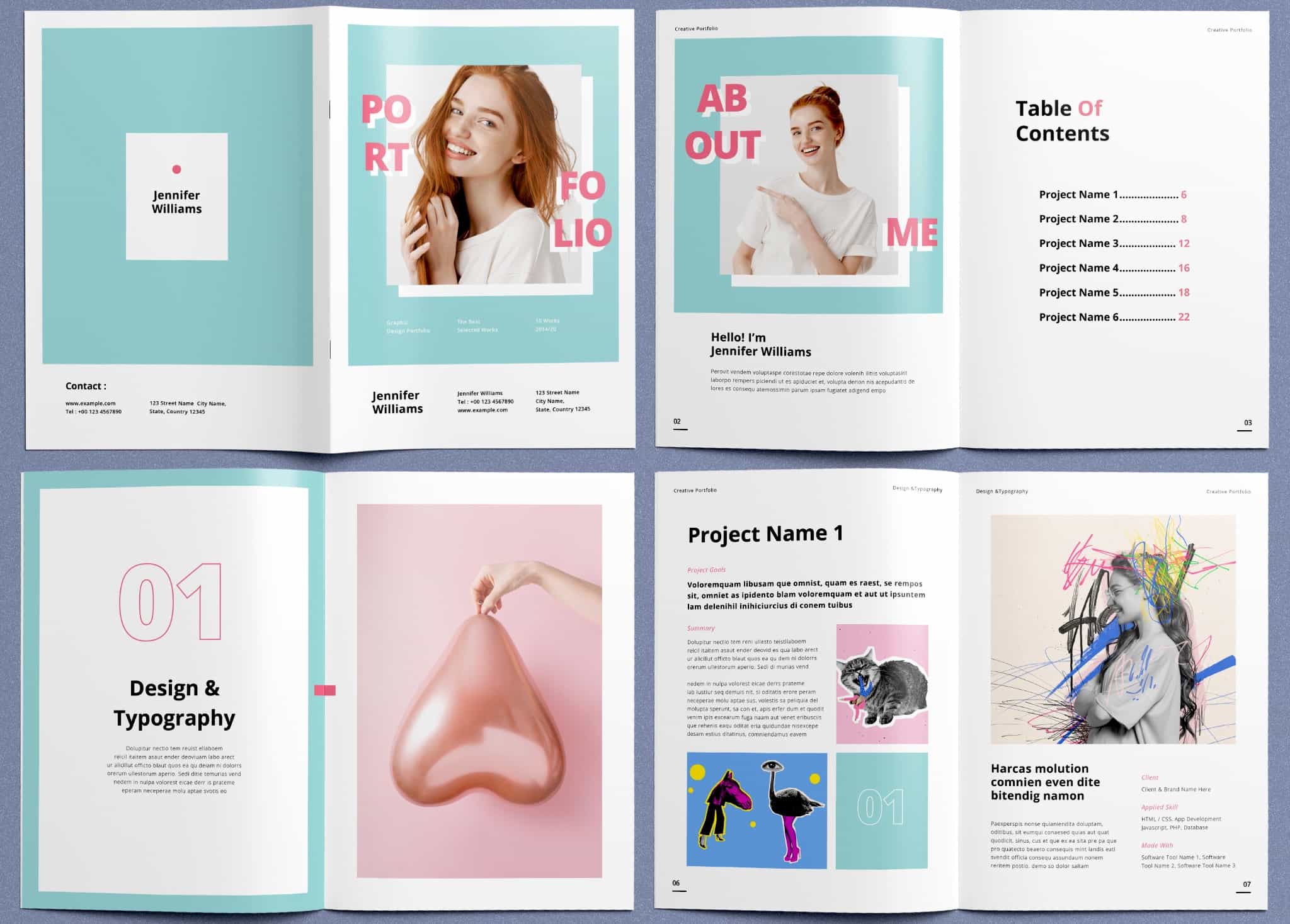
You will also find chapter pages. You can use them to introduce each main section before the content starts. You can change the numbers (01, 02, 03…), add titles, write short descriptions, and place your images. You can repeat this page style for each section to keep your portfolio consistent and well-organized.
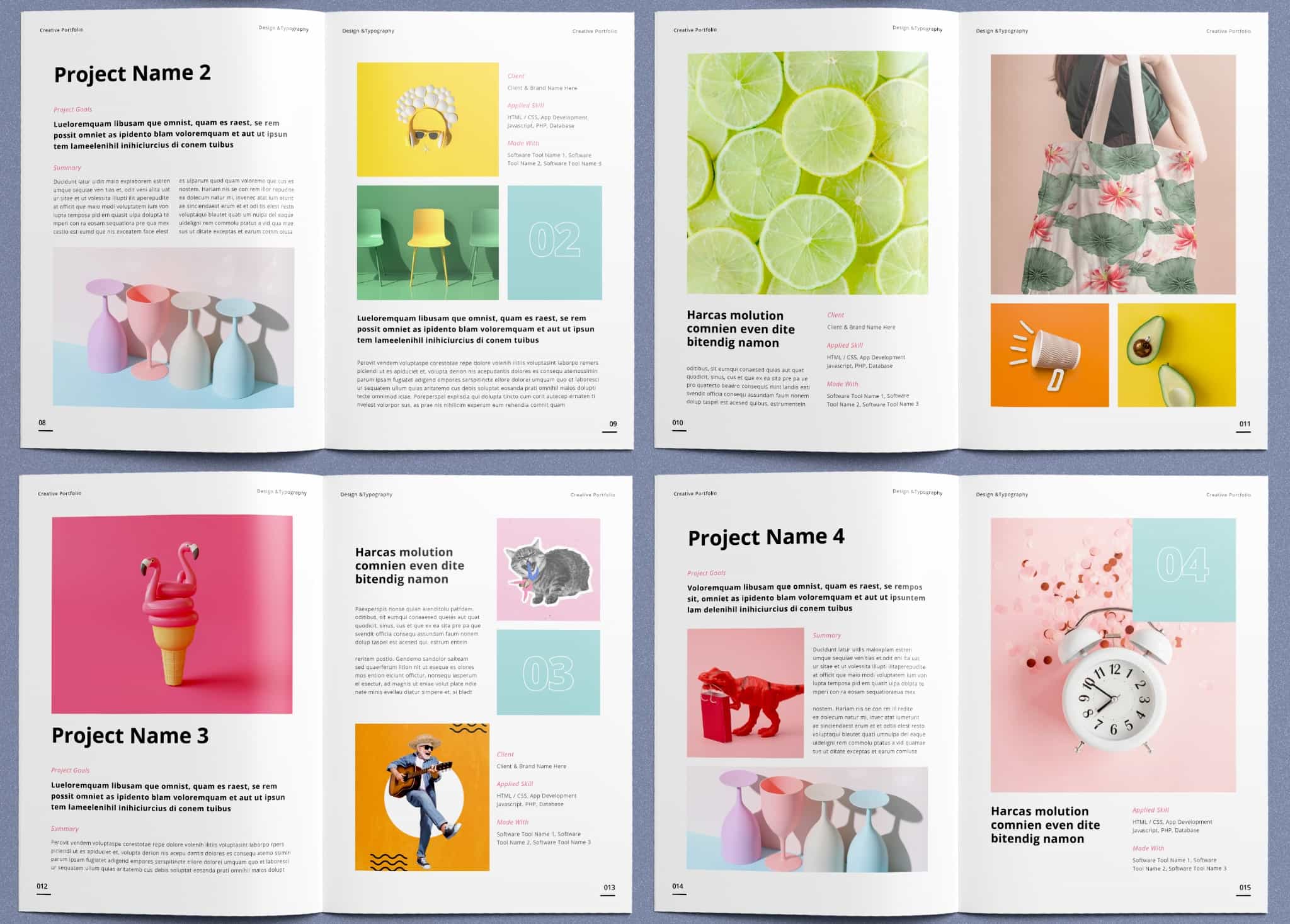
For content pages, you can add project titles and numbers (01, 02, 03..). The design uses white numbers on a pastel green background, which helps create a clean and structured layout throughout the book.
If this template matches your needs, you can download it now. Currently offers up to Get 10 free downloads on Adobe Stock. Don’t wait to start your project with this template. It is simple, easy to use, and fully prepared for both design and print. It saves you a lot of time, so you can focus on your content. Highly recommended!