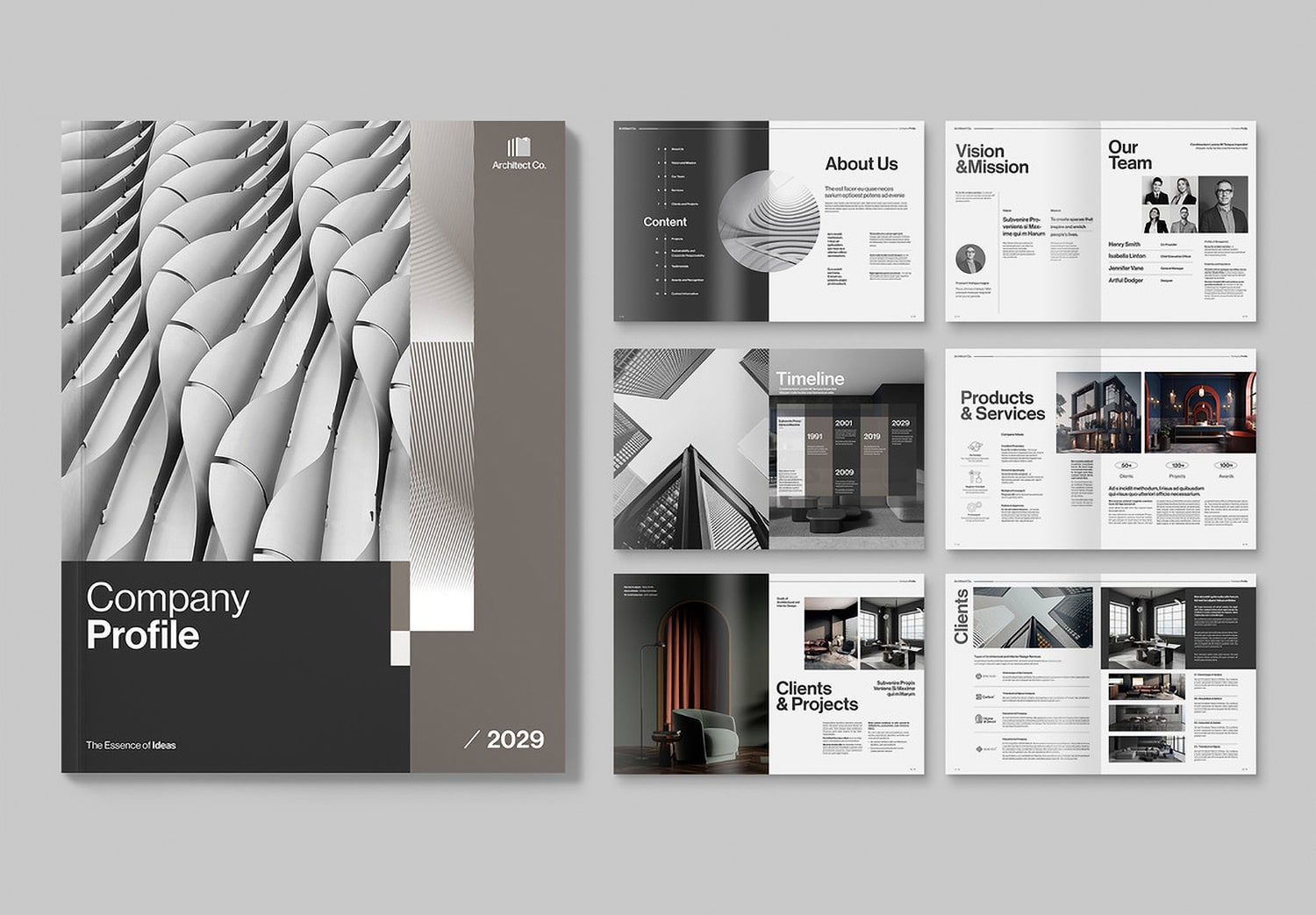
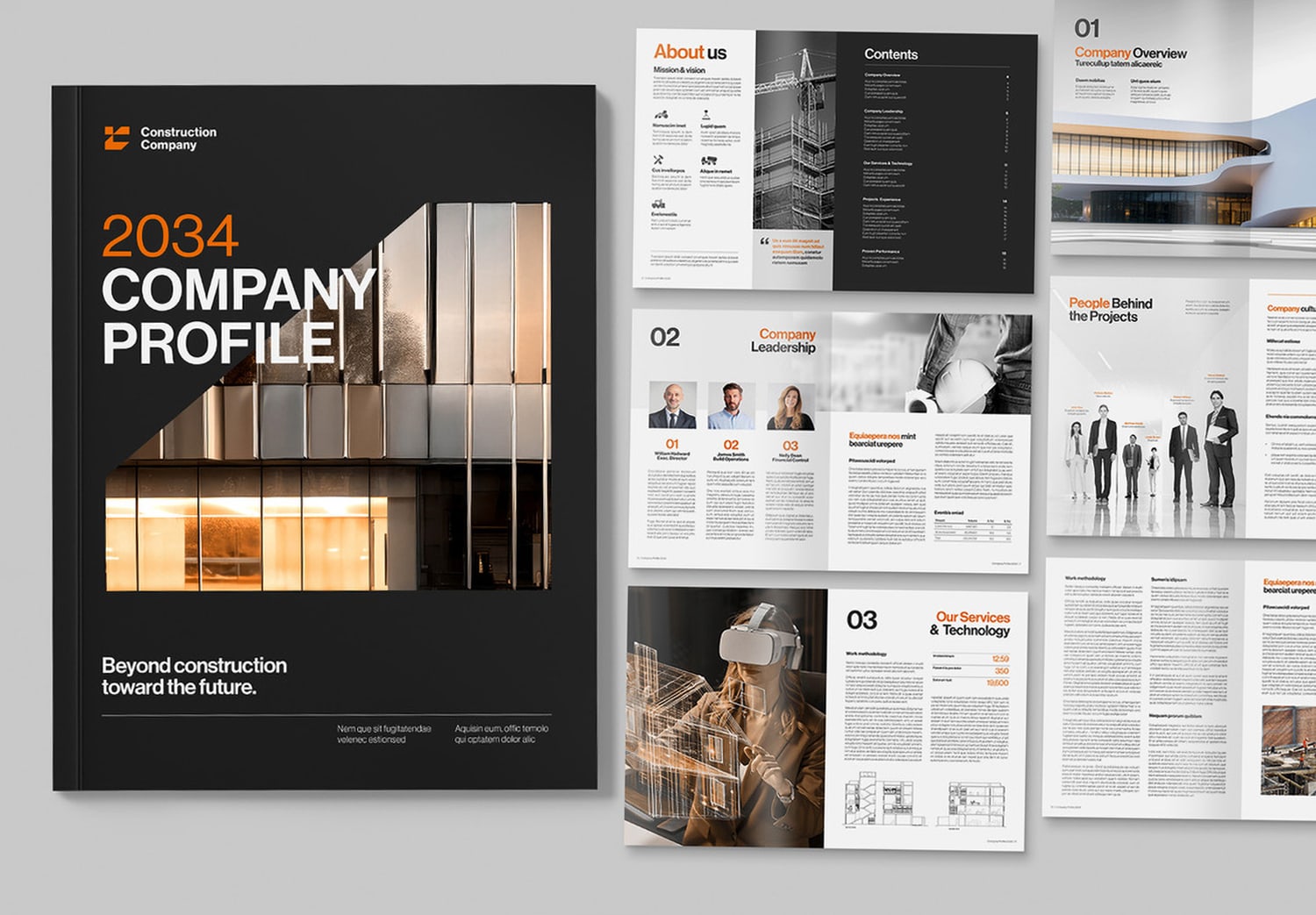
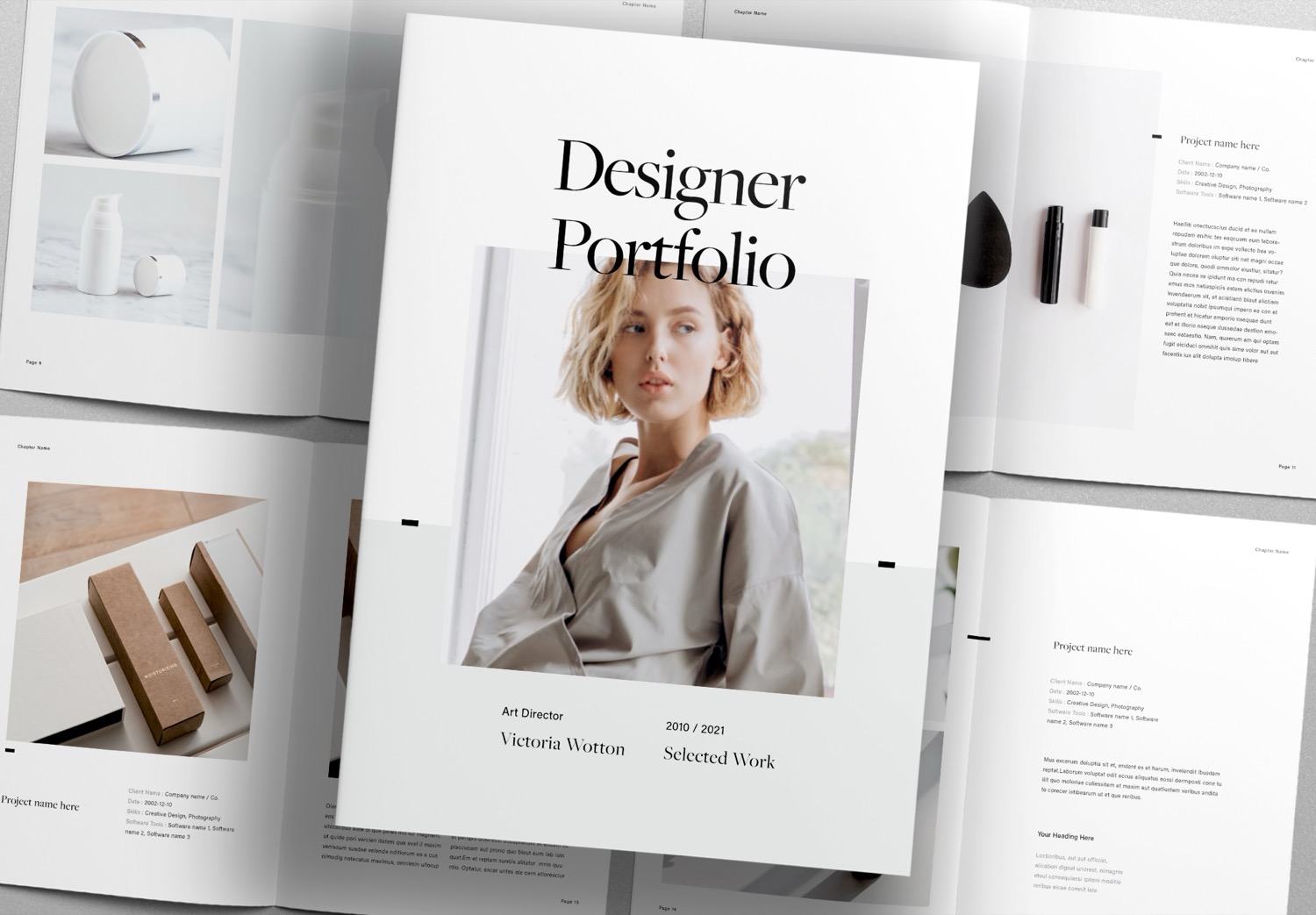
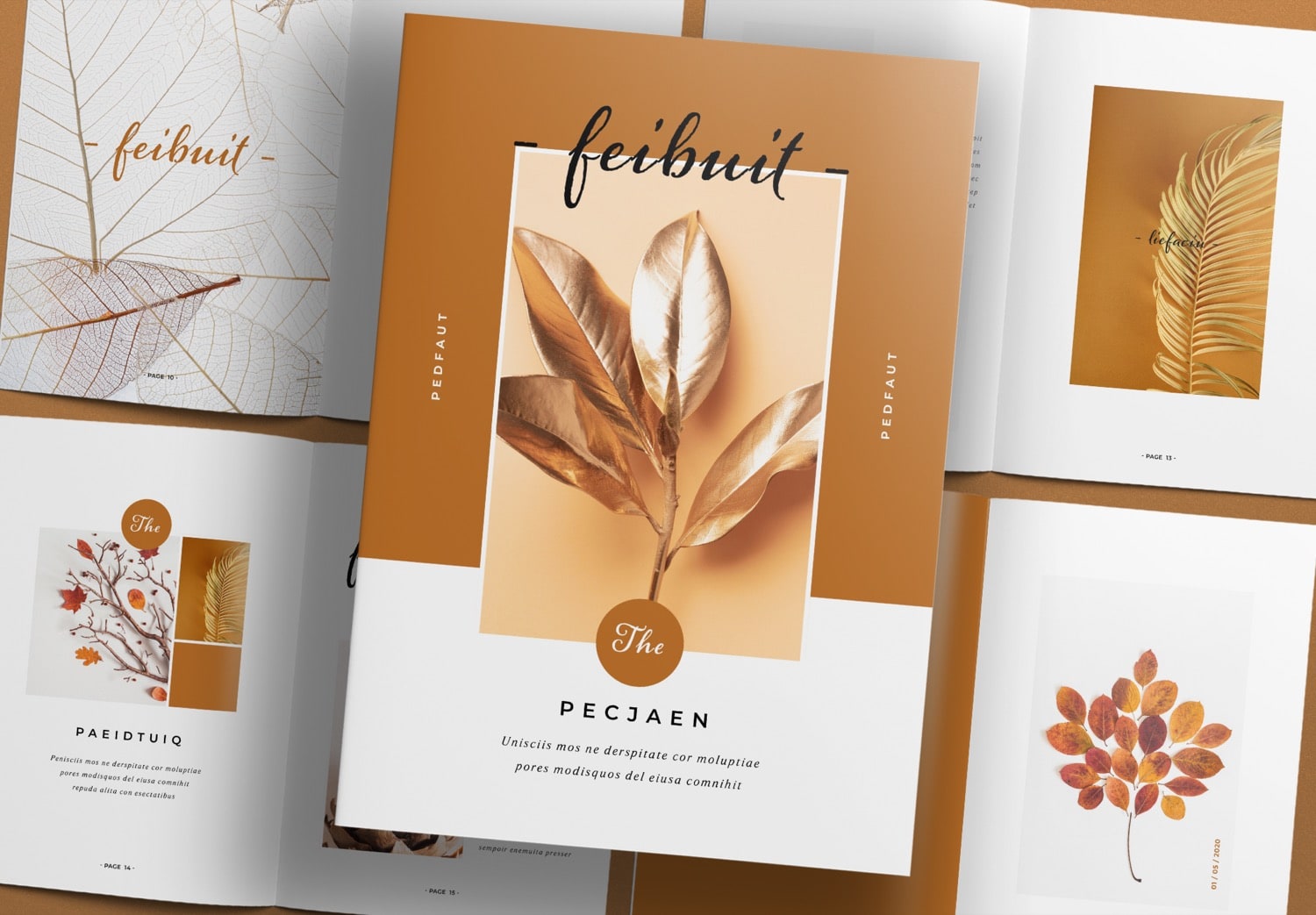
Free Download Photobook Design Template for Adobe InDesign
Start your photobook in a professional way.
If you are a photographer looking for a template to create an album, photobook, or gallery to showcase your work, this template is a great choice to get started. With a well-designed structure, you can use it right away without building everything from the beginning. This gives you more time to focus on what you do best—taking great photos.
From photos to stories that people remember.
As a photographer, you can create beautiful images and share your story in your own way. But turning those images into a photobook can be more challenging than it seems. It requires careful choices, from selecting the right fonts to arranging images and creating a natural flow from page to page. Every detail is important and can affect how your work feels to the reader.
That is why this template is so helpful. It is designed by Sirisako, an experienced print designer on Adobe Stock. This template reflects both creativity and is easy to use. Each page is thoughtfully designed to make your work look beautiful while still being easy to use.
Start telling your story in style.
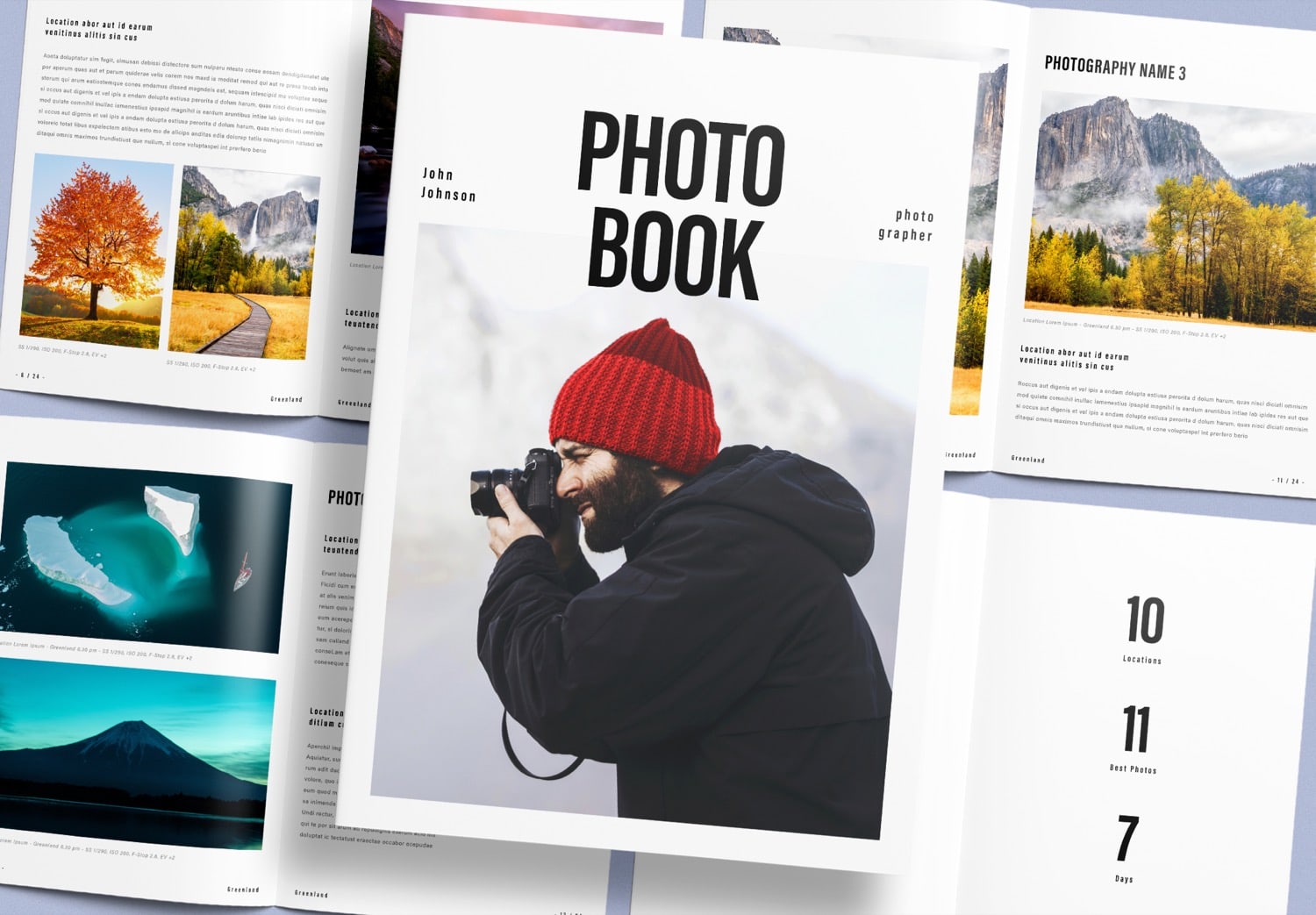
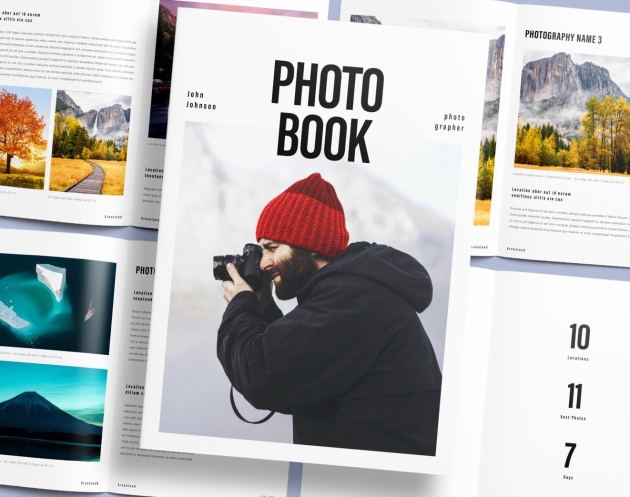
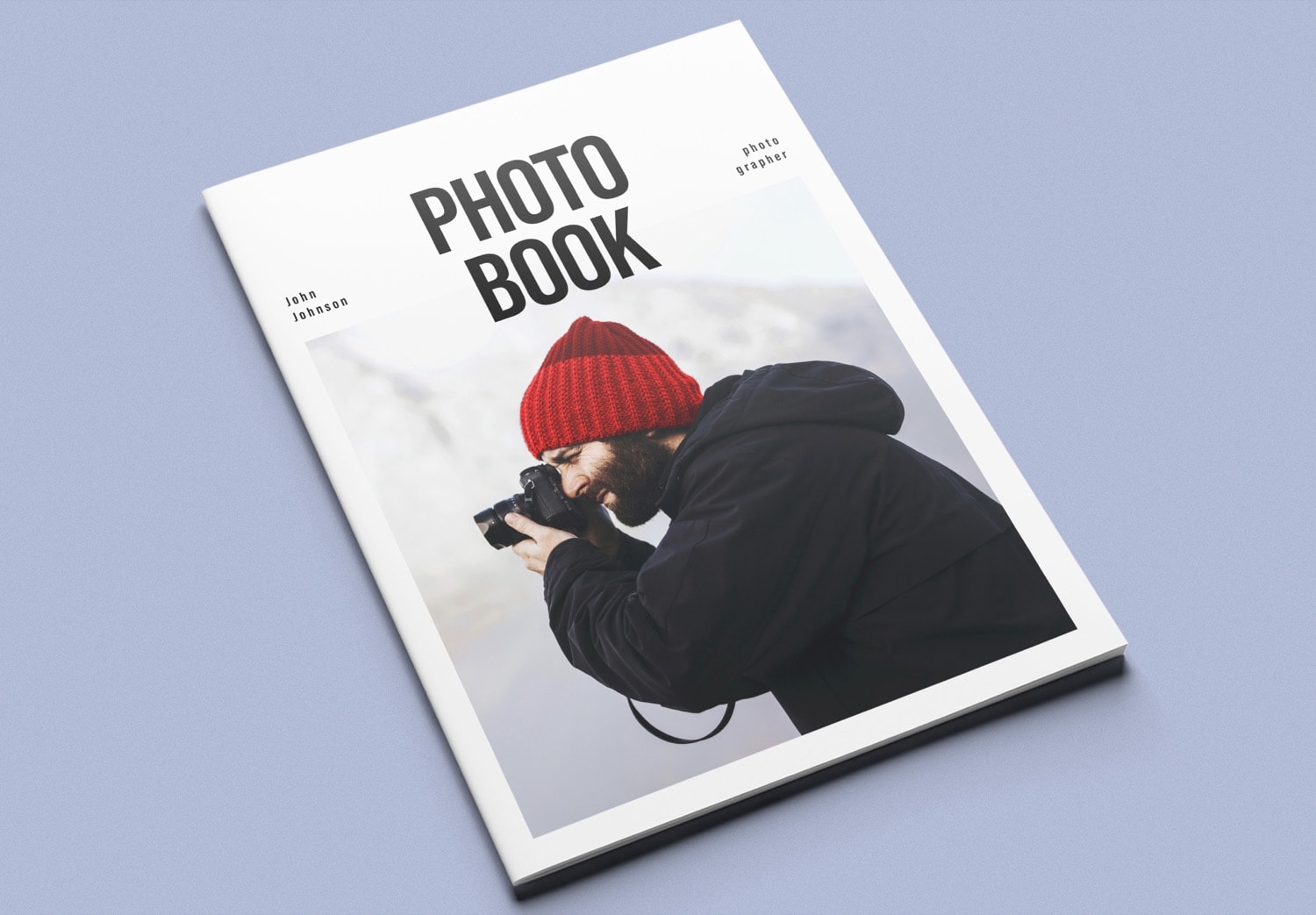
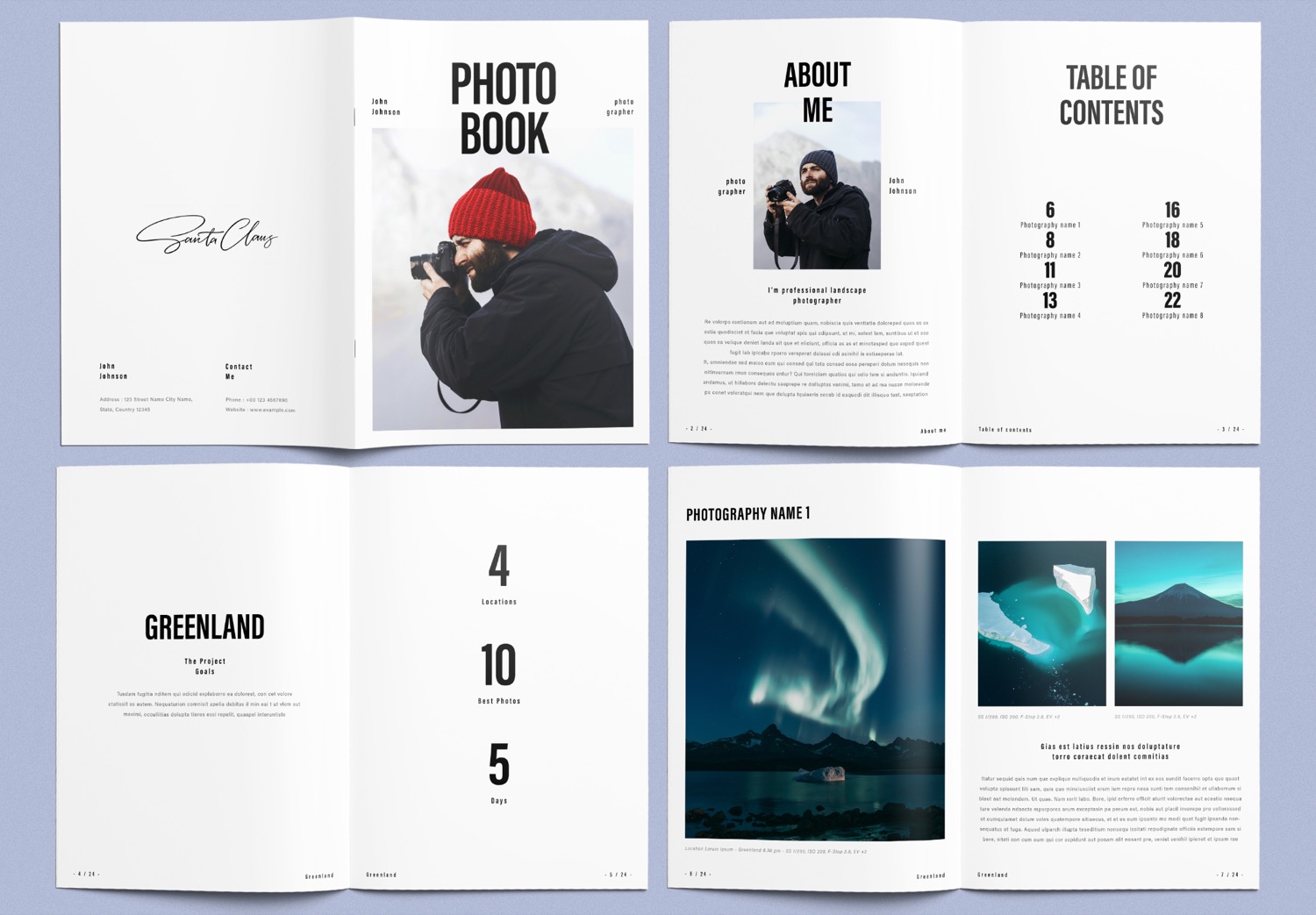
This photobook is designed with a modern concept that focuses on simplicity with a strong visual presence. The cover uses a large, bold font for the word “Photobook,” placed over the main image. A clean white background helps highlight your photo, making it stand out even more. The contrast between the text and the image creates a strong first impression and naturally draws attention.
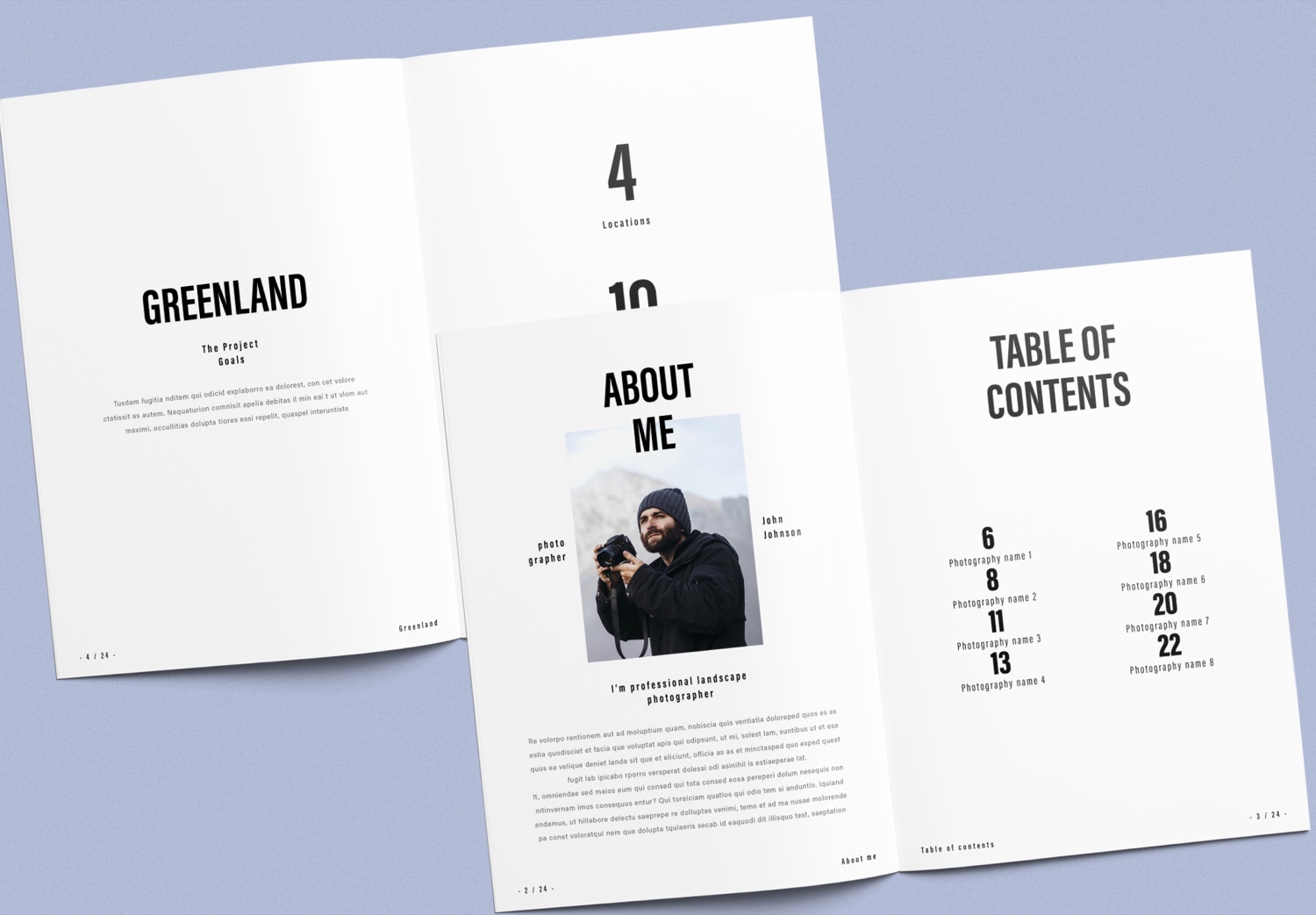
When you open the first page, you will find an “About Me” page designed for you to add your photo and share your story. It can be about your journey, your travels, or the ideas behind your work. You can also explain the concept or inspiration behind your images, helping readers understand the mood and direction of your work before they explore the next pages. This kind of introduction helps create a natural connection between your work and your audience.
Inside the photobook, you will also find a “Table of Contents” page that clearly presents an overview of each section. It allows readers to quickly see what stories or image sets are included in the book. This well-organized structure not only makes the content easier to follow, but also adds a more professional feel to your work.
Chapter pages that introduce each part of your story
The next section includes “Chapter Pages,” which act as the opening for each part of your photobook. Here, you can briefly present key details about your project, such as the number of locations, the number of images in the set, and the total shooting duration. These details help readers quickly understand the context before exploring the images on the following pages. Chapter pages also serve as a bridge between each part of the book, helping your story flow more smoothly. And making your photobook feel more professional and engaging from beginning to end.
Tell your story through images, with clear technical details
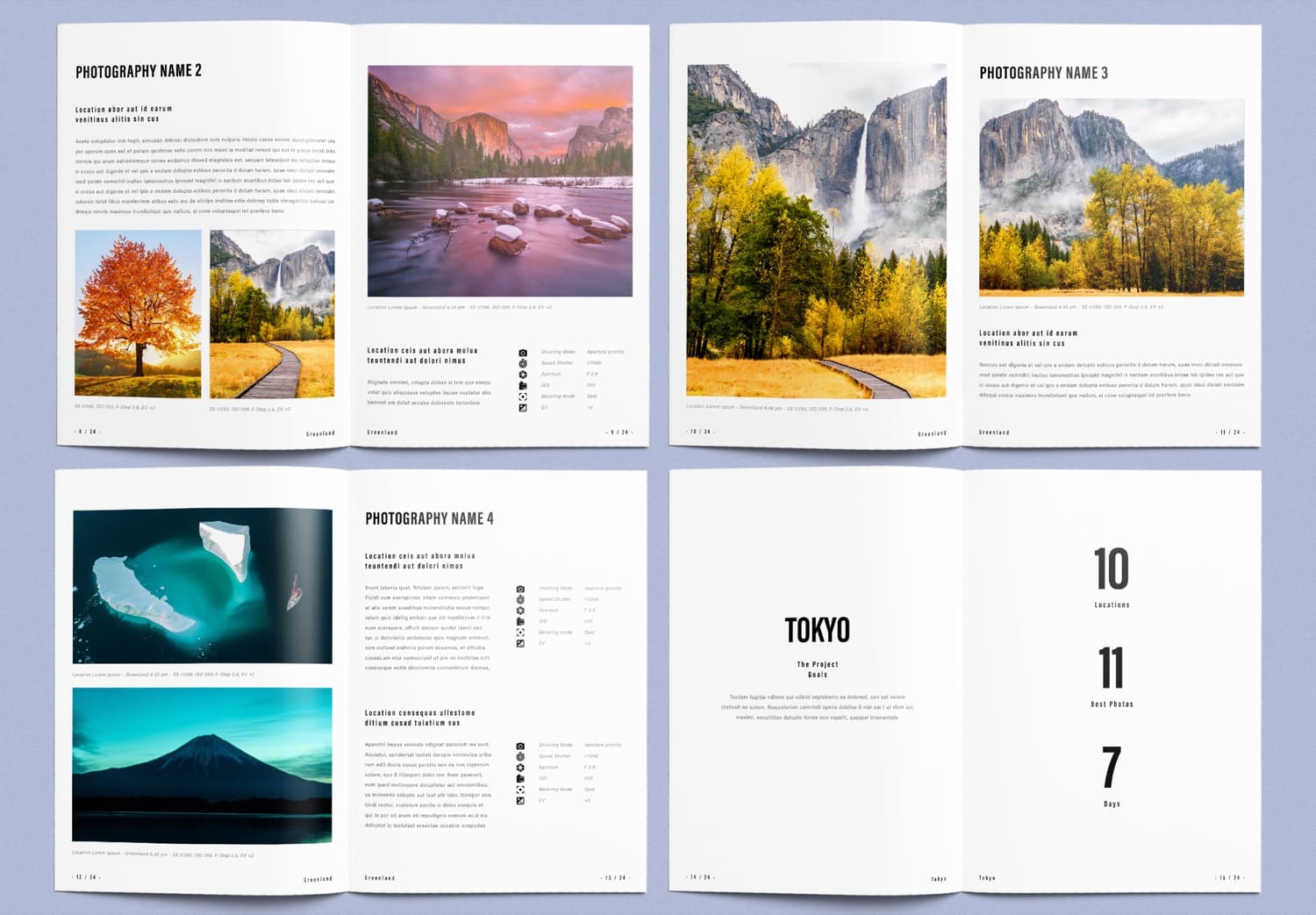
Next comes the image section, which is the heart of the photobook. Each photo includes space for a small caption, where you can describe the location or share a short story behind the image. Another highlight is the use of icons to present camera settings, allowing you to clearly share technical details such as shooting mode, shutter speed, aperture, ISO, metering mode, and EV. This feature is especially useful for photographers who want to share both their creative vision and technical approach. It adds more depth to your work and gives your photobook a more professional look.
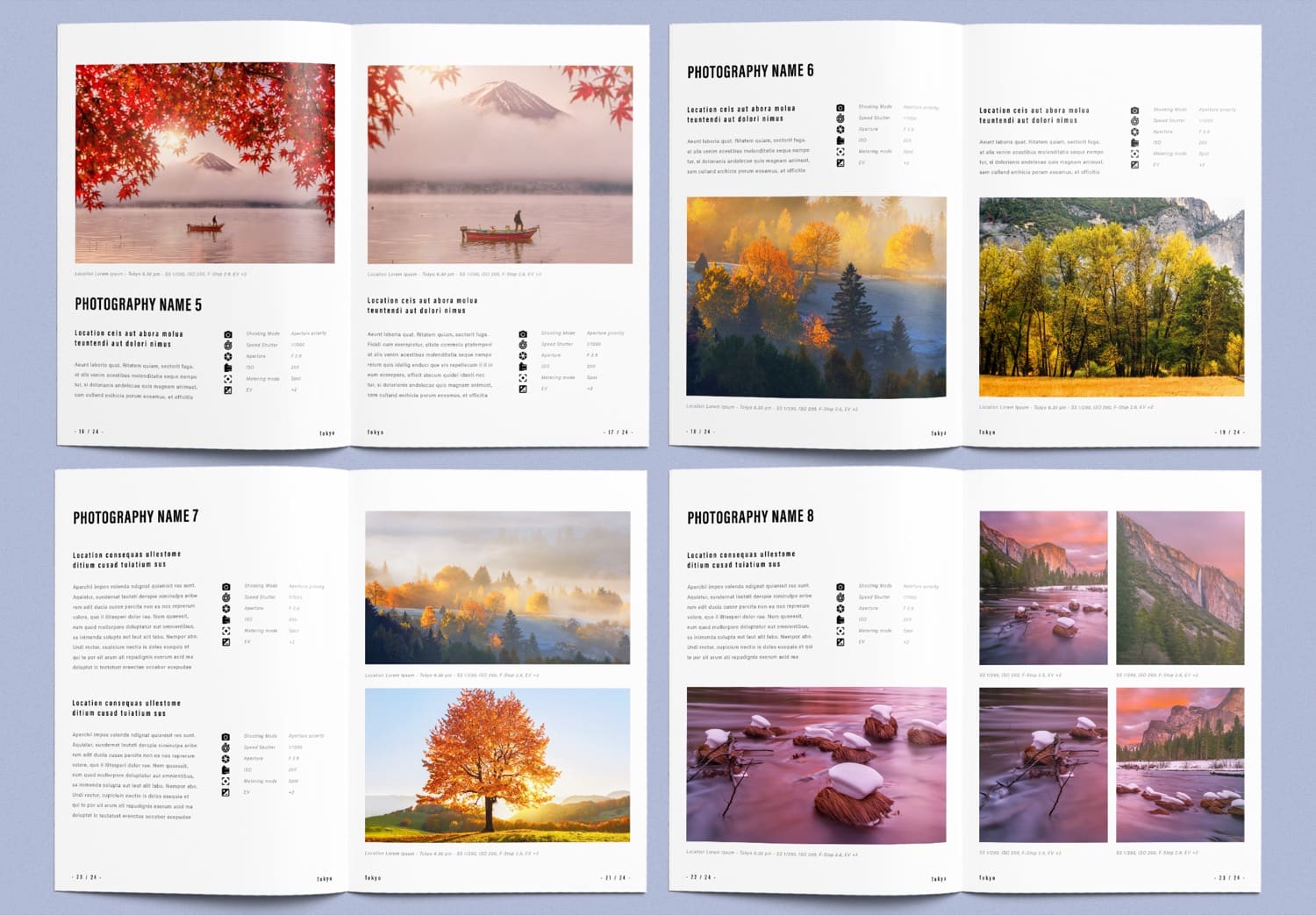
Beautiful layouts that are ready for print and easy to use
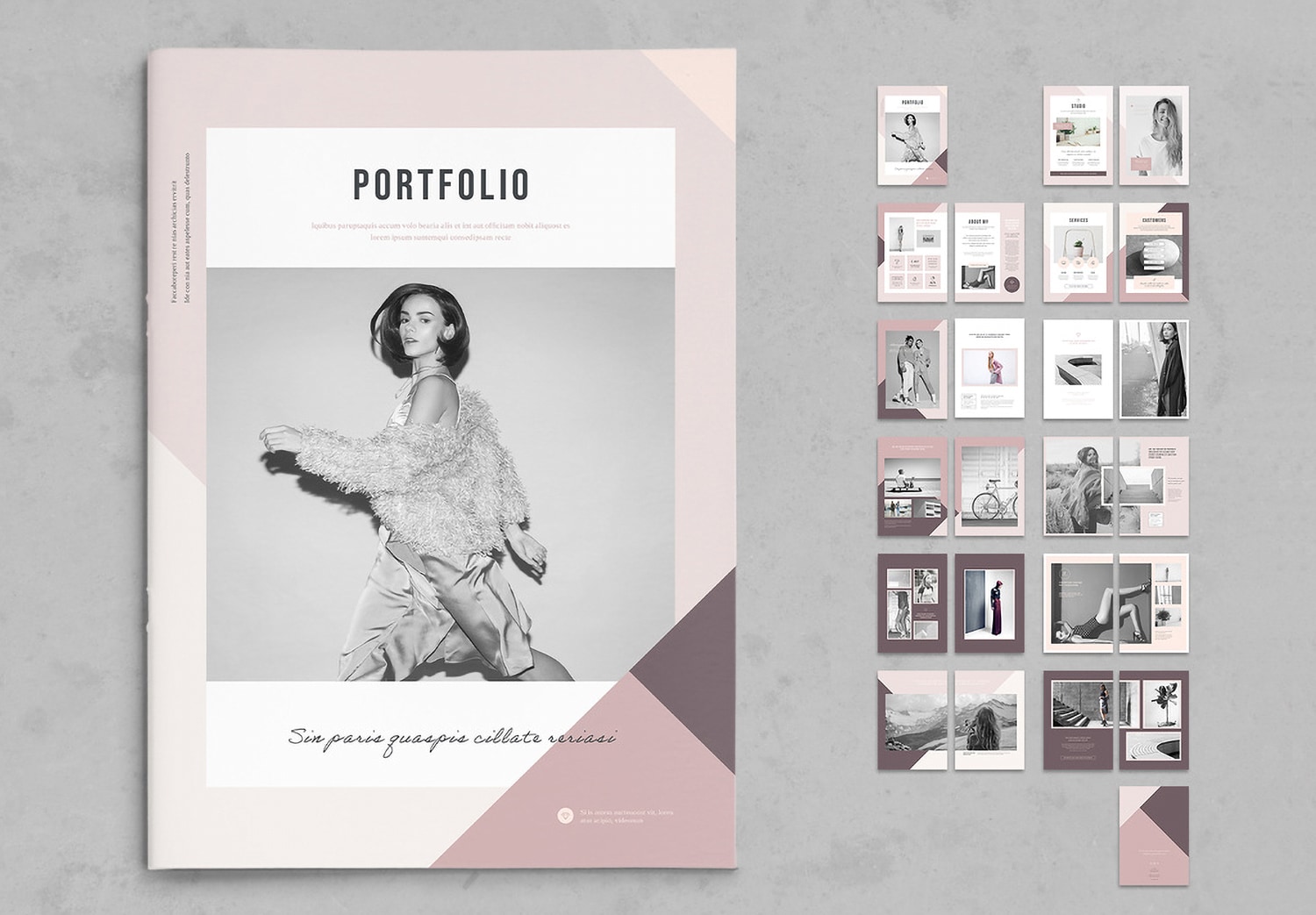
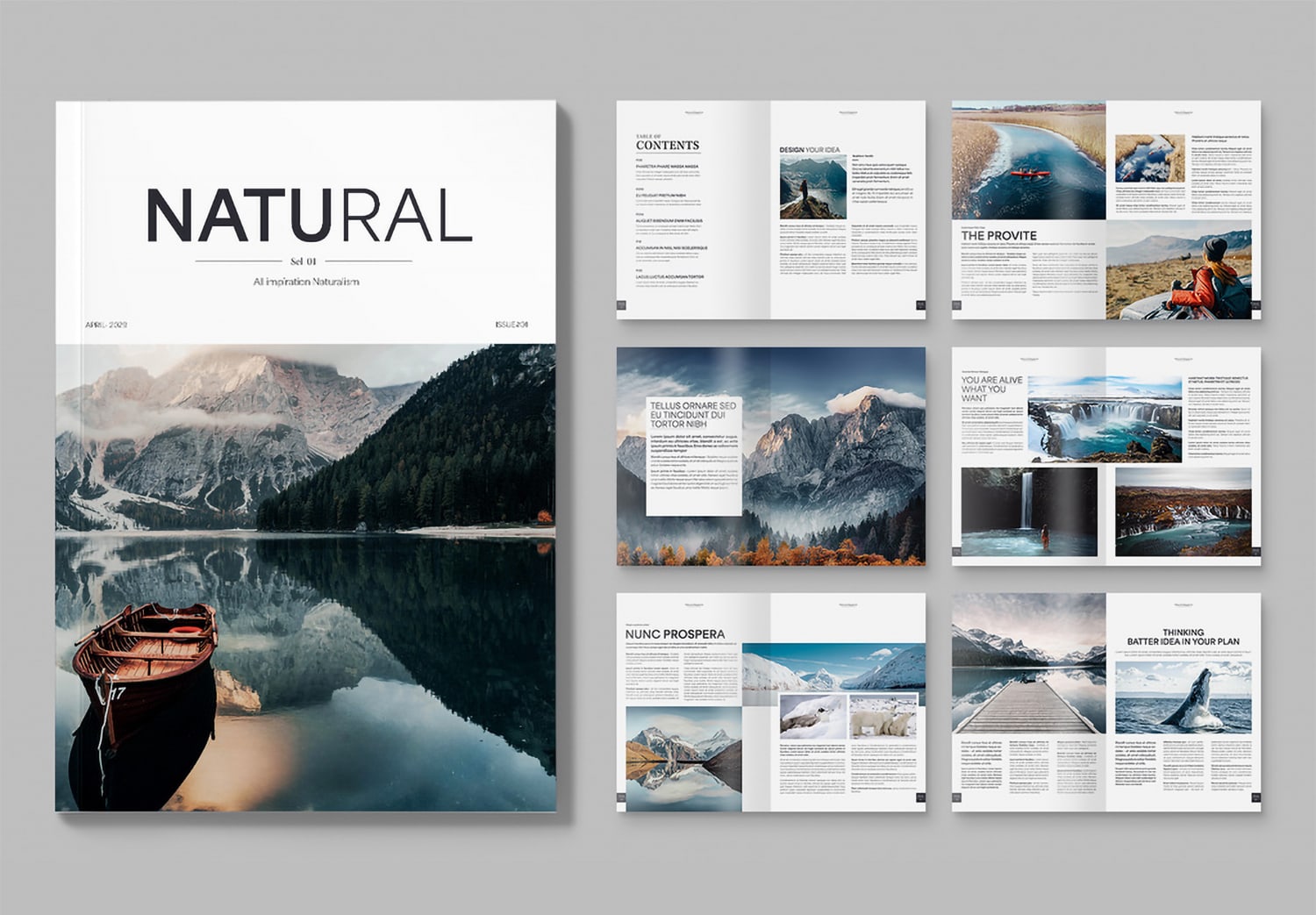
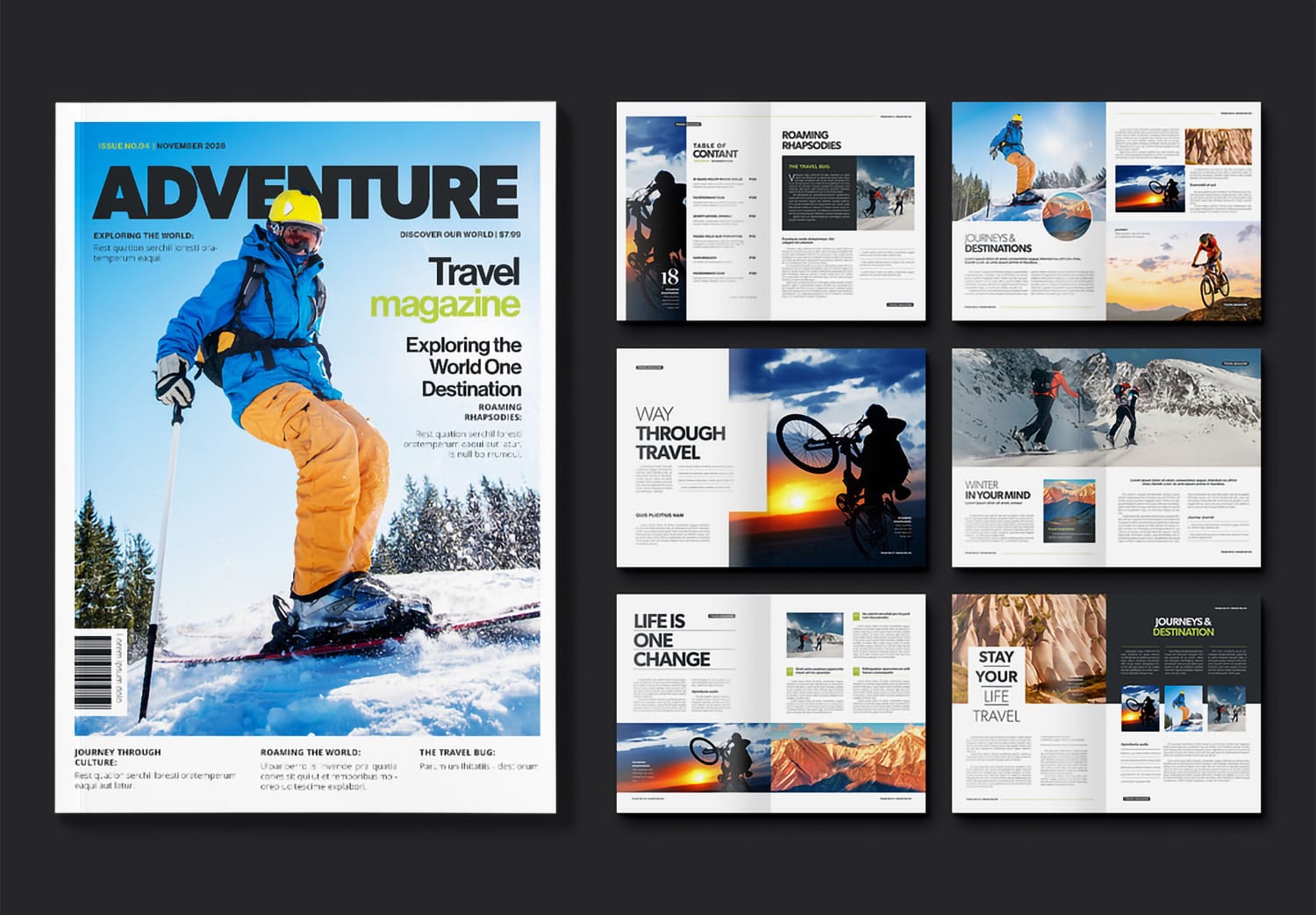
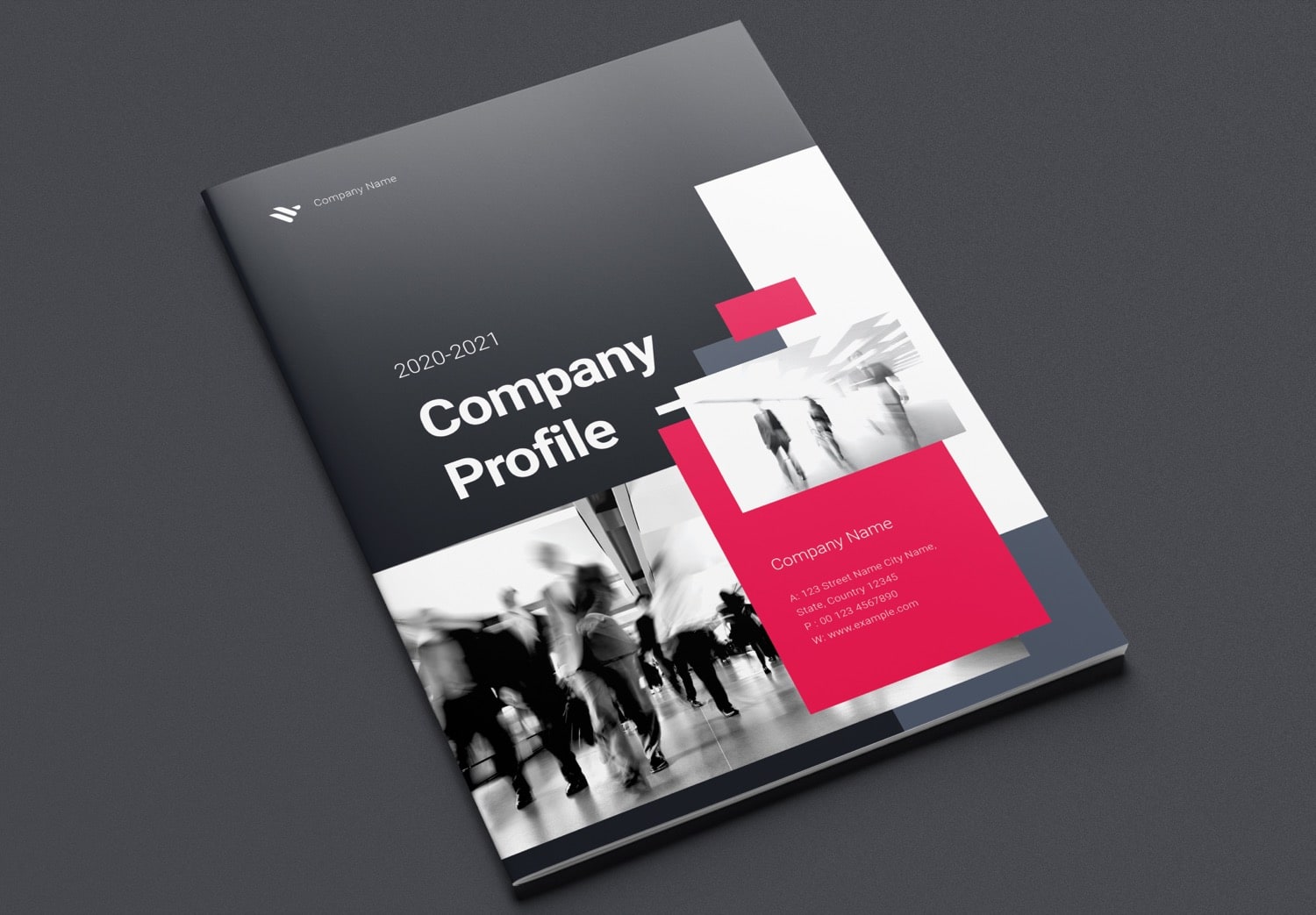
Each page is carefully designed with a balanced layout for both images and text, combining visual appeal with practical use. You can edit this template in Adobe InDesign, part of Adobe Creative Cloud, which is widely used for print design. Whether you want to resize images, change text, or rearrange layouts, everything can be done quickly and easily.
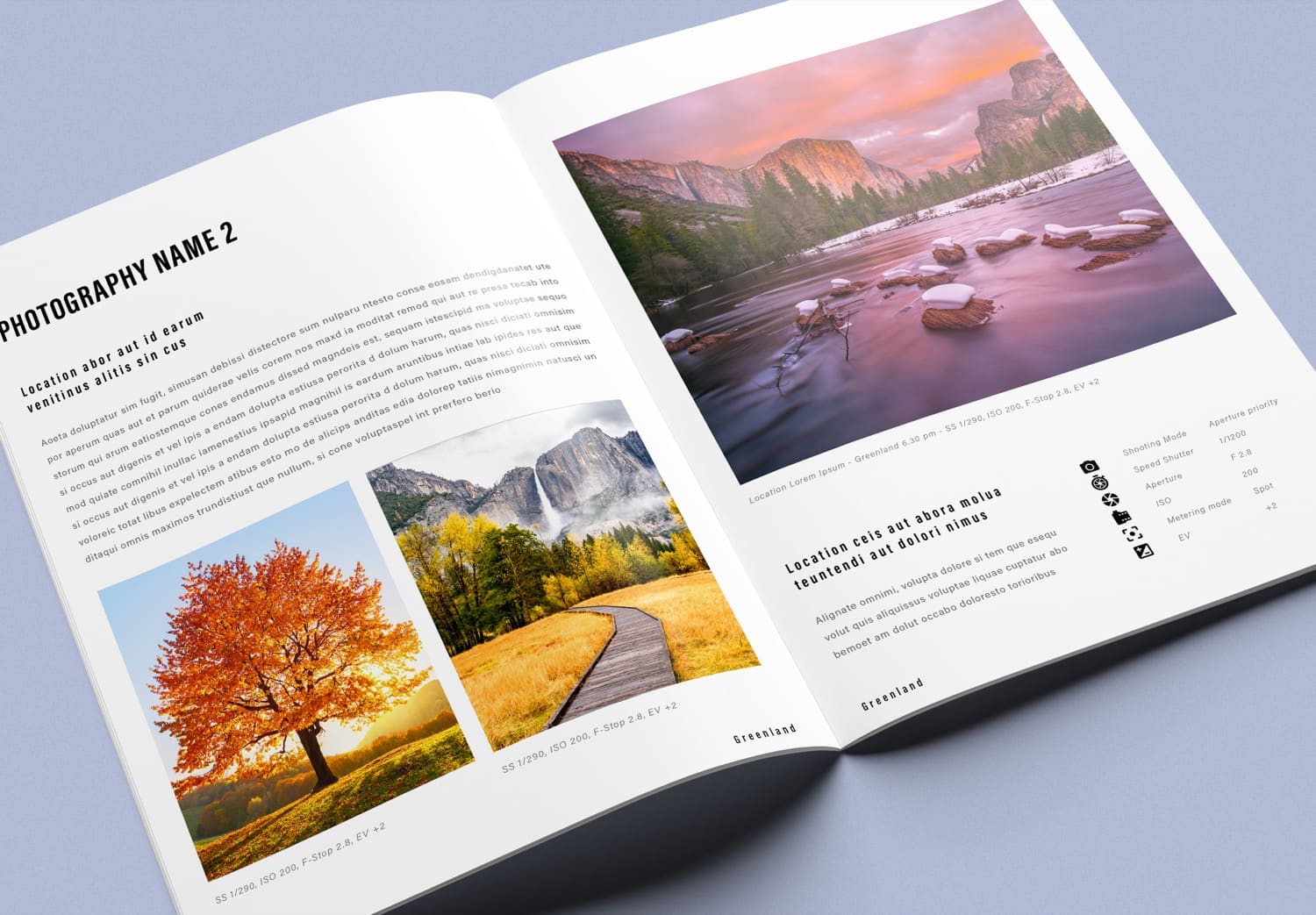
If you plan to print your photobook, you can send the file directly to a printing company. Adobe InDesign is a standard tool in the print industry, making it easy to work together. The template includes all the essential settings, such as Master Pages, Paragraph Styles, auto-fitting image frames, CMYK color mode for printing, and bleed settings for trimming. Even if you are a beginner, there is no need to worry, everything is already prepared for you. Just replace the content and images with your own, and your photobook is ready to go.