Free Creative Design Portfolio Template with Brown Accents
Tell your story through a standout portfolio
Creating a beautiful and interesting portfolio is not easy. At the beginning, you need to think about many things and plan carefully. You need to organize the structure of your portfolio so your work flows well and tells a clear story. At the same time, each layout should help your work stand out on every page. That is why starting with a well-designed and easy-to-use template makes the process much simpler.
This portfolio template is designed by Sirisako, a professional designer who understands the creative process very well. When you start with this template, you do not need to worry about layout or structure. Everything is already prepared for you. You only need to replace the text, add your tagline, and insert your images. Your workflow becomes smooth and fast.
Improve your workflow and create great results with a template
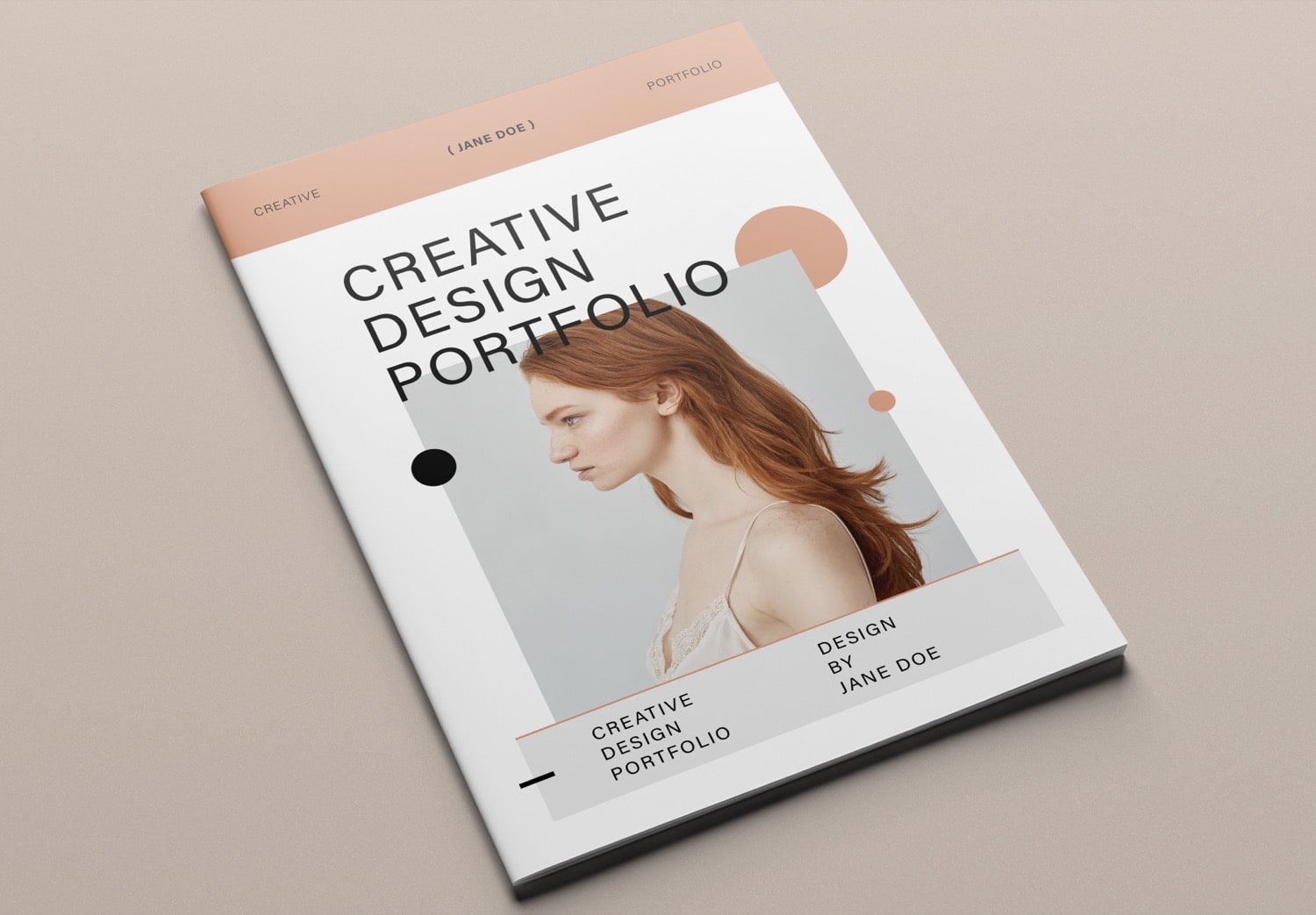
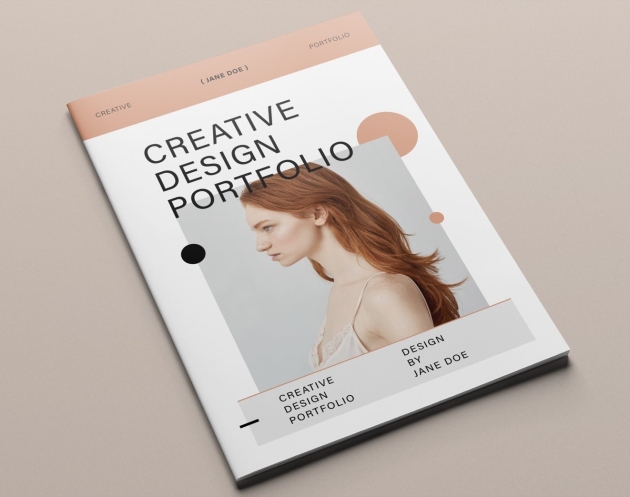
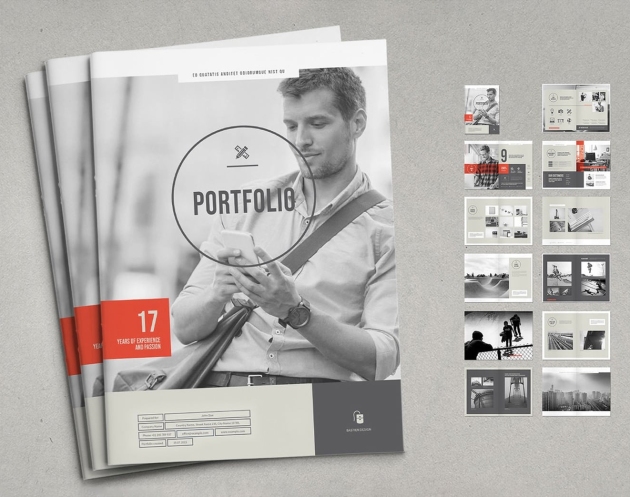
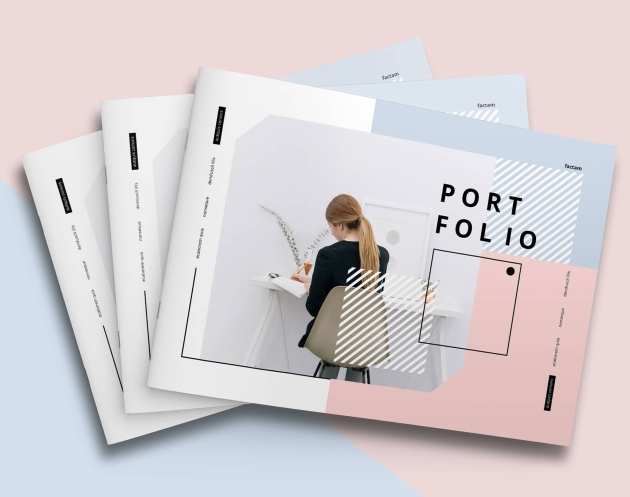
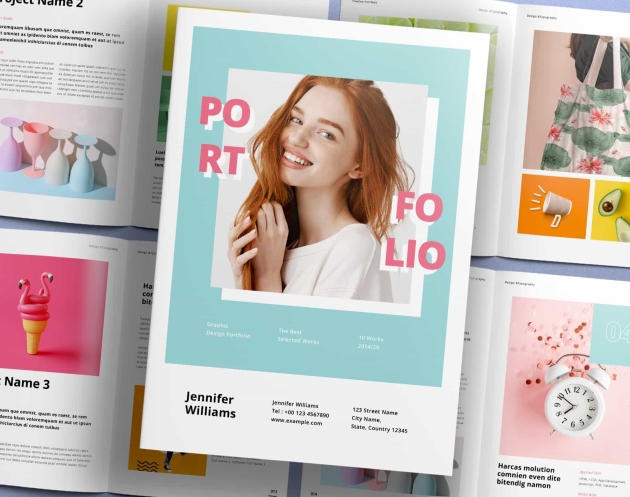
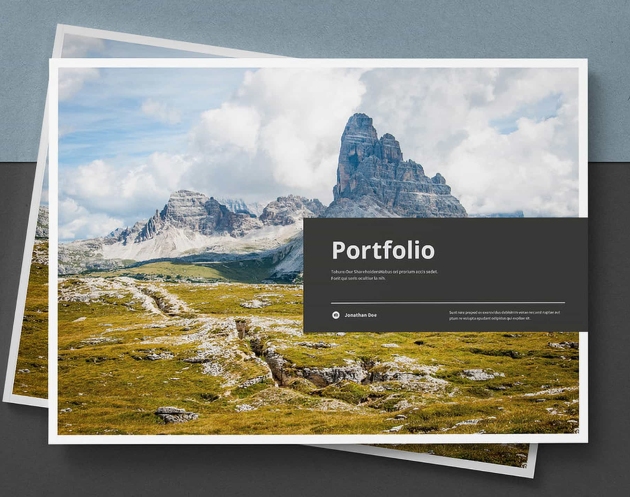
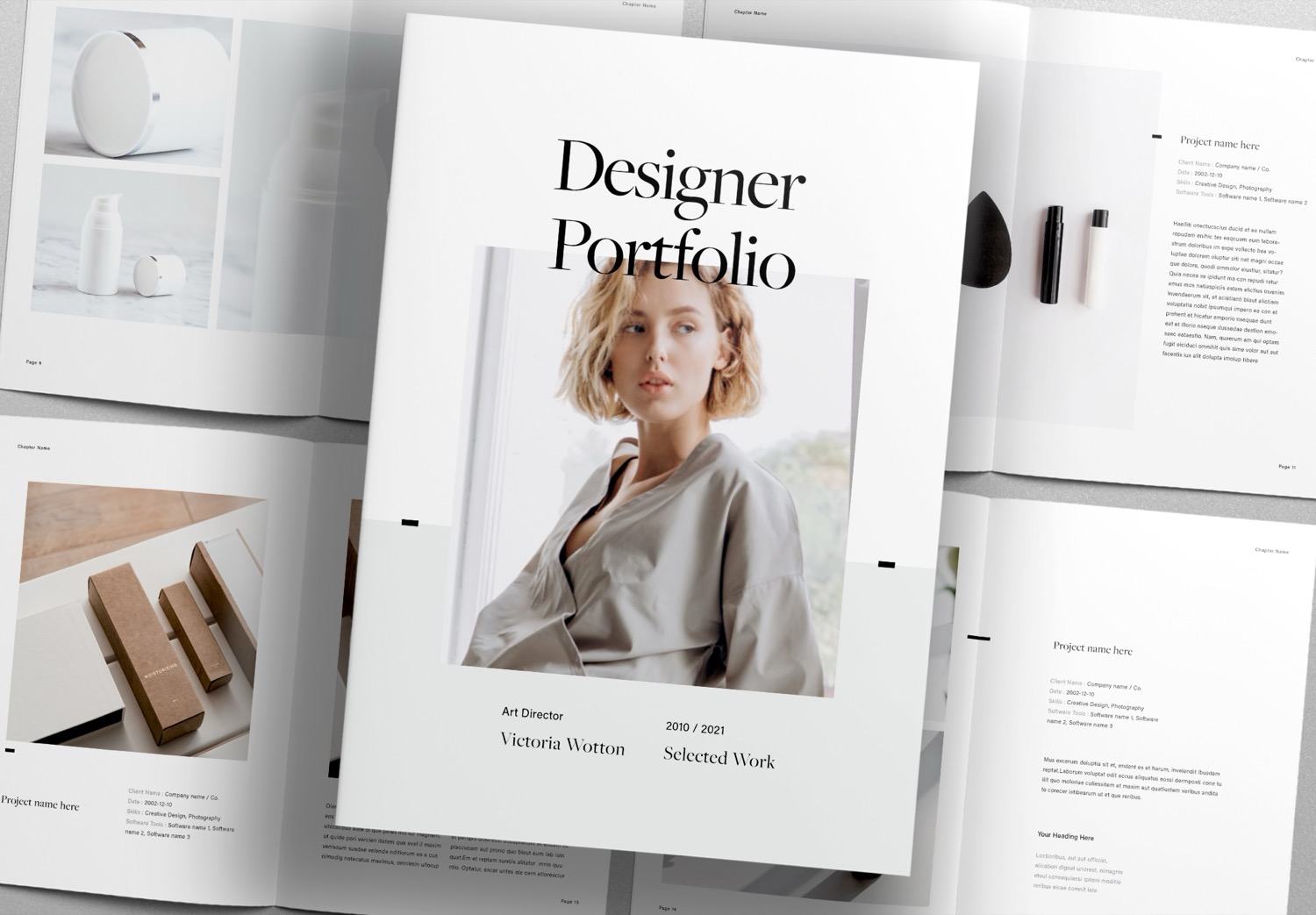
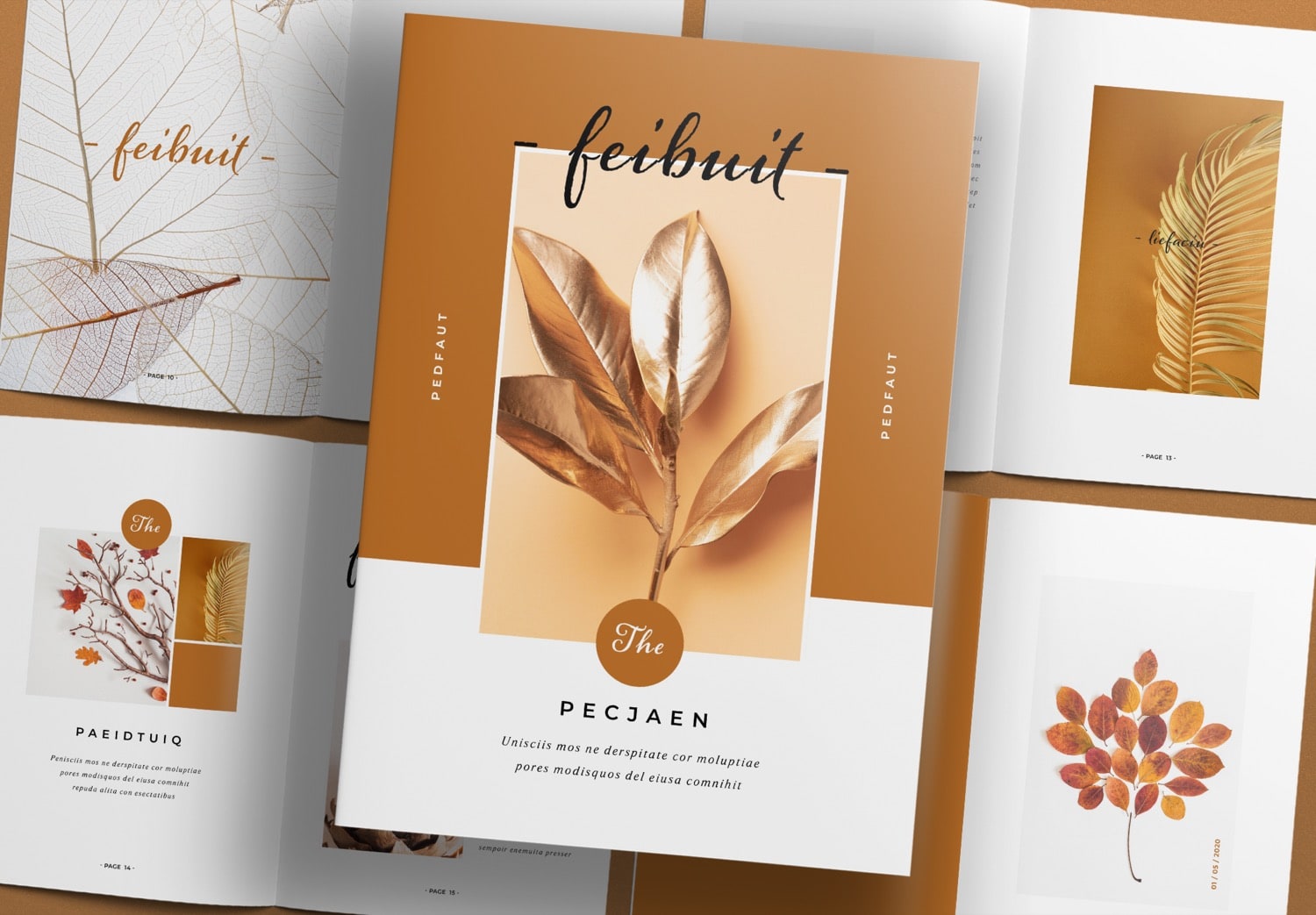
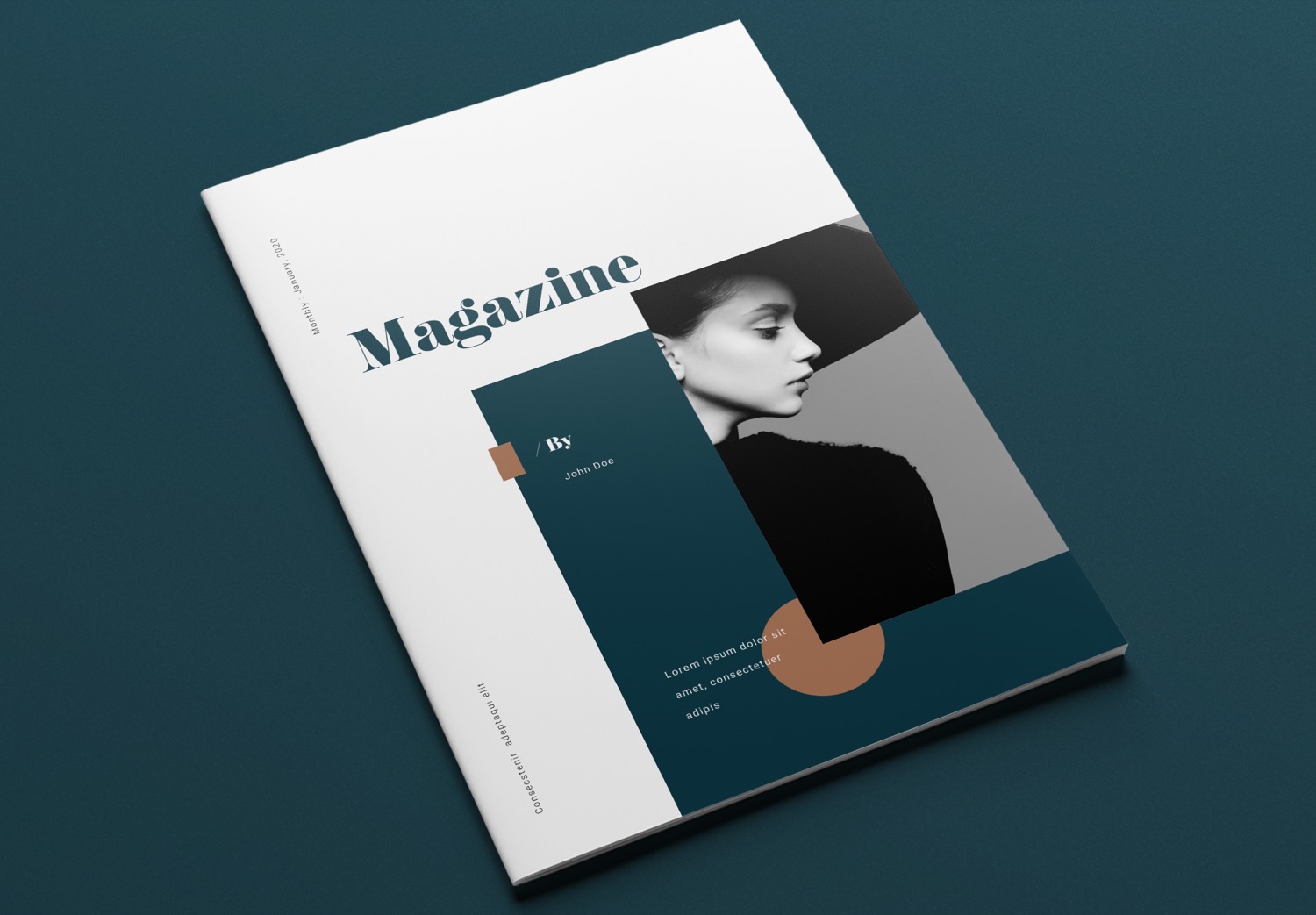
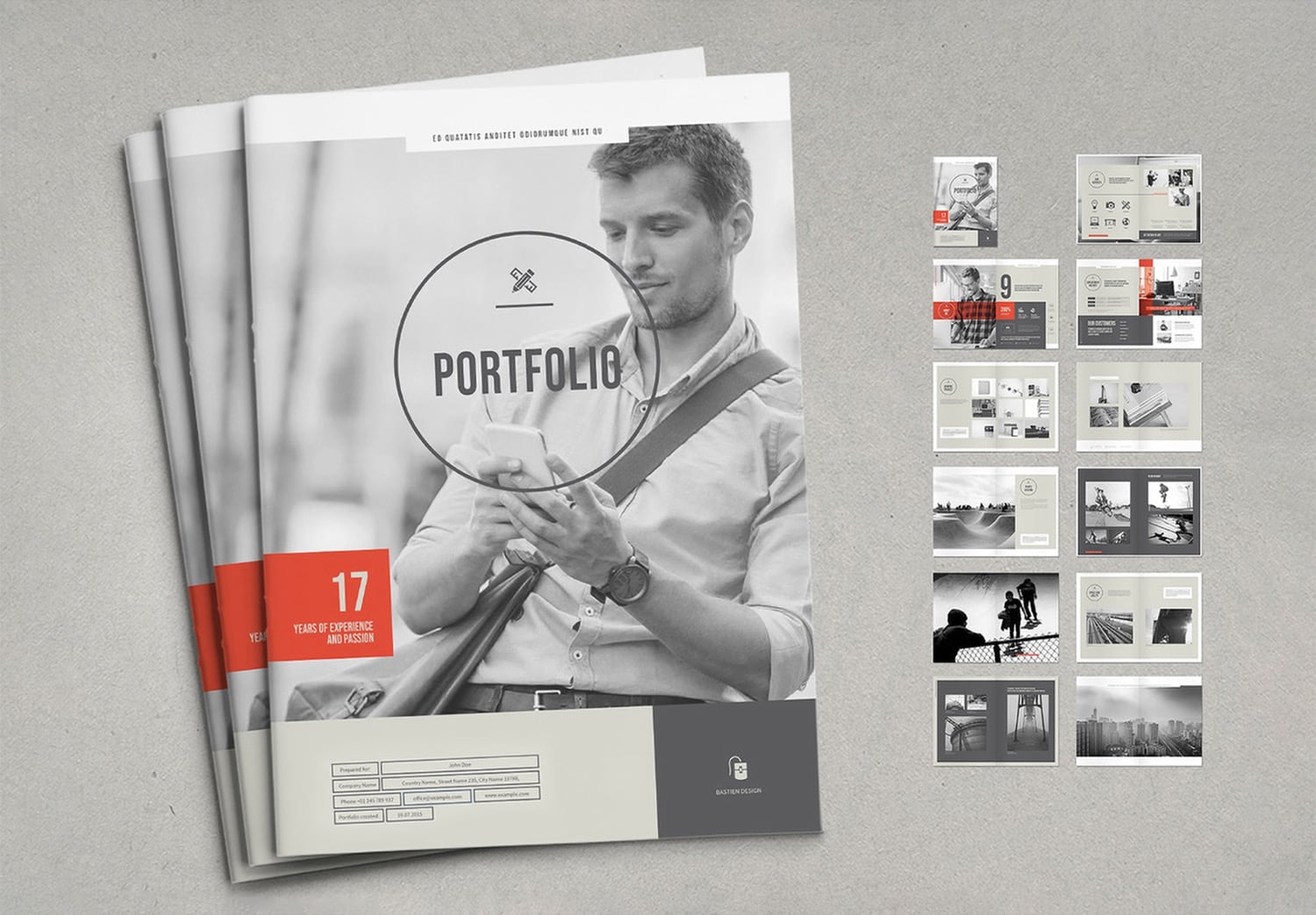
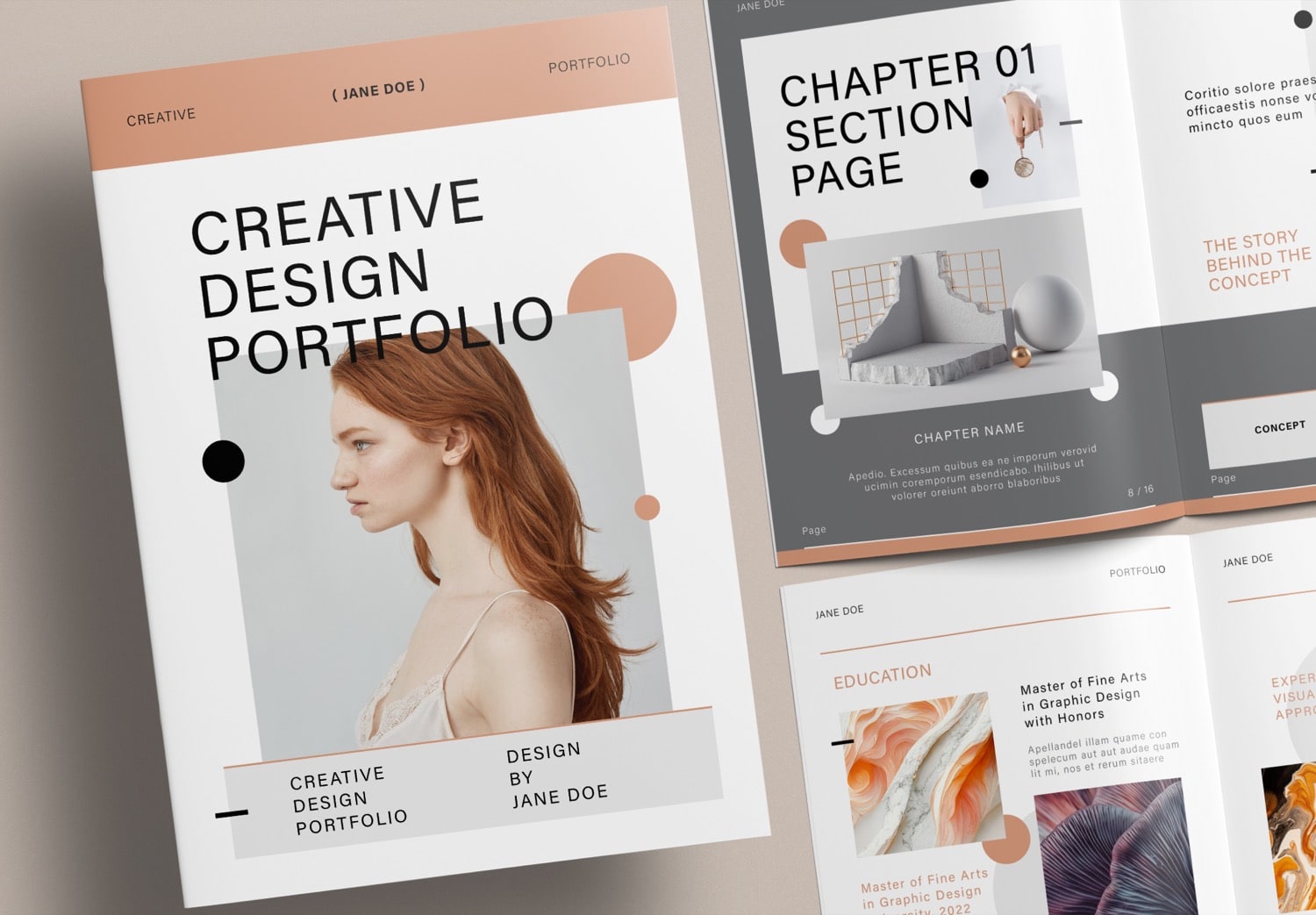
The first impression starts with the cover. This cover uses a creative design with strong, modern, and easy-to-read typography. Brown and black elements on a white background help guide the viewer’s eyes to the key points. The design continues to the back cover, creating a consistent look. When you print it, the portfolio looks like a well-designed book from the outside.
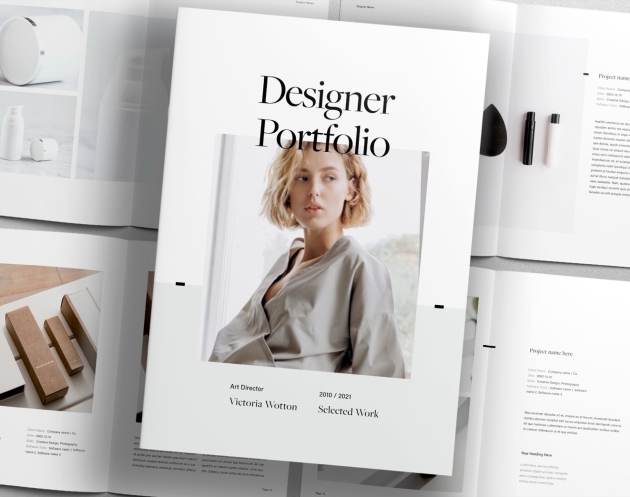
Inside the portfolio, you will find an introduction page where you can add your photo and introduce yourself. You can share your story, your work, and your main topics. This comes with a table of contents where you list your projects. The template already includes automatic page numbers, so even if you add or remove pages, the numbering updates automatically.
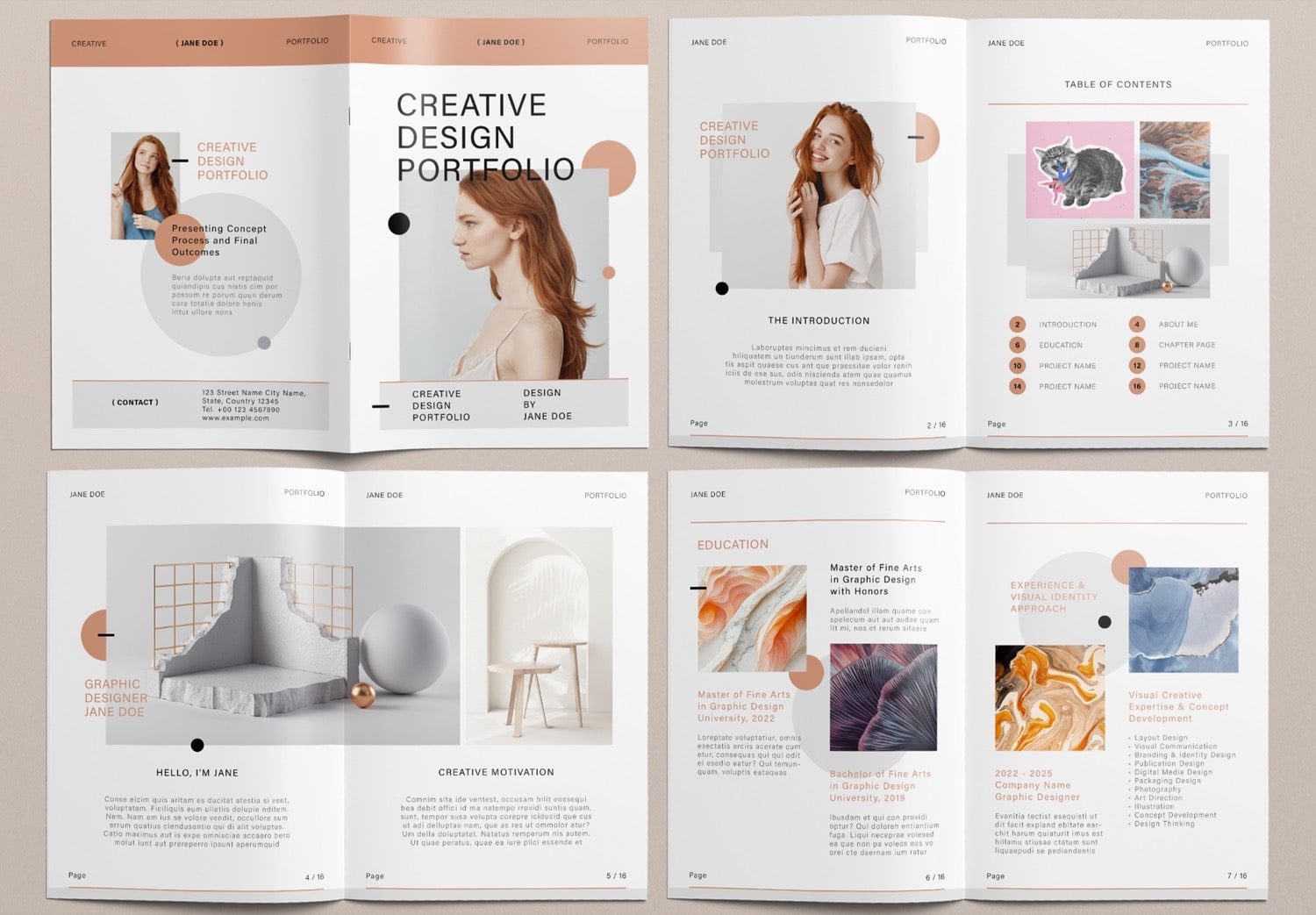
On the next pages, you can add images and explain your ideas, inspiration, or concepts. You can also include your work experience and highlight your skills. The education page allows you to present your academic background and any awards related to your work.
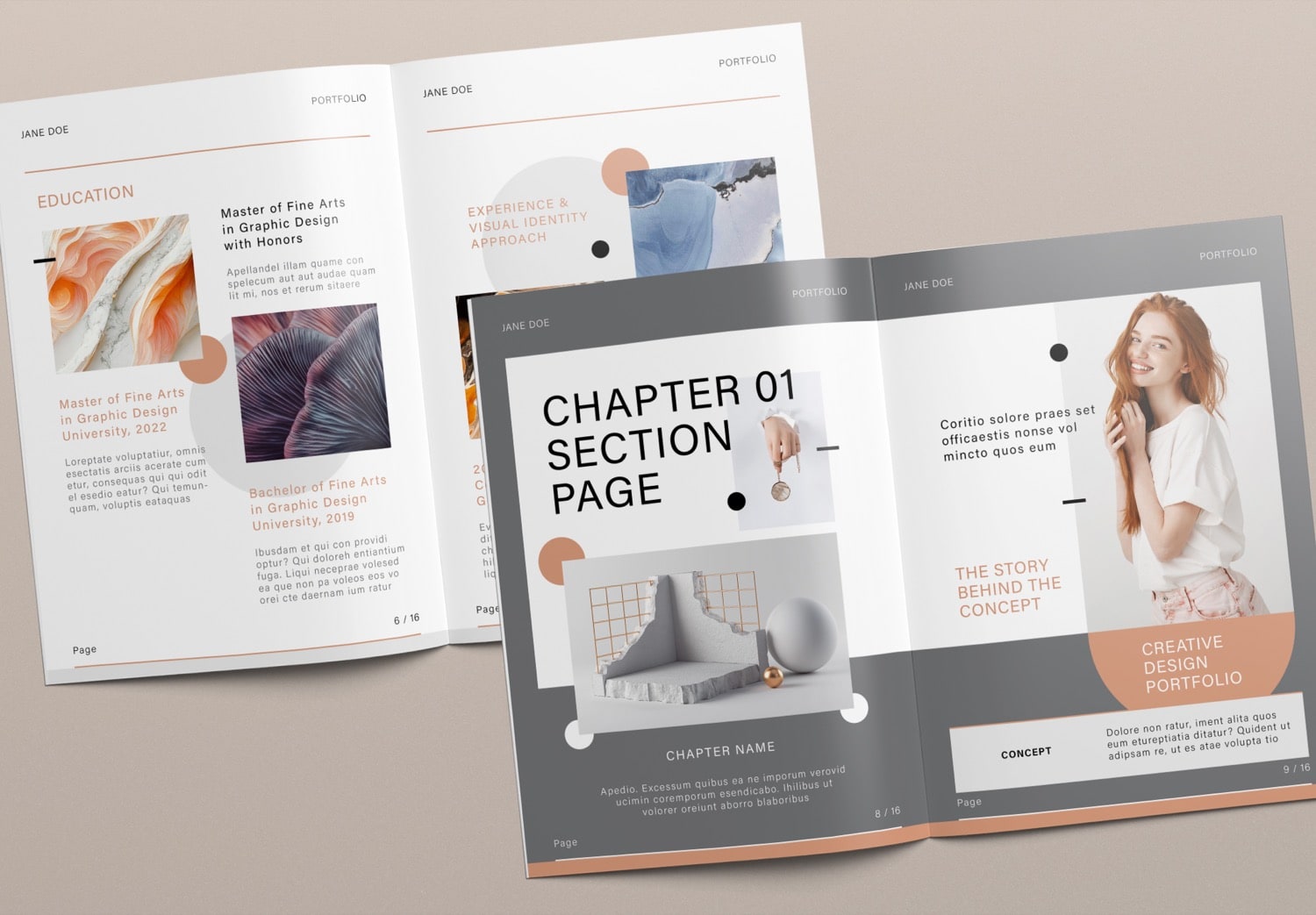
Before showing your projects, the template organizes the structure clearly. It includes chapter section pages that you can use as the opening page for each project. You can reuse this layout for every project to keep your portfolio clean and organized. It helps separate each project clearly while keeping the same design style throughout the book.
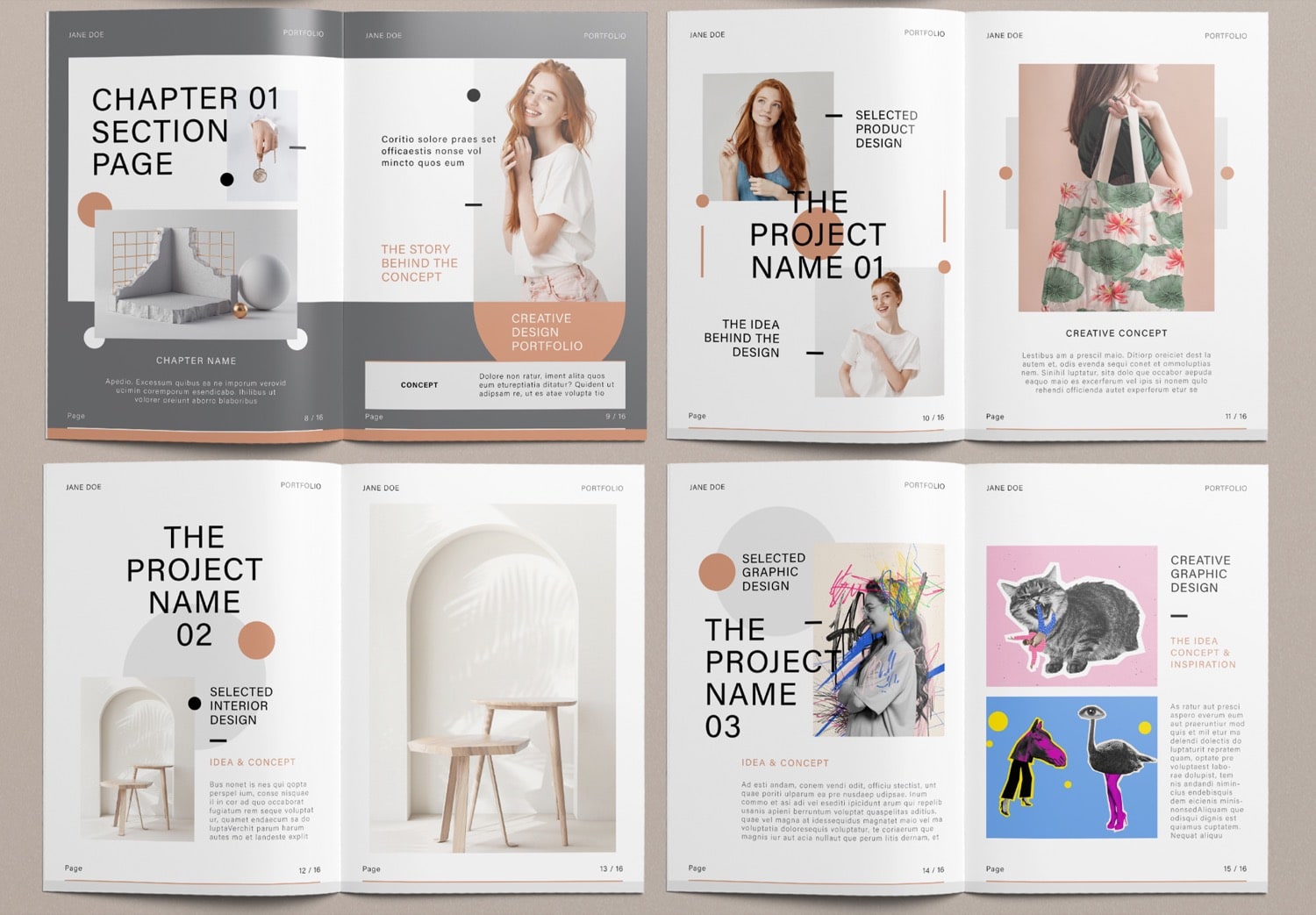
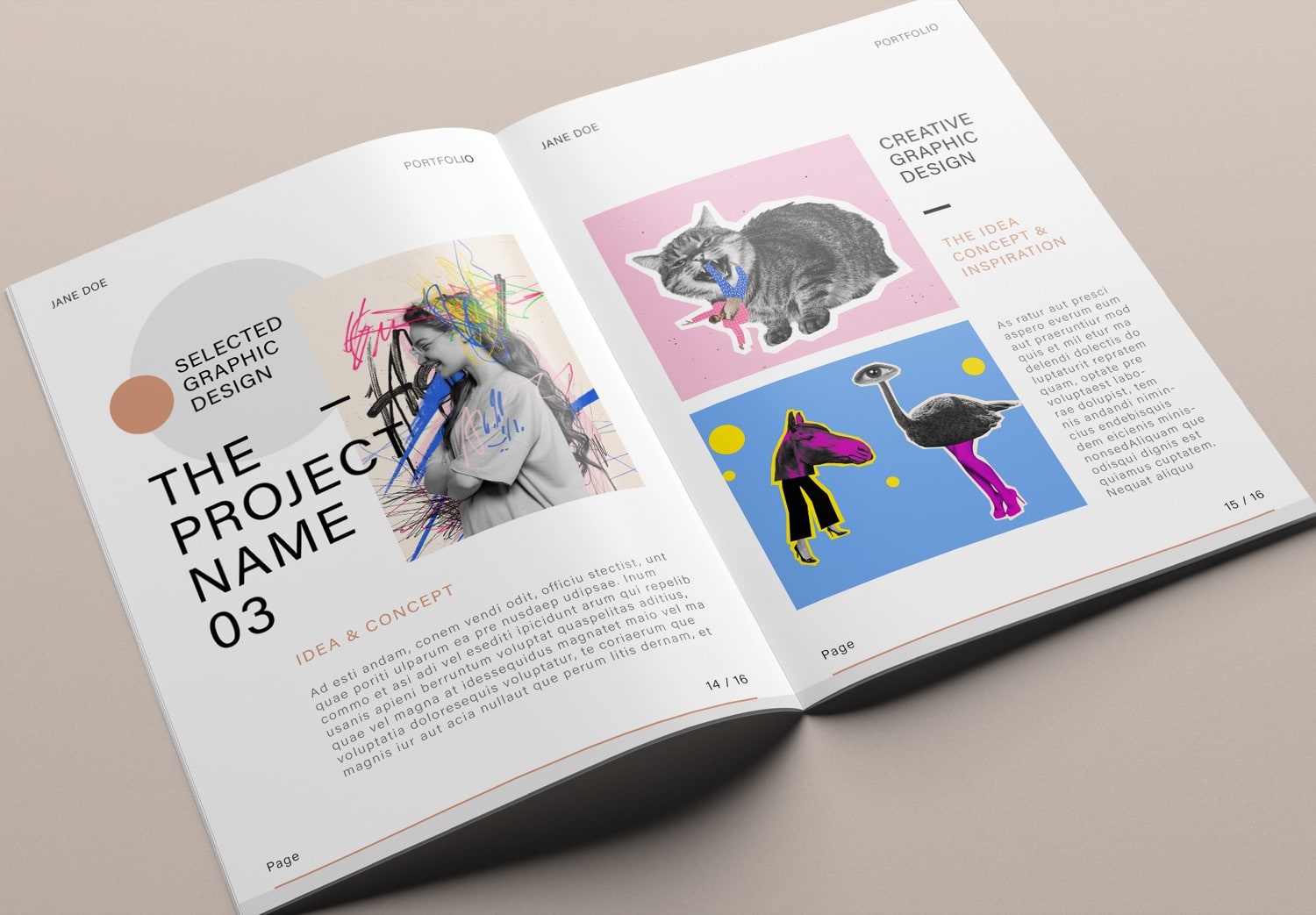
In the project section, you will find many layout options for presenting your work. Each page has a clean and unique design. You can edit everything in Adobe InDesign, widely used by professional designers. To use this template, you only need to replace the content and drag and drop your images into the placeholders. Your portfolio will be ready in a short time.
Make your work easier by choosing the right tools
If this template fits your needs, feel free to download it. You can Get 10 free downloads on Adobe Stock. If you use Adobe Creative Cloud (which includes Adobe InDesign), you can also start with a free trial. And then you can get Adobe Creative Cloud 50% off for three months if you continue. Students get up to 71% off. Using this template helps you create a portfolio faster.