Free Catalog Layout Template for Adobe InDesign
Get attention with a well-designed catalog
A well-designed catalog makes it easier to sell your products. You need to present your branding and products in a clear and engaging way. Every detail matters, and the presentation should feel interesting and easy to follow. If you are looking for a template to help you, this one is a great choice. It works well for fashion, jewelry, accessories, cosmetics, perfumes, and even interior decor items such as chandeliers, lamps, vases, or elegant furniture.
This catalog template is designed by Sirisako, an experienced designer in the creative field. His design template is very popular on Adobe Stock. This template follows a luxury concept to help you promote your products in a more appealing way.

” Make your brand stand out
with a luxurious catalog design “


Create a strong catalog from design to print with this template
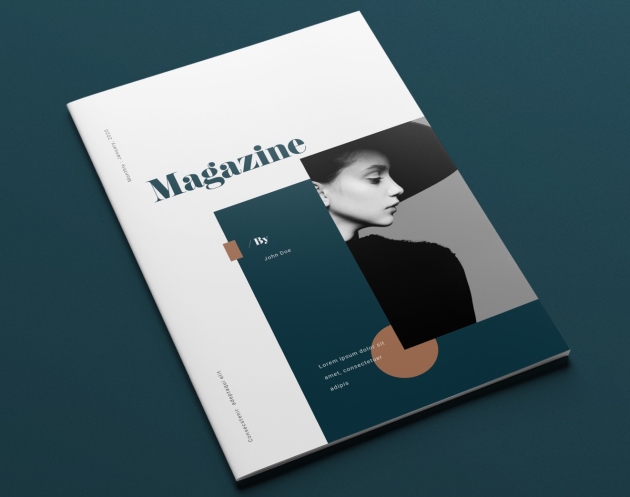
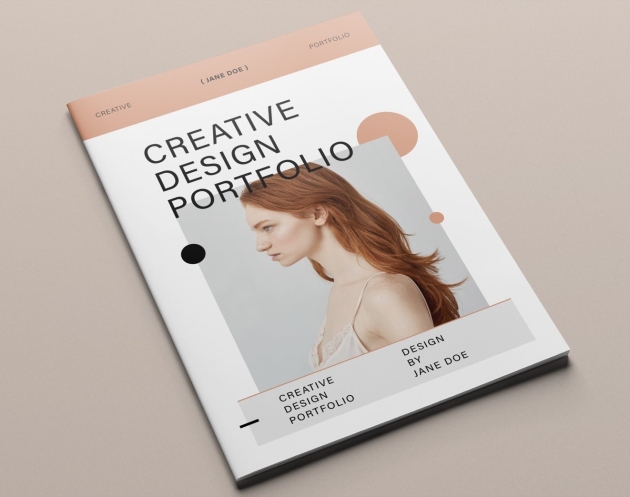
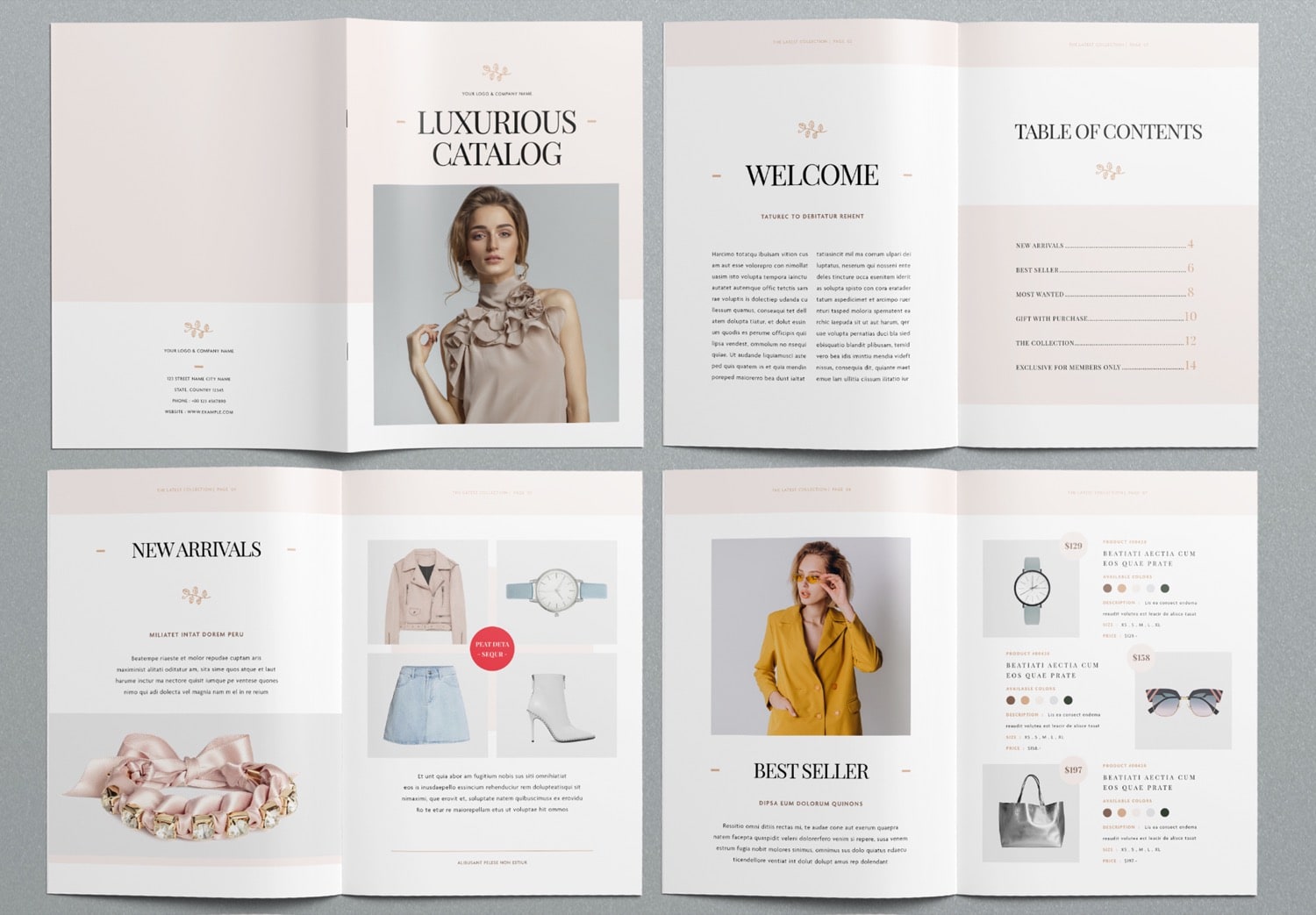
The cover has a simple and elegant design. Beige and white tones create a clean background, while uppercase serif typography adds a strong but simple and elegant look. You can use this template in Adobe InDesign. Just place your image into the cover and drop it into the image placeholder. The image will automatically fit the frame. The template already includes ready-to-use settings. When you replace the text, you will get the same clean result as the original design because all paragraph styles are already set. This makes your workflow faster and smoother.
Inside the catalog, you will find a welcome page where you can introduce your brand or explain your collection concept. It comes with a well-designed table of contents where you can list your product categories. You can add, remove, or rearrange pages freely to match your content. The page numbers update automatically, so everything stays organized.
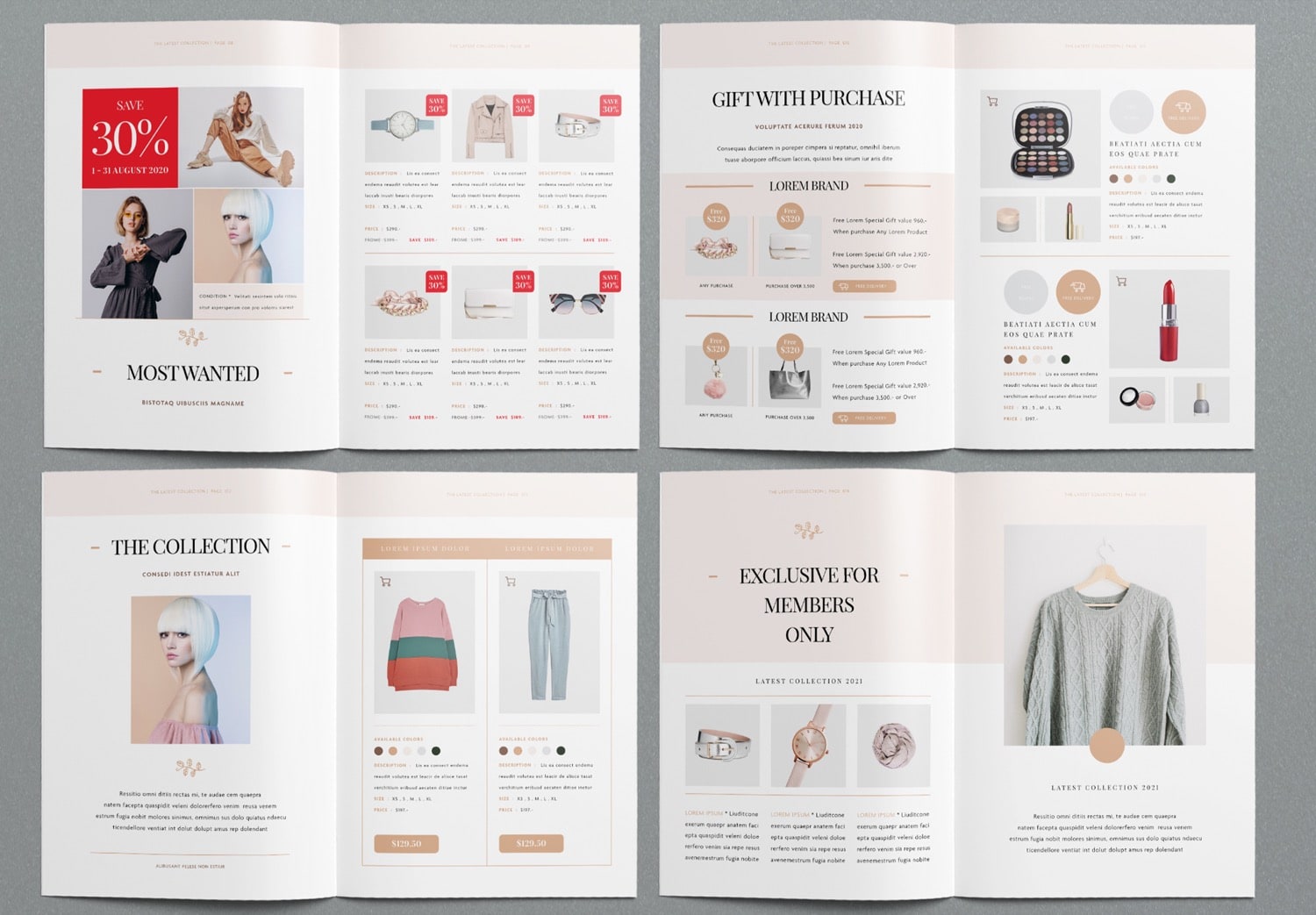
The main section has different layouts to show your products. You can use them for sections like New Arrivals, Best Seller, Most Wanted, The Collection, Gift with Purchase, or Exclusive Member Offers. You can easily add product images, names, prices, descriptions, and details such as size or color.
The template also supports professional printing. It uses CMYK color mode for high-quality print results and includes bleed settings for trimming the extra edges of the paper. You can send this file to a printing company to print your catalog.
When you see how this template saves time and improves your workflow. Feel free to Get up to 10 free downloads on Adobe Stock. If you use Adobe Creative Cloud (which includes Adobe InDesign), you can also start with a free trial. And then you can get Adobe Creative Cloud up to 50% off for three months if you continue, and Students get up to 71% off. This app is widely used by designers and printing professionals, so this template supports you from the design stage to the final printed catalog.