Download Travel Magazine Layout Template for Adobe InDesign
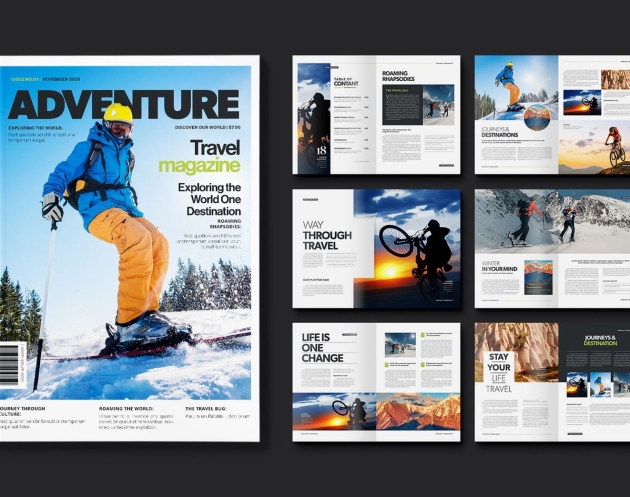
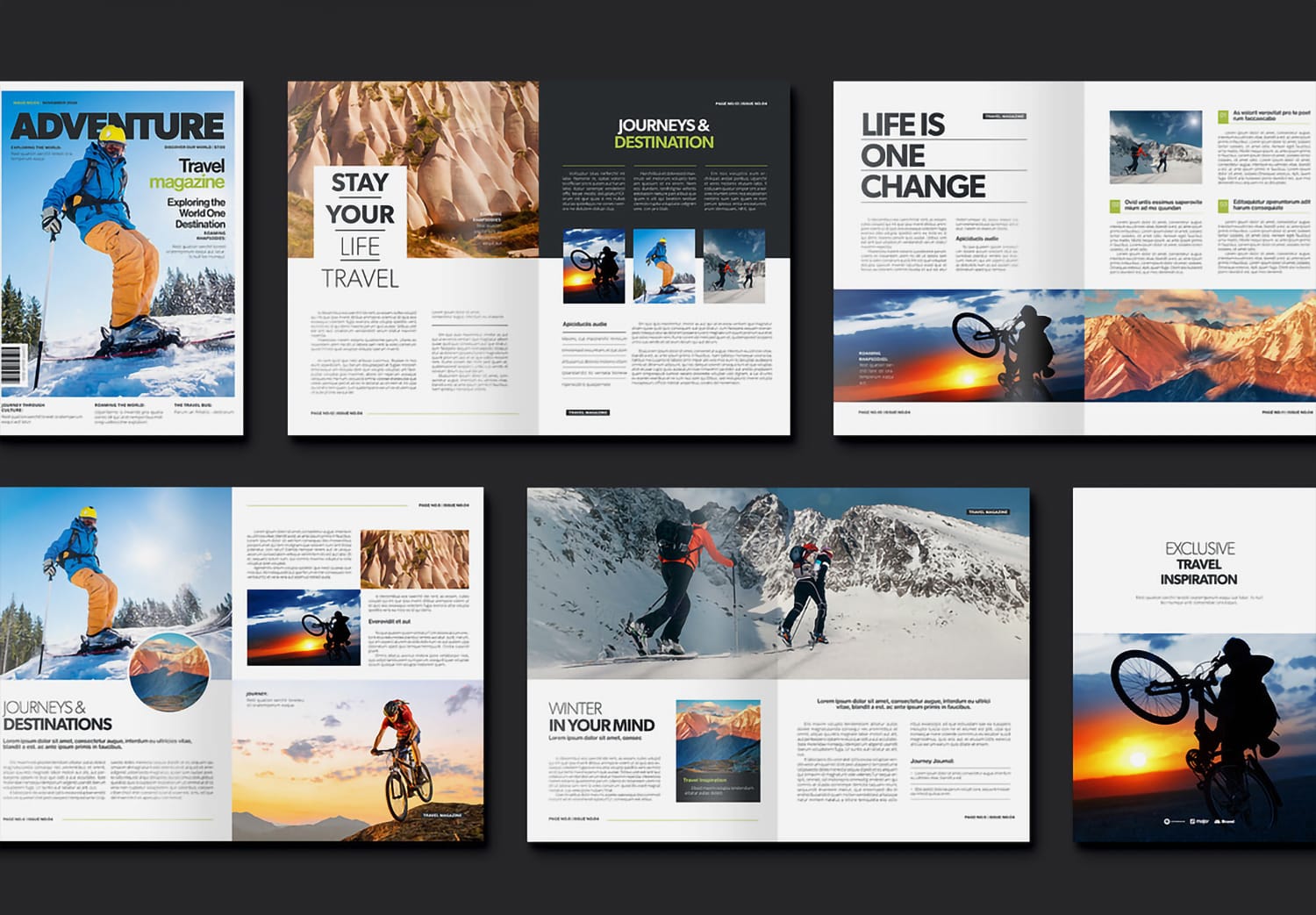
An eye-catching cover that grabs attention.
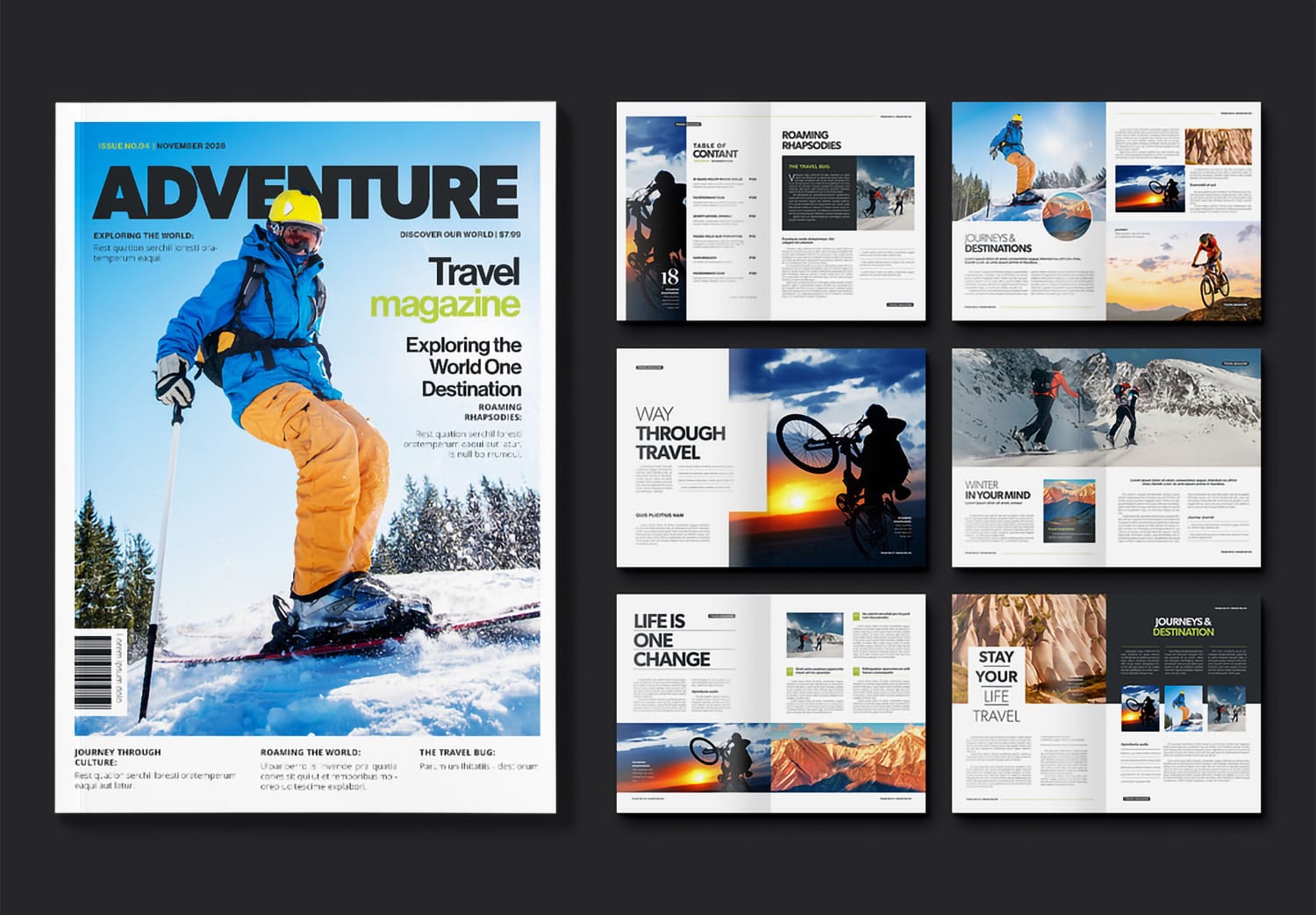
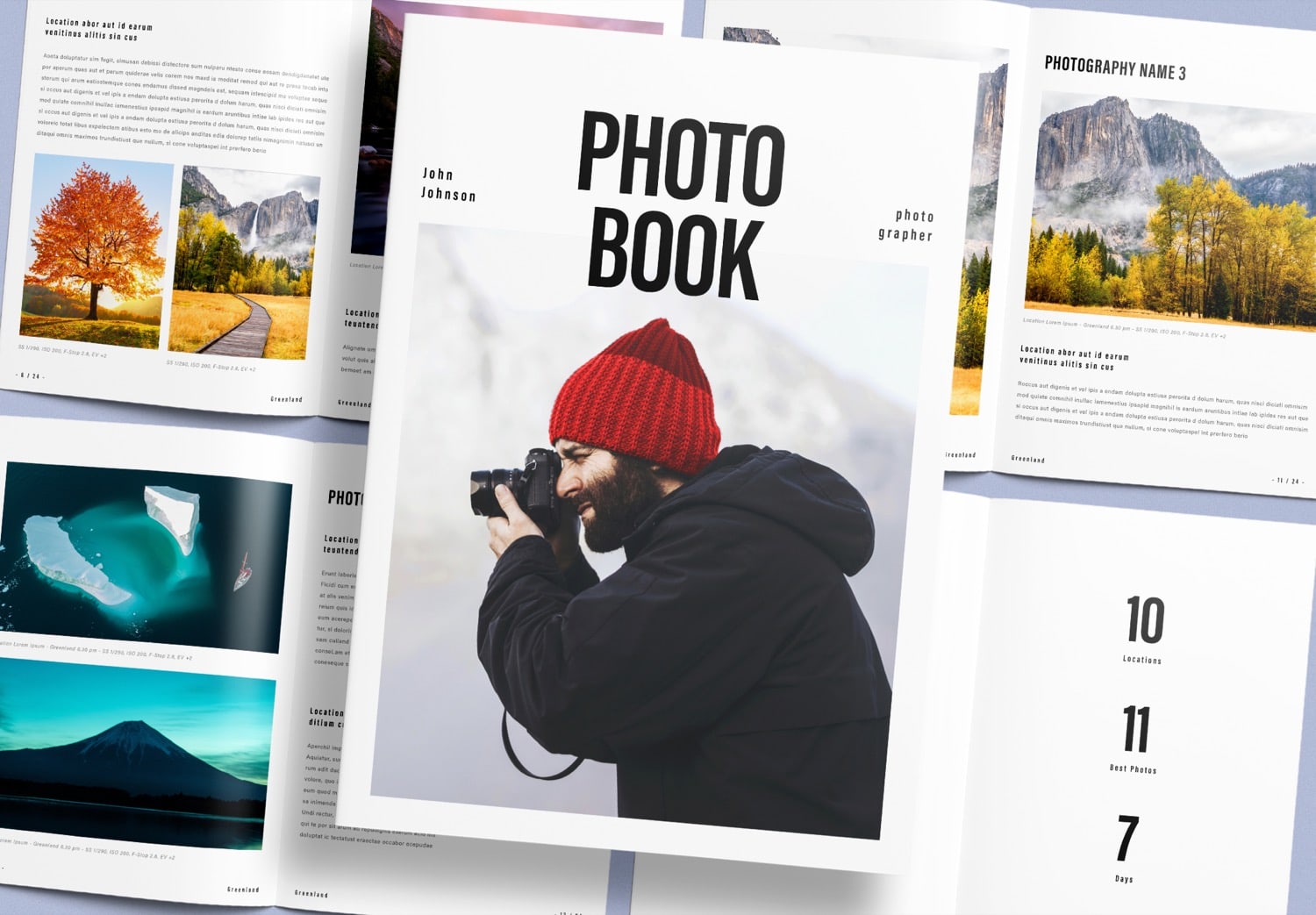
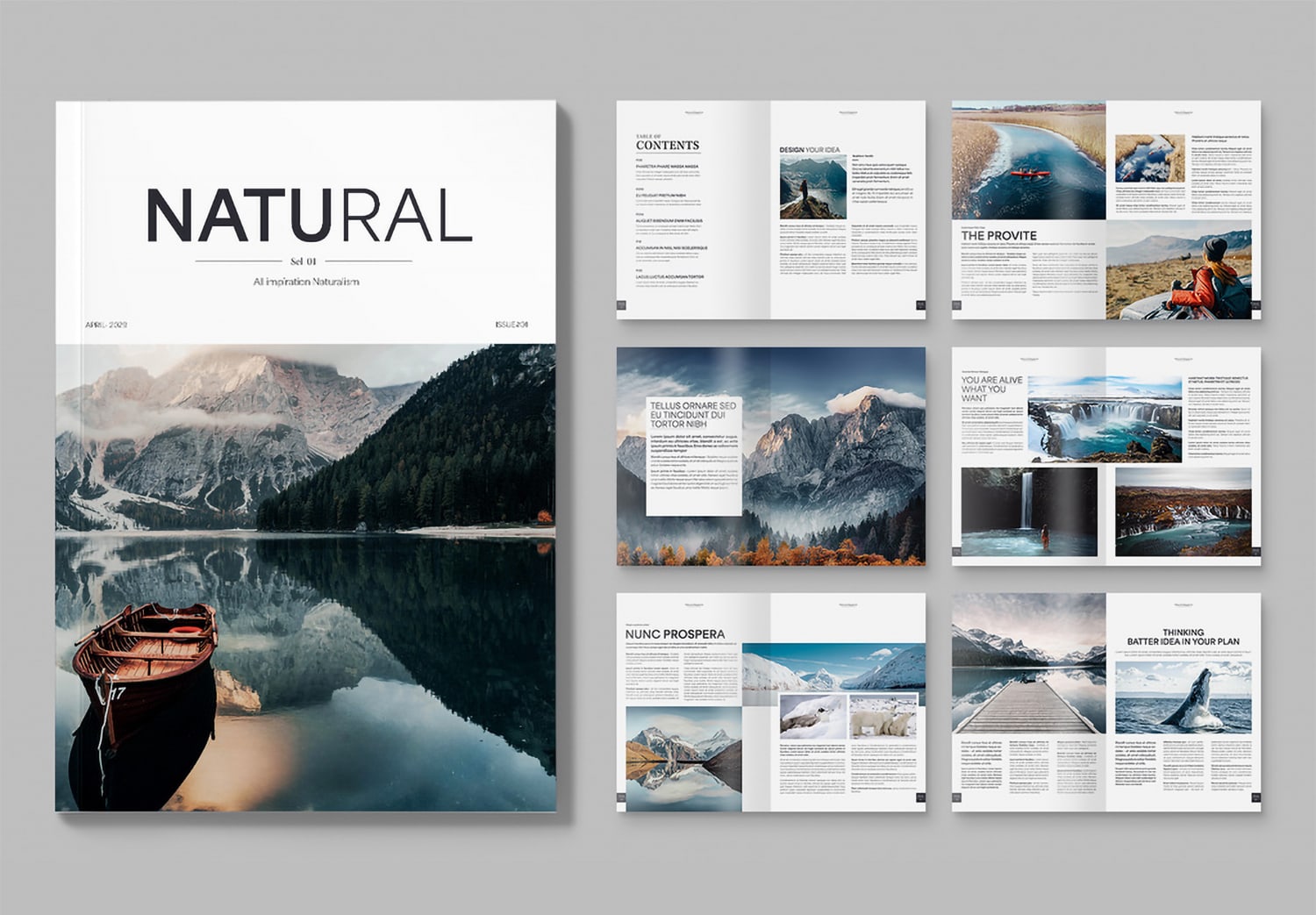
When creating a magazine, the cover is the first thing people see, and it helps them decide to pick it up and start reading. This template is designed especially for travel and adventure magazines, with a modern and bold style that feels strong and dynamic. You can add interesting headlines from your content directly onto the cover, along with your own images and a barcode. This helps your cover look complete and ready for professional use, while still keeping a clean and stylish look.
A design that brings excitement to every page.
A great magazine is not only about a strong cover. Every page inside should feel exciting and keep readers interested from beginning to end. This template is designed with that idea in mind, created by Adam, a professional designer from Adobe Stock. It offers many different layouts and a natural flow that keeps the content interesting. As you turn each page, the design feels fresh and exciting. The overall style also adds energy to your work, making it a perfect fit for adventure and travel content.
Stylish and easy-to-read layouts.
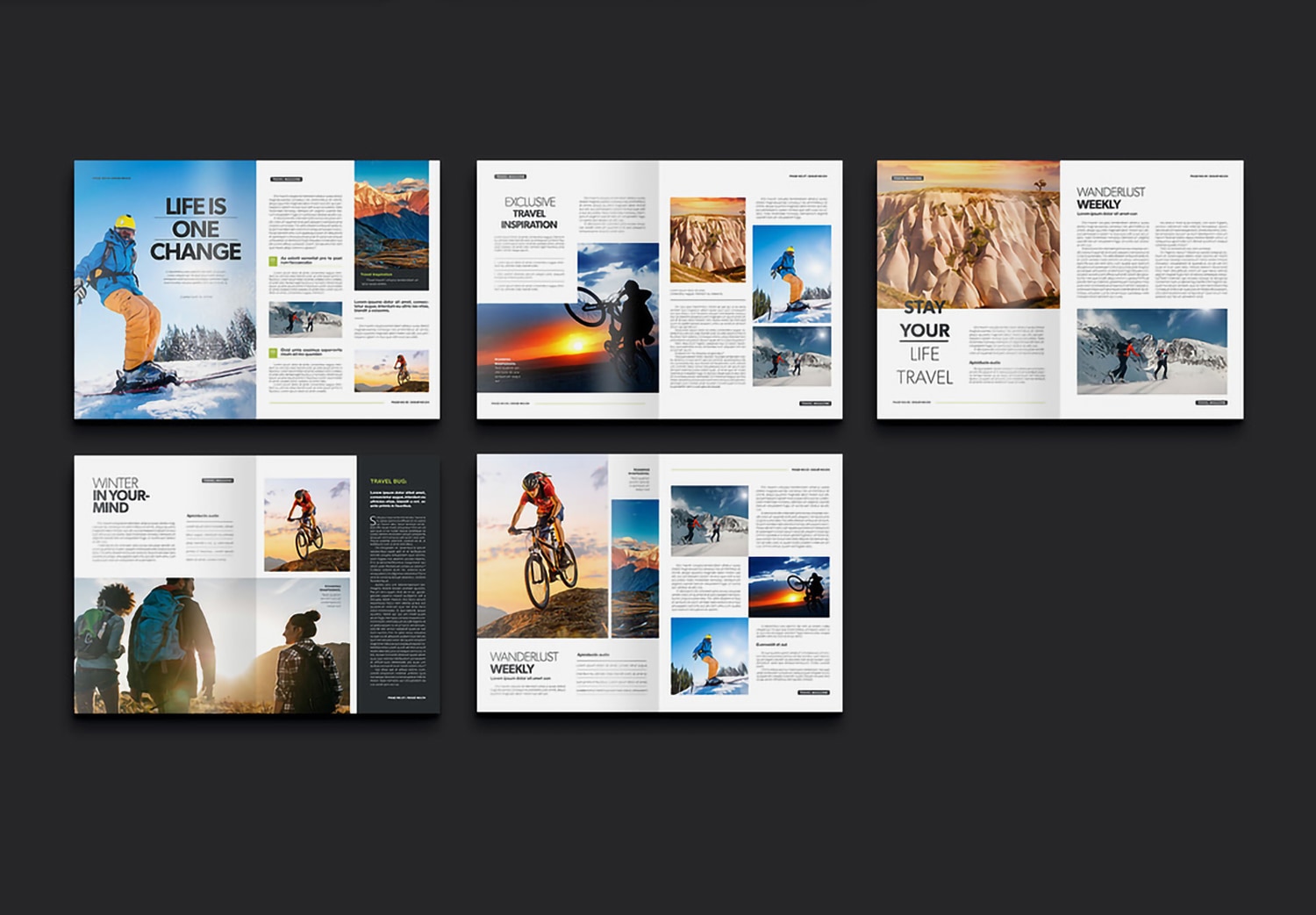
Inside, the template includes 24 pages design in A4 size. Each page features a different layout for text and images, helping your content feel more dynamic and more interesting. You will find both two-column and three-column formats that make your content easier to read and well-organized.
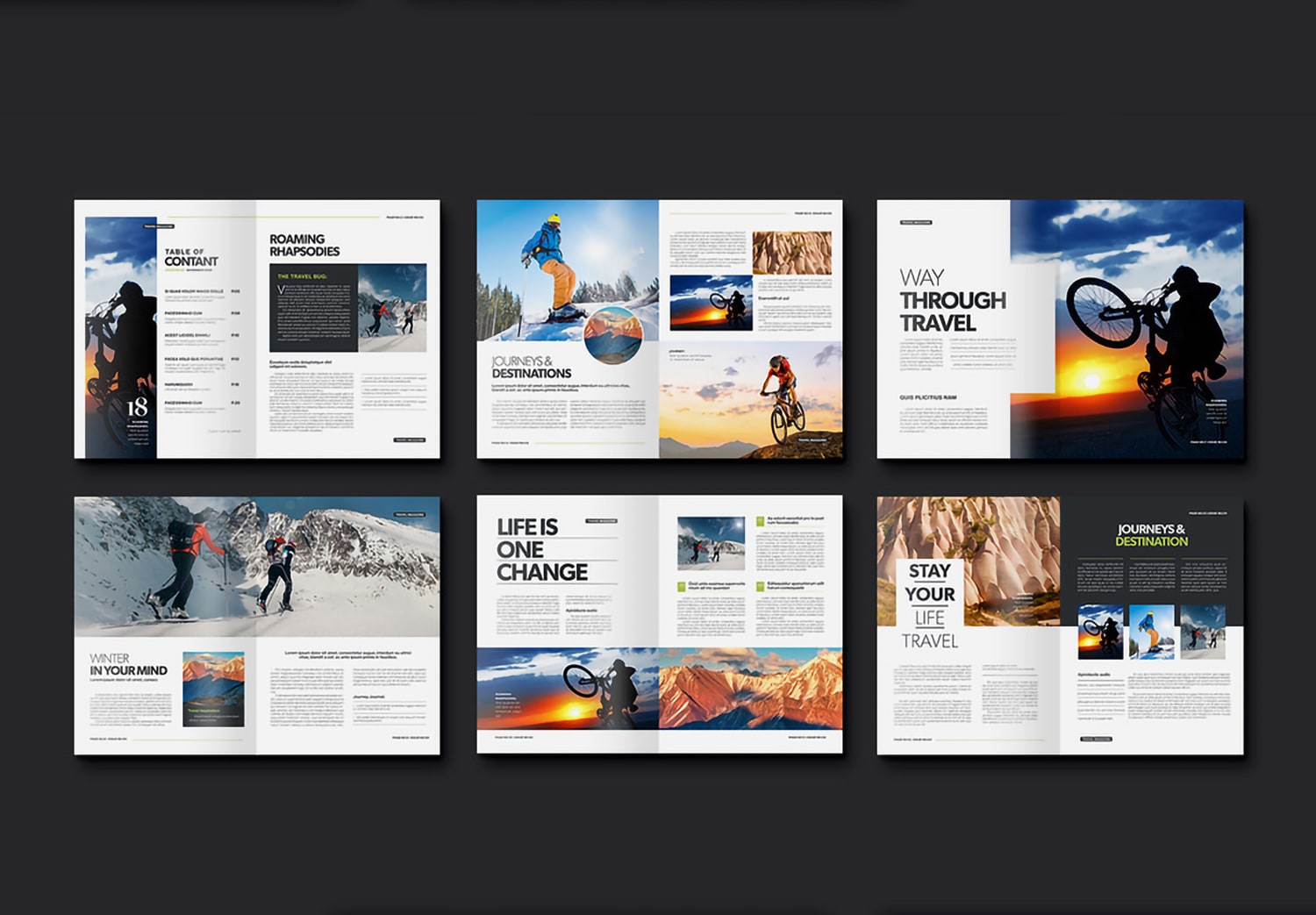
The typography is thoughtfully designed, combining bold and light fonts in headings to create contrast and catch attention. A bright lime green color is also used as a highlight in some elements, helping important text stand out and adding a lively touch to the overall design. Images are placed in a way that feels balanced with the text, making each page look clean, easy to read, and visually appealing.
Easy to use and flexible to customize.
The template begins with a well-organized “Table of Contents” that clearly presents the overall content. This helps readers navigate the magazine easily. The content section includes many different layouts, with each page designed to feel unique. You can choose what works best for your needs. And you can easily add, remove, or rearrange the pages, the template continues to work smoothly. This flexibility allows you to create more freely, while still keeping a professional result to match your content.
You can edit this template using Adobe InDesign, part of Adobe Creative Cloud. Whether you are a beginner or a professional, it is easy to work with. The template includes all the essential settings, such as Paragraph Styles, Color Settings, and image placeholders. You can simply add your own text and images, or adjust the layout to match your style. It is also suitable for real print production, as many printing companies use Adobe InDesign, making it easier to work together.
Start creating your magazine today.
If you like the design of this template and are looking for a tool that makes your work easier, this is a great choice. You can now download free 10 assets from Adobe Stock. It is a great opportunity to start creating a magazine that looks professional, stands out, and leaves a strong impression from the first page to the last.