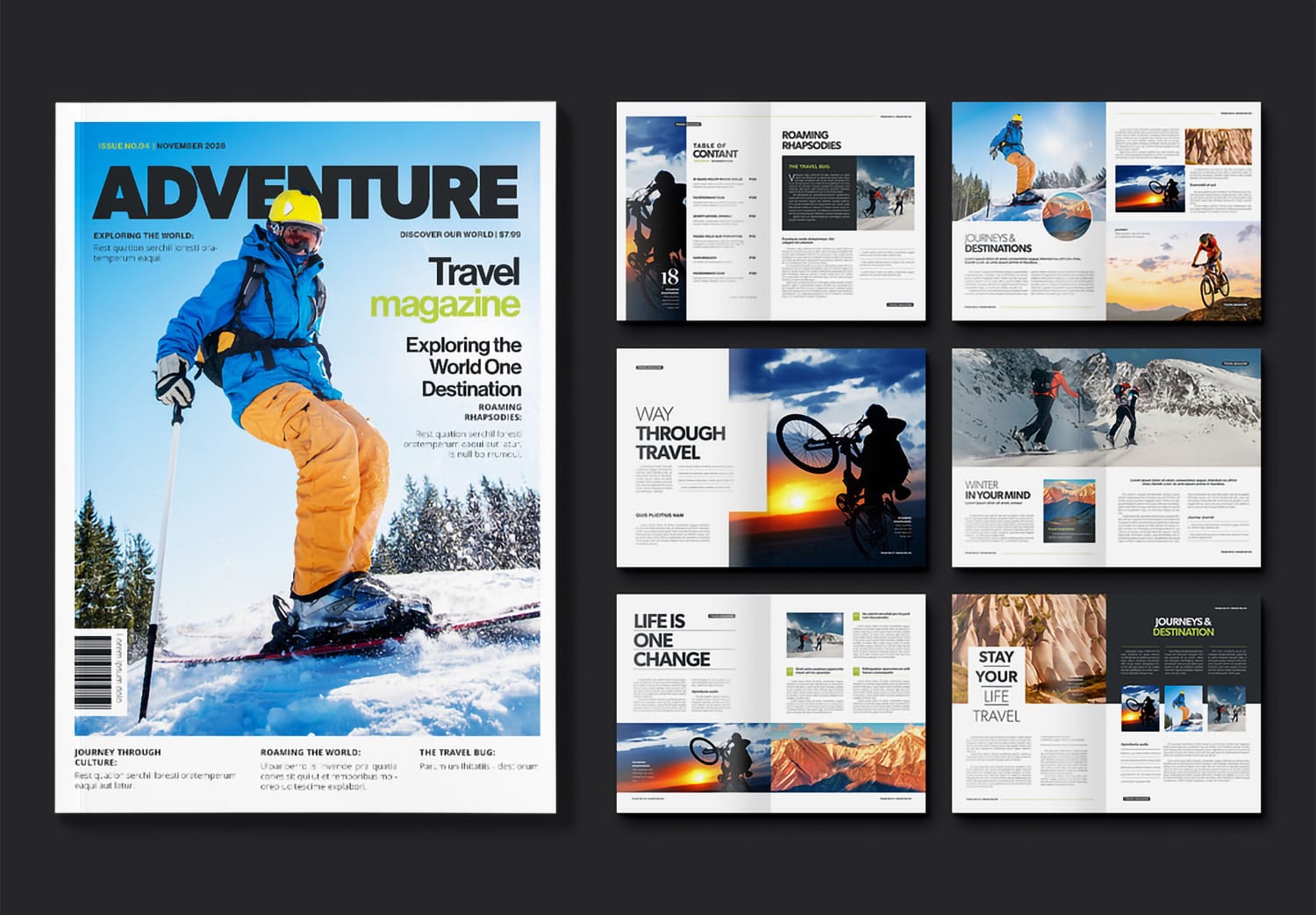
Download Magazine Layout Template for Adobe InDesign
Clean design, powerful impression
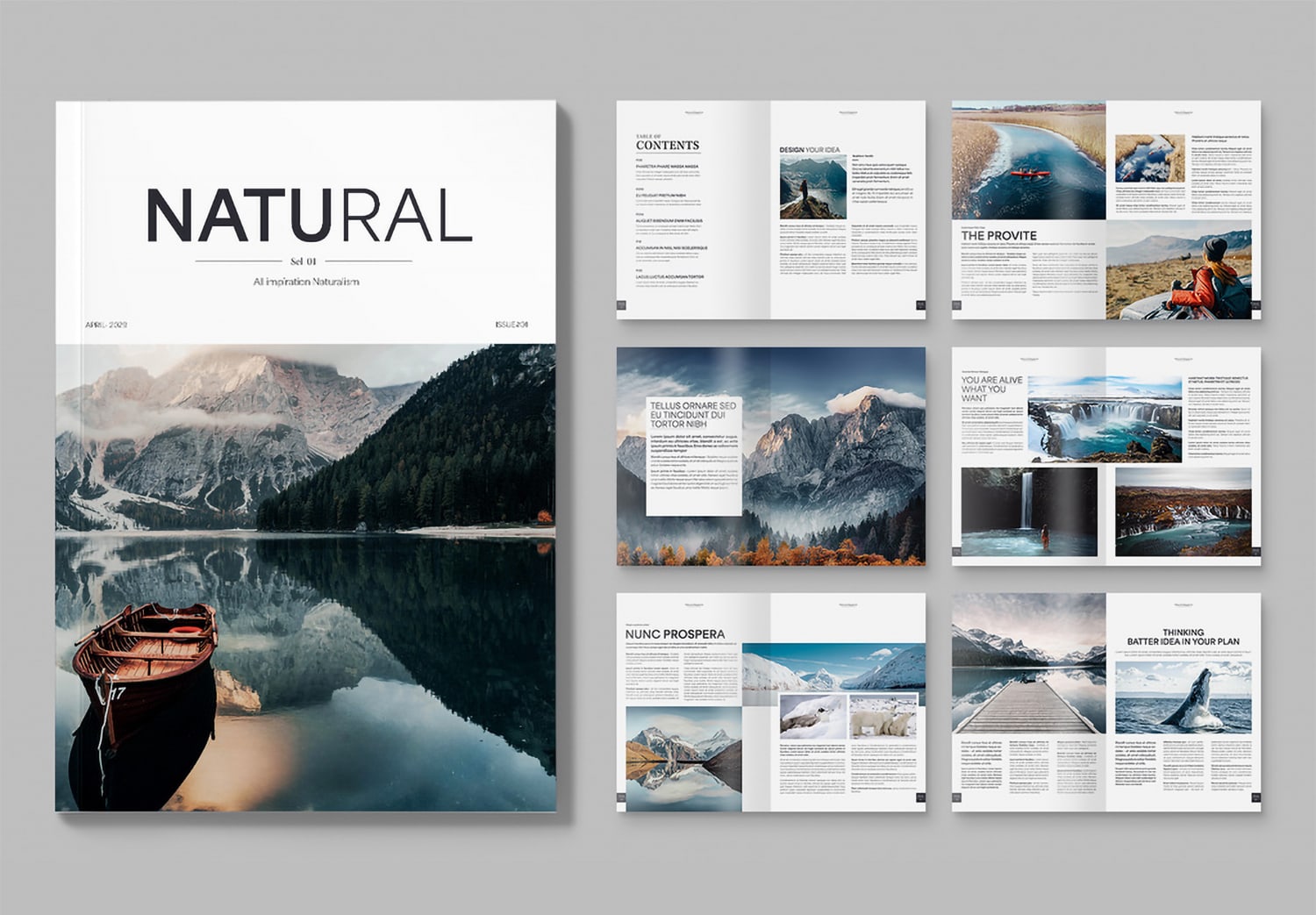
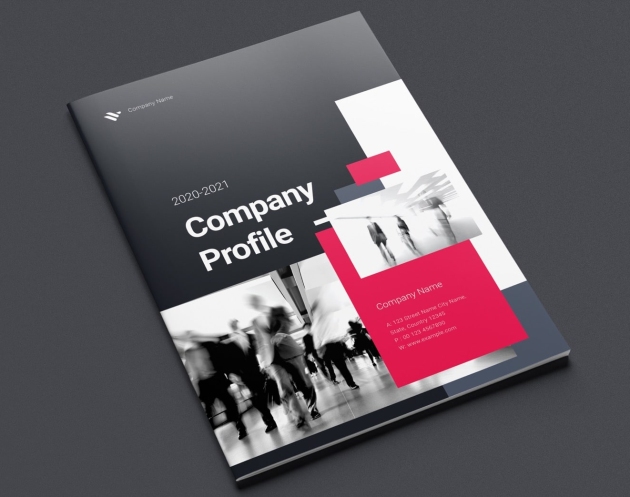
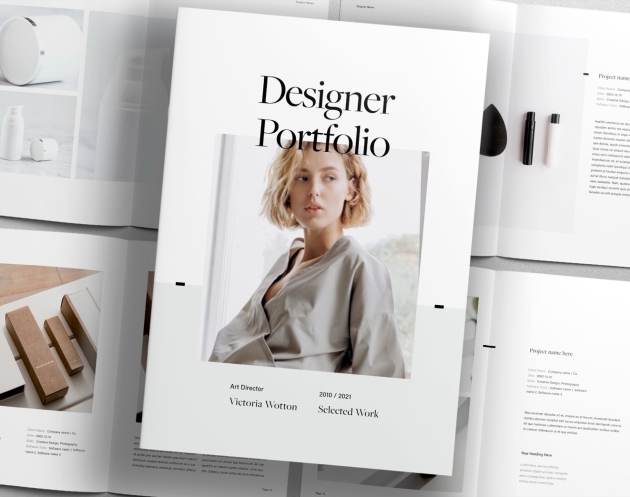
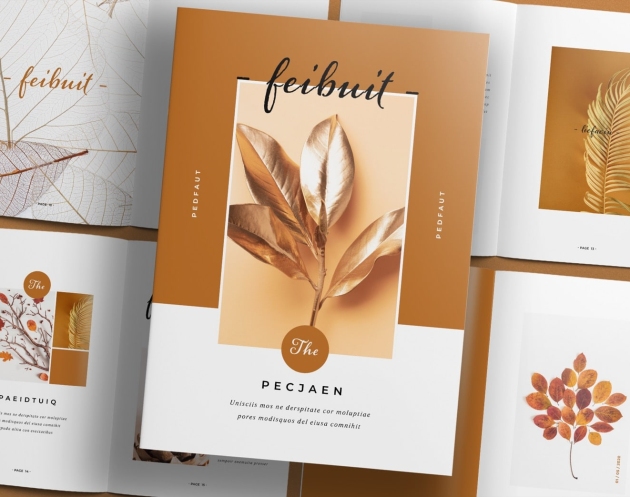
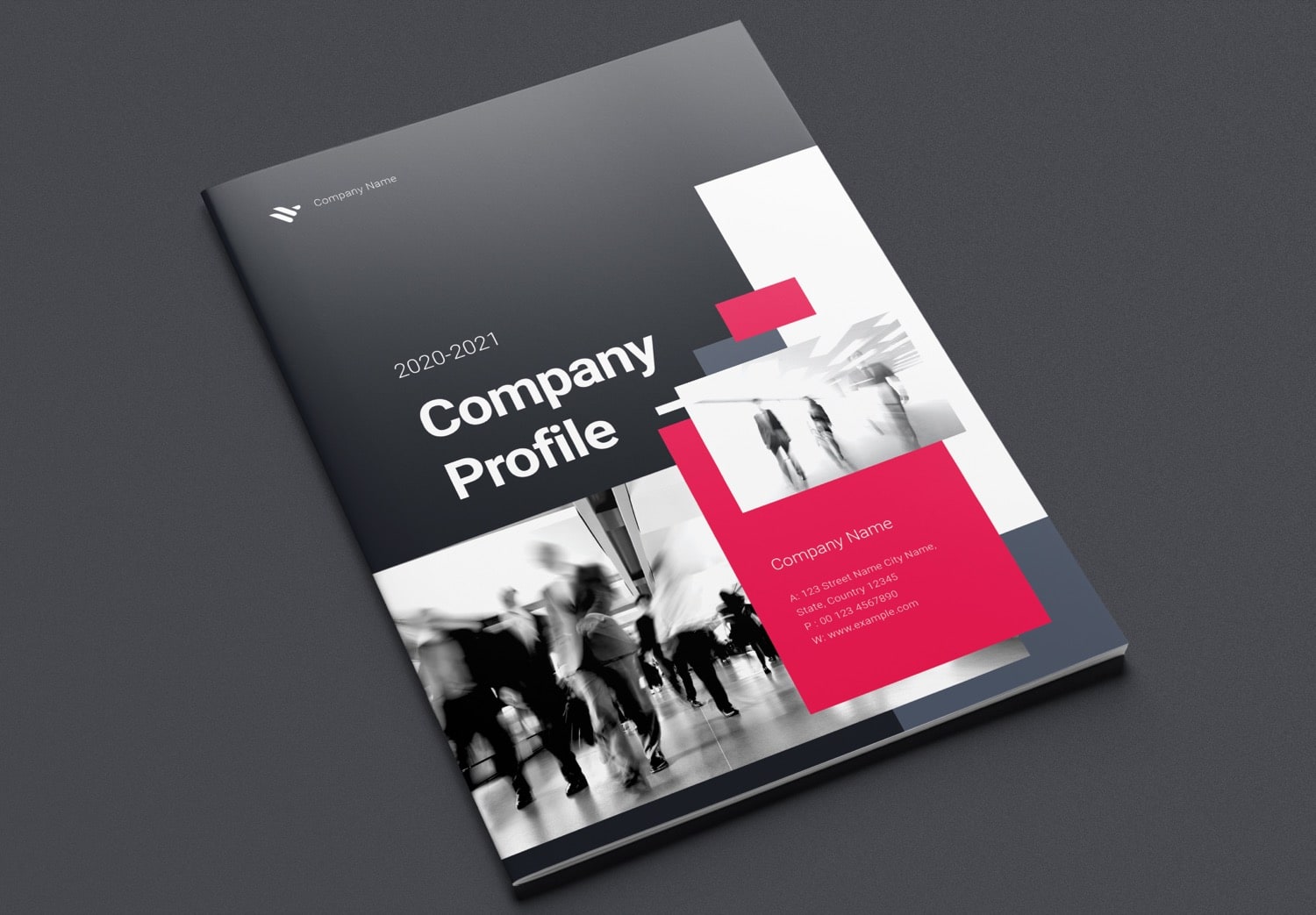
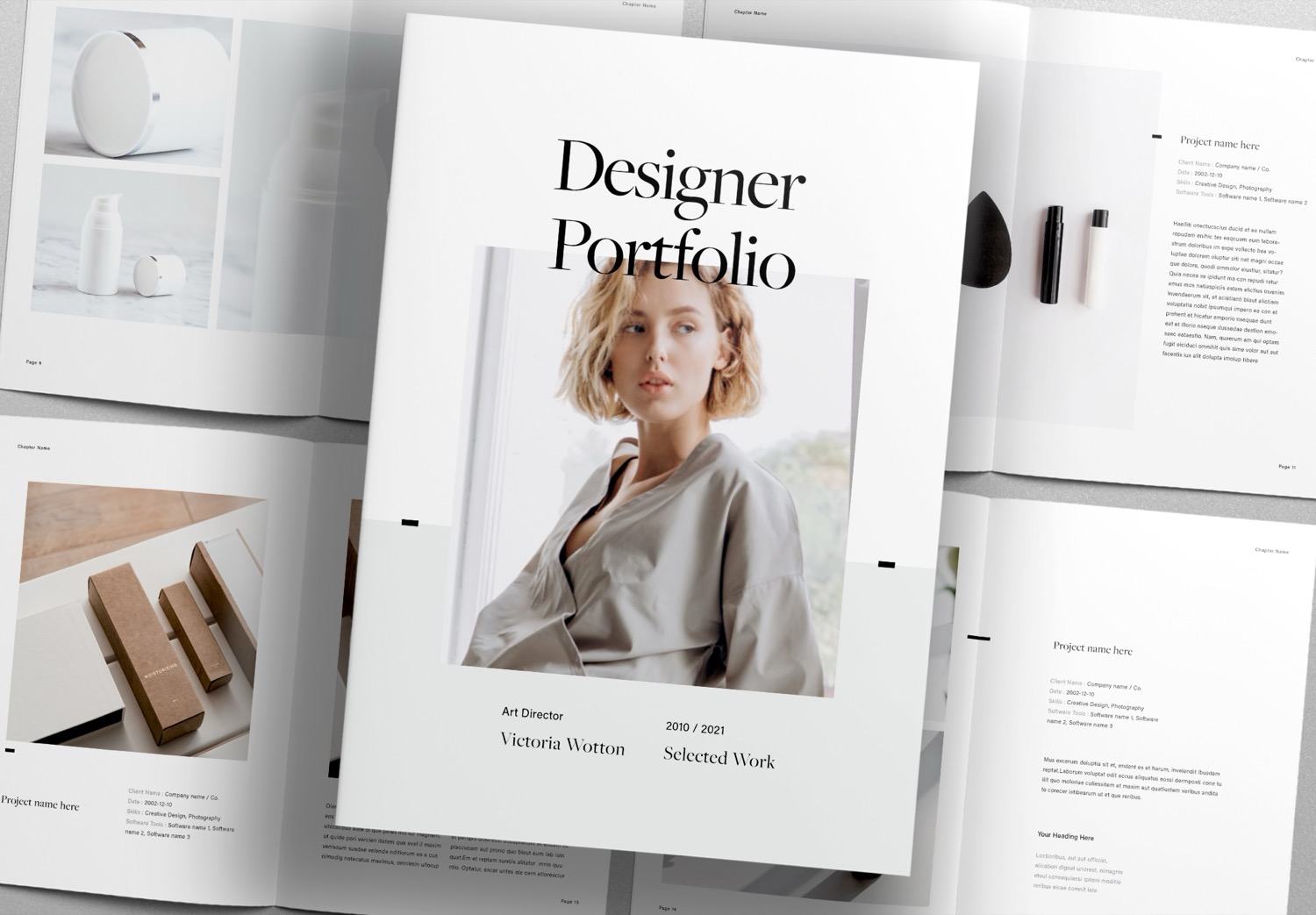
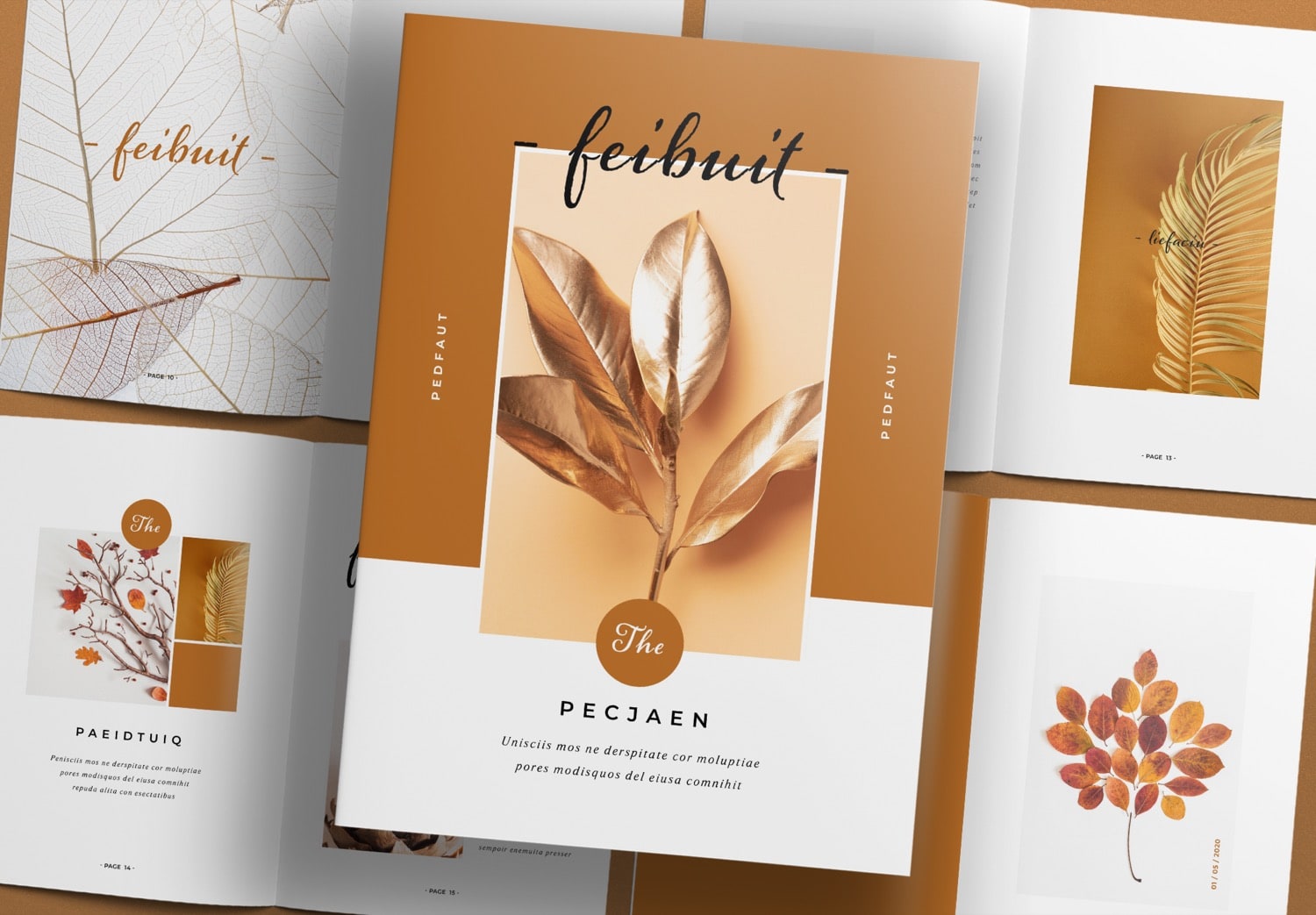
The book cover is one of the most important elements that communicates your content at first glance. A clean and minimal design helps highlight your chosen images, making them stand out and stay memorable. This template keeps the layout simple and well-balanced, so you can create a modern and professional look in a clear and easy way. The “less is more” idea helps your cover stand out while still feeling elegant and easy to understand.
A smart starting point for your book
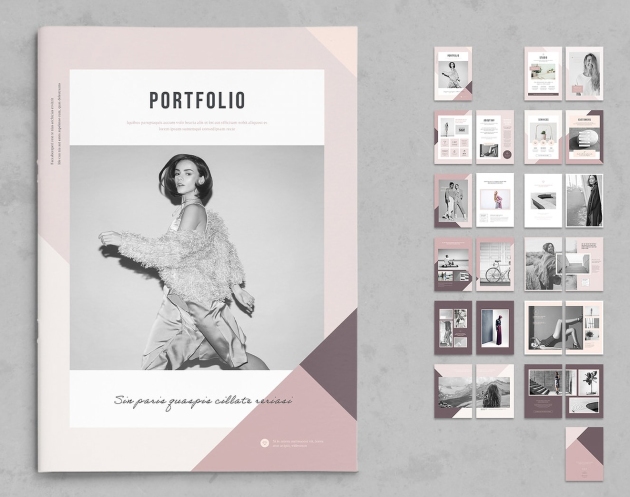
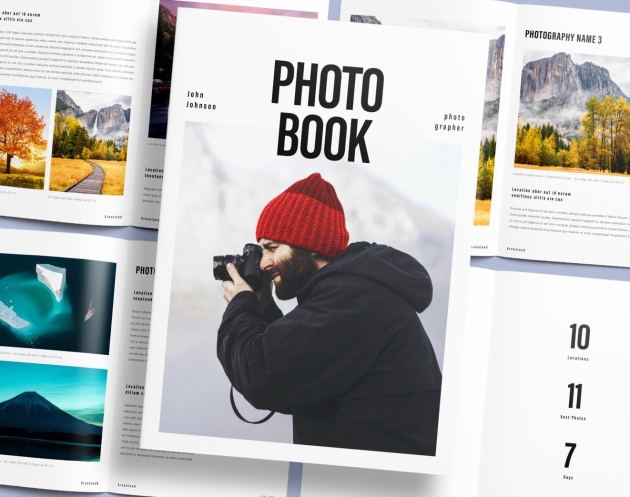
If you are looking for a good starting point to create your book, this template is a great choice. It is flexible and easy to use, so you can apply it to many types of projects, such as magazines, photobooks, lookbooks, or even wedding albums. The layout focuses on visual storytelling. It helps you present your images in a natural flow, so your work feels more engaging and unique. Even if you are just starting, You can easily create a book that looks professional.
Beautiful design, ready for real use
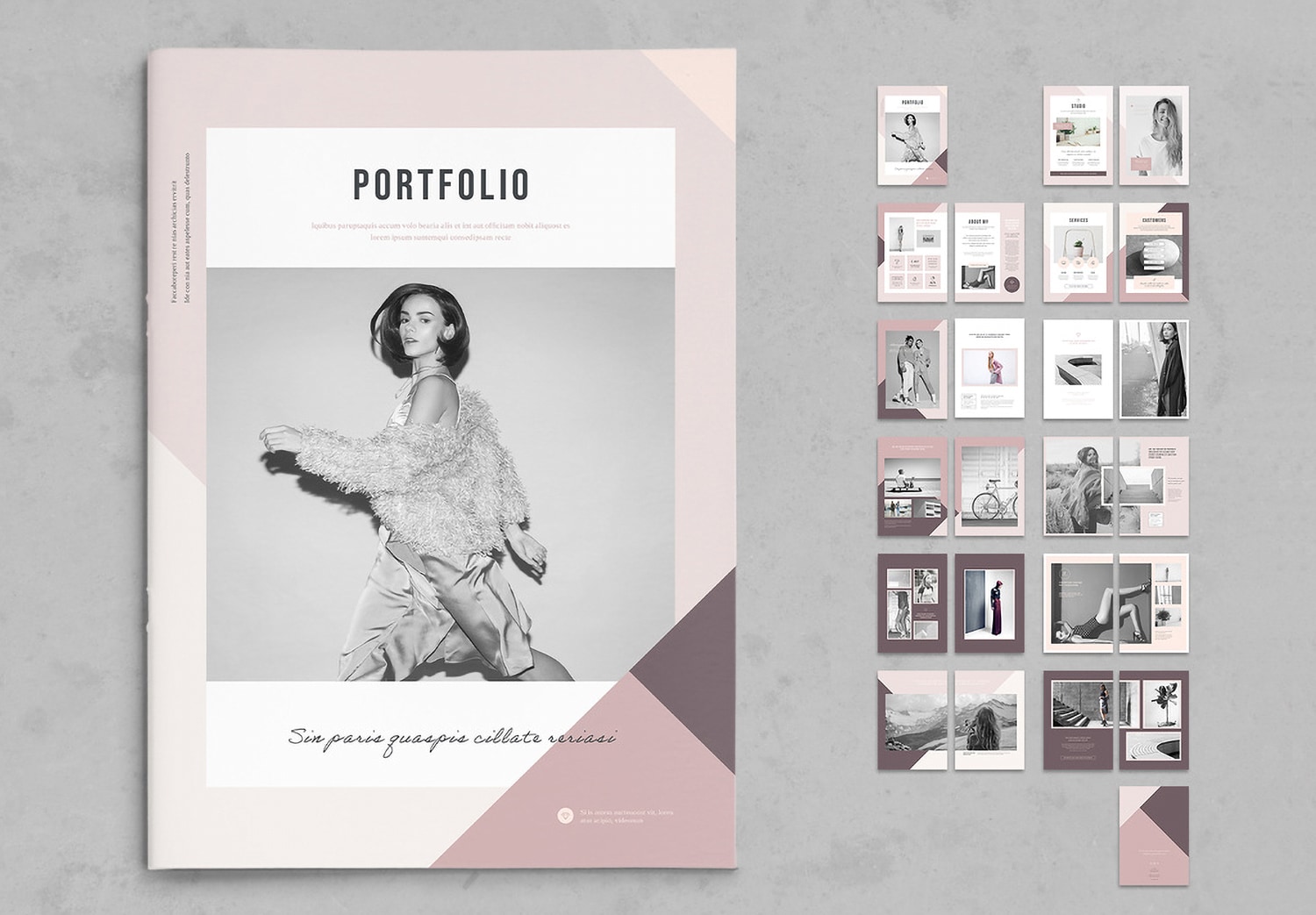
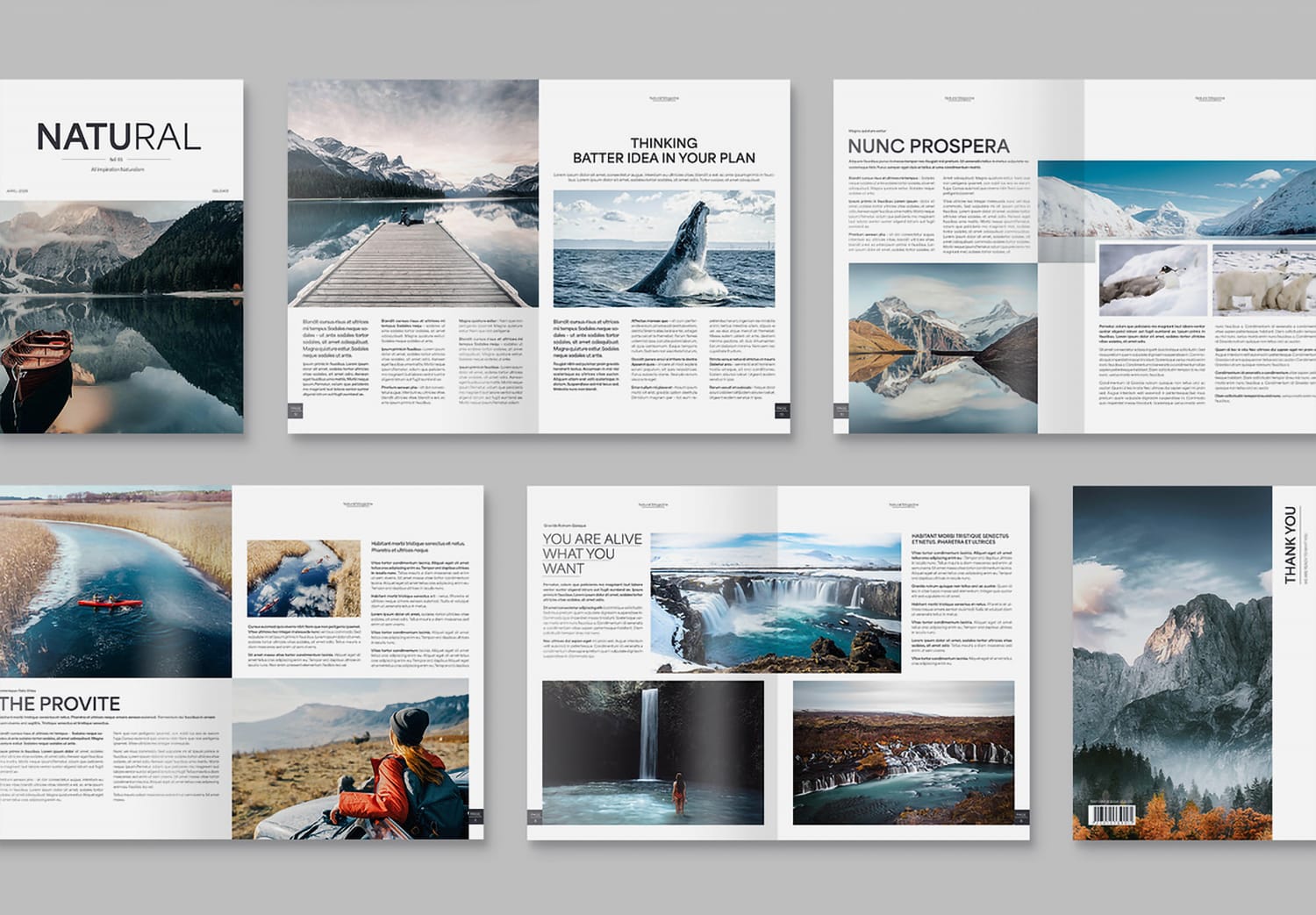
This template looks good and makes your work easier and faster. It includes 24 pre-designed pages that are ready to use. This template is designed by Adam, a professional designer from Adobe Stock, a platform known for high-quality templates, images, and videos.
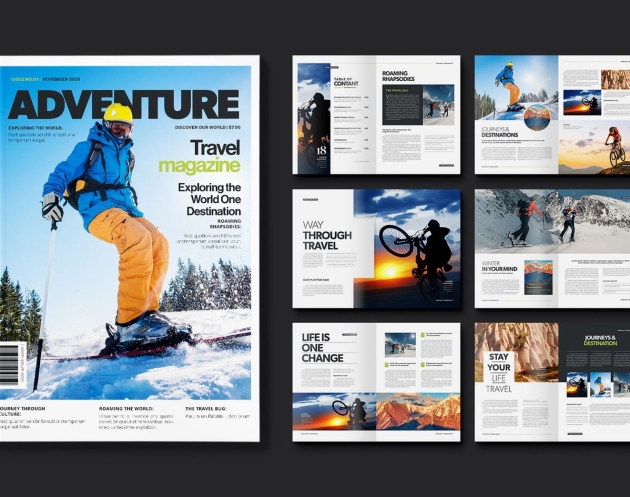
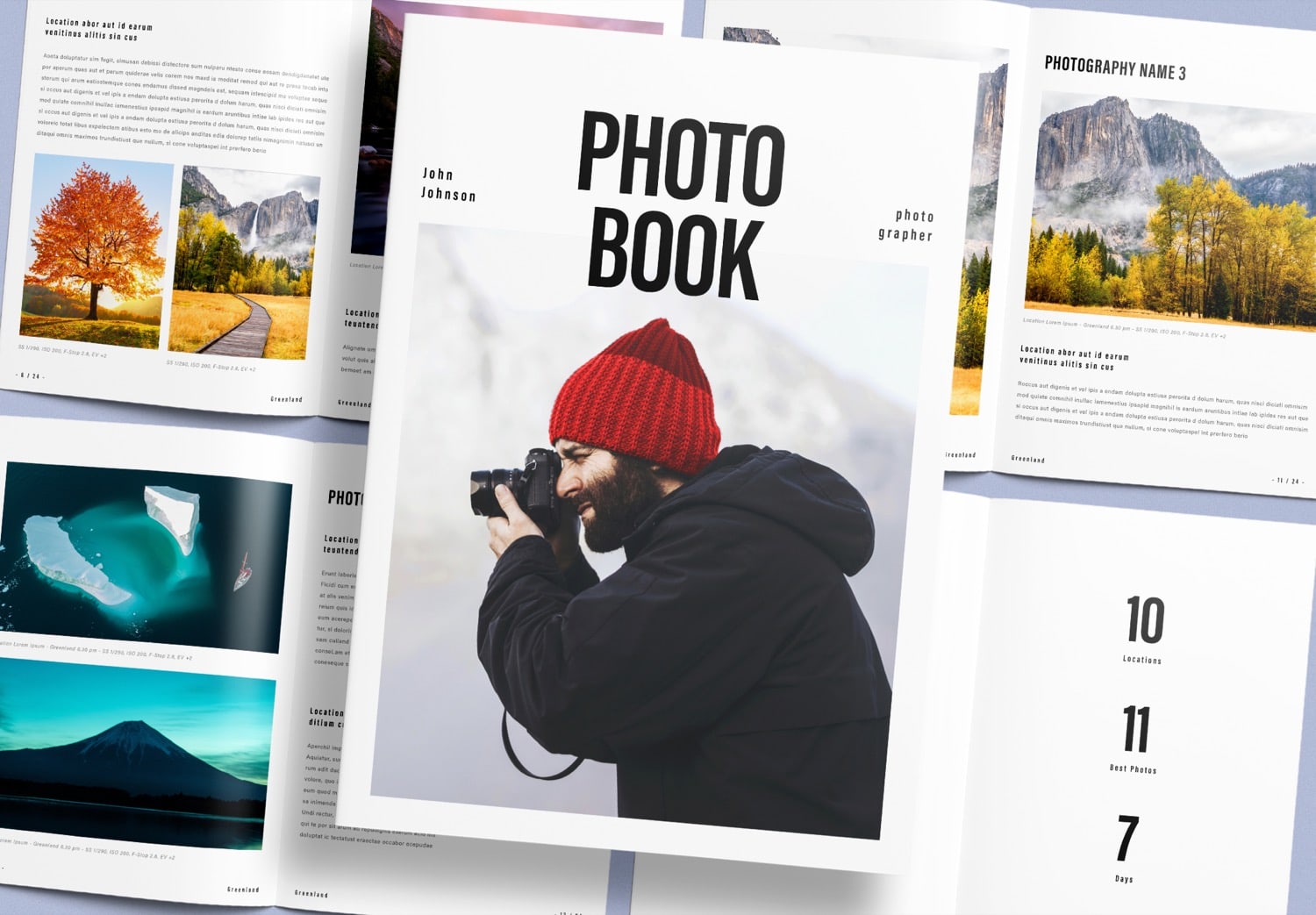
The cover uses a mix of bold and light fonts in a single word to create strong contrast and add depth to the typography. You can easily add your own image to help your cover stand out even more.
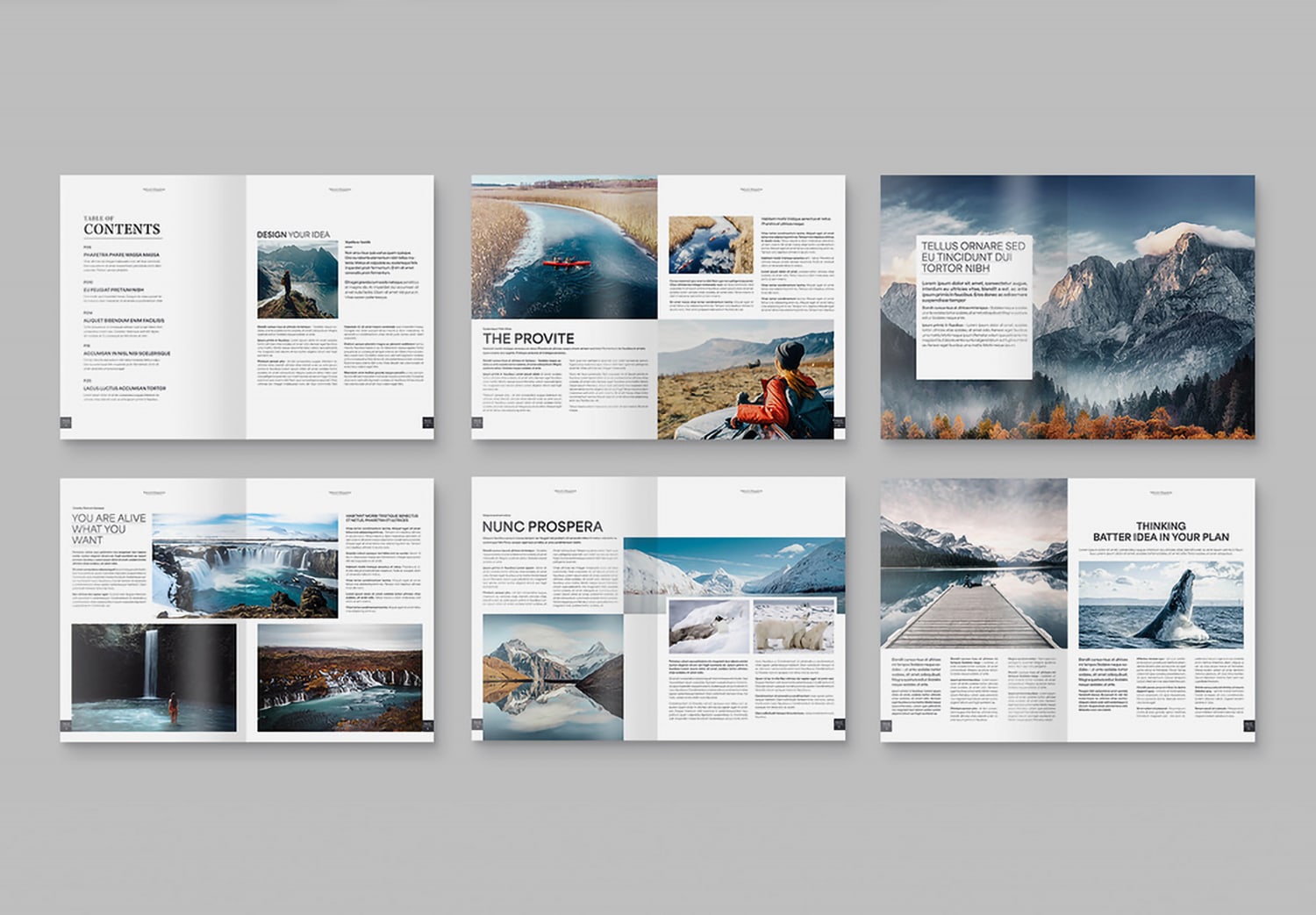
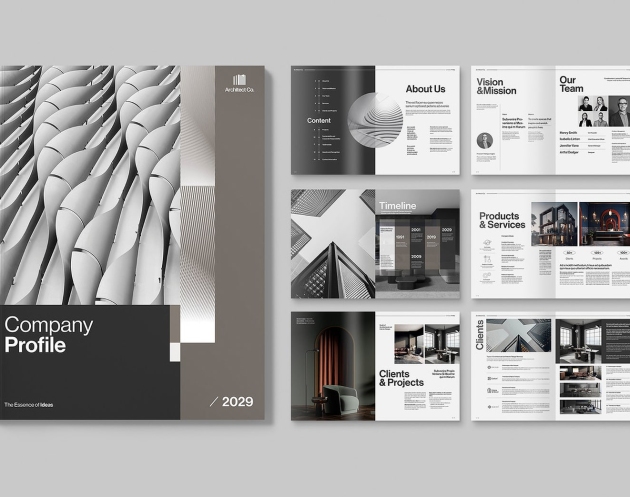
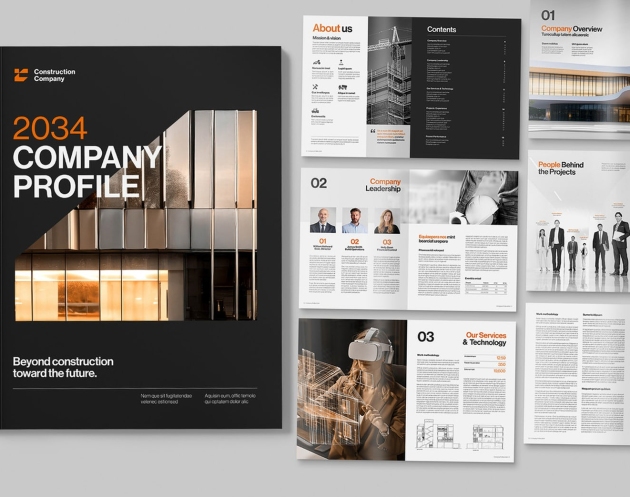
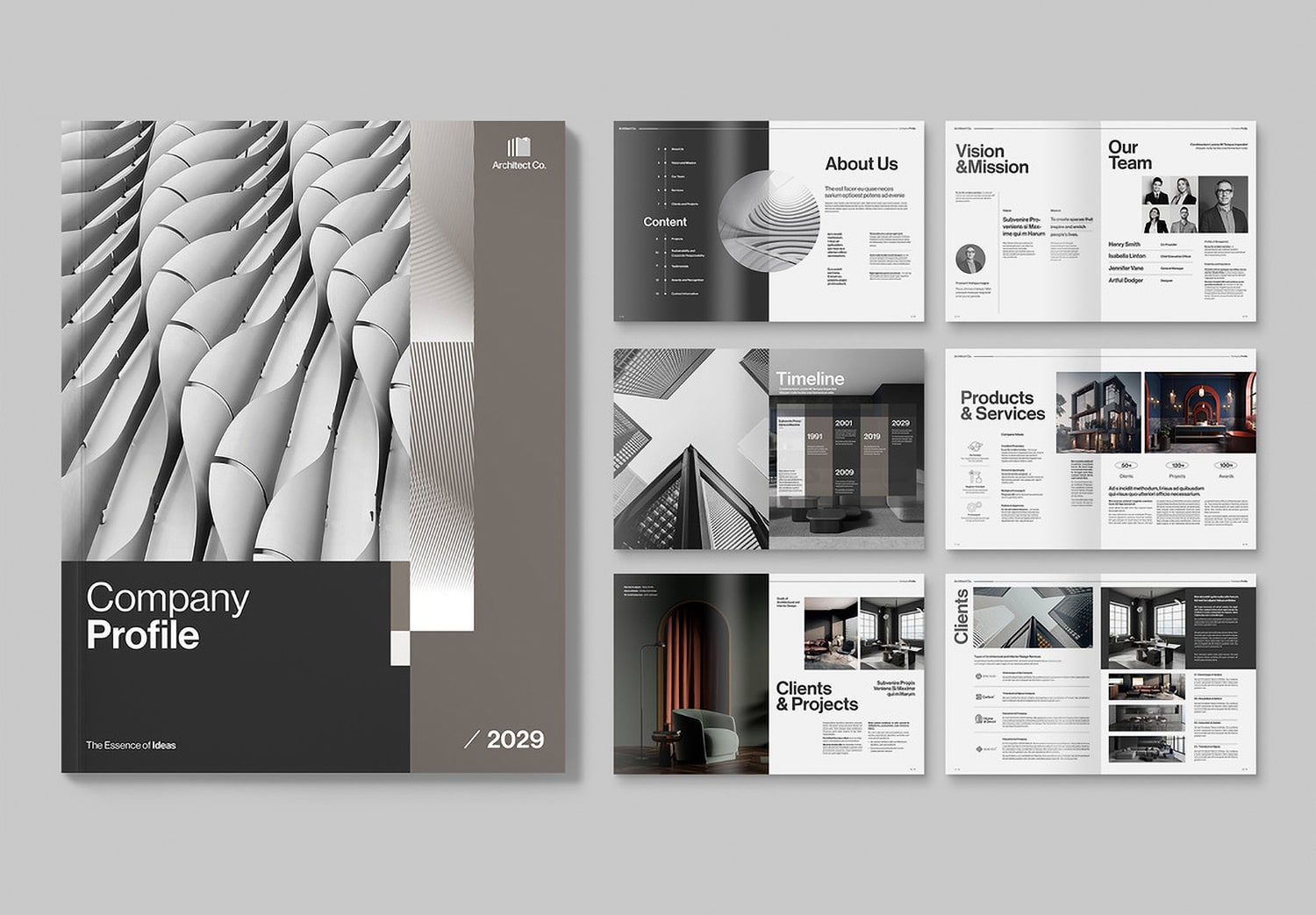
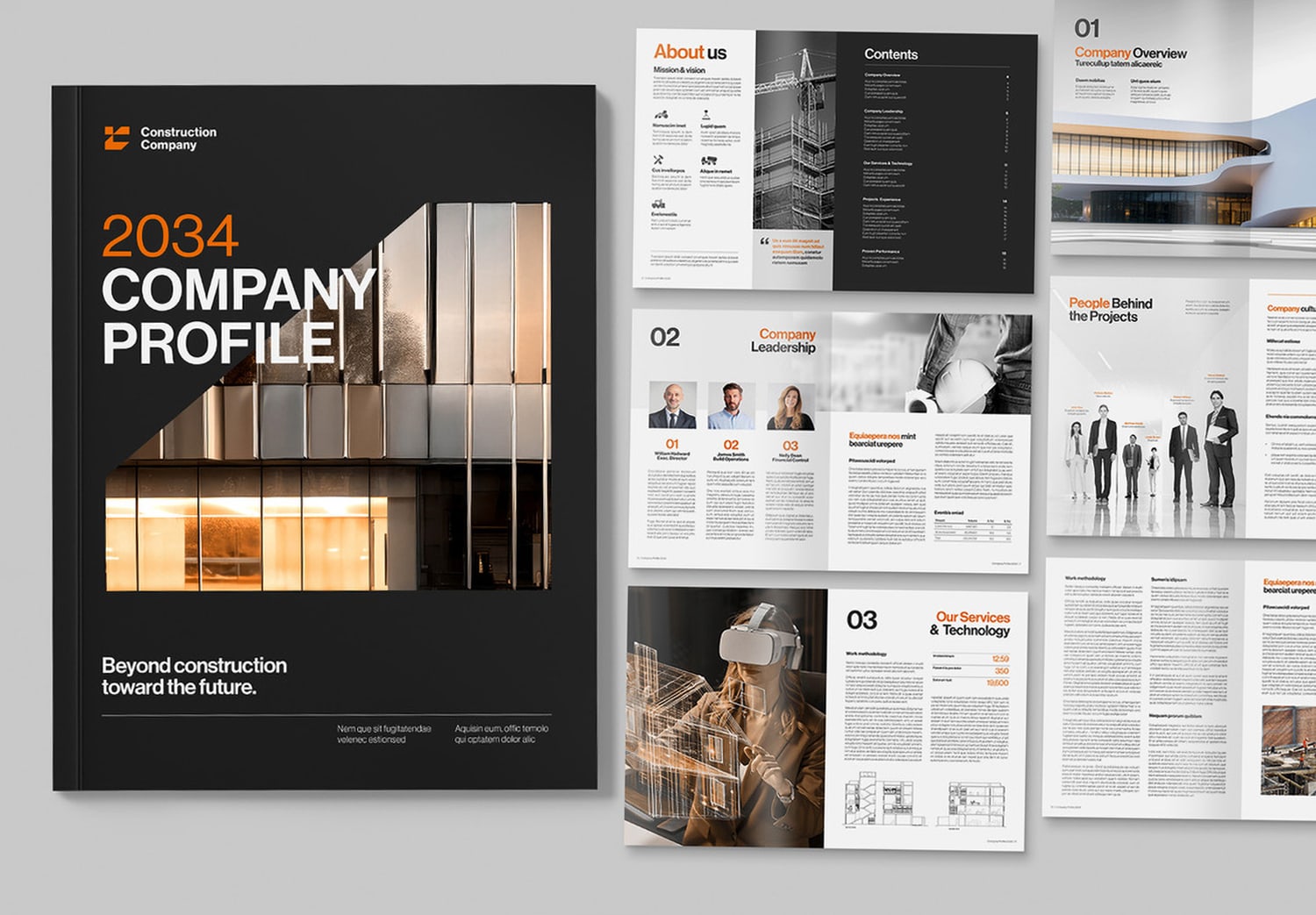
Inside the template, you will find a well-organized Table of Contents that helps structure your content clearly. The automatic page numbering system also makes your work easier and saves you time. No matter how you add, remove, or rearrange pages, the page numbers will update automatically.
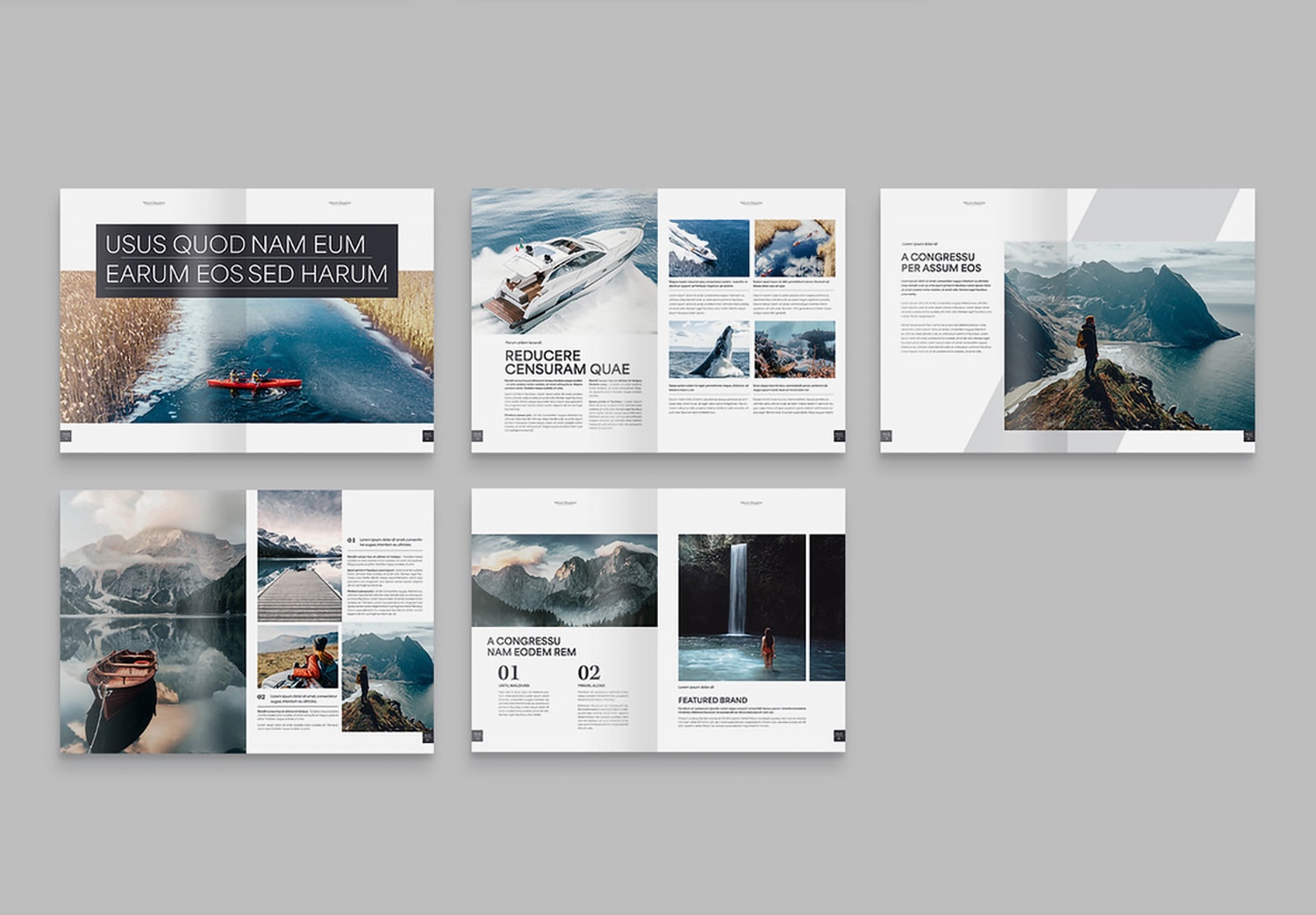
The layout features a different text layout on each page, such as two-column and three-column formats, along with image-focused layouts. These different layouts help create a natural flow and keep your content interesting from page to page. Each page is designed for real use and helps your work feel more dynamic and professional.
Easy to use and ready to customize
You can download this template and get a special offer: Get 10 Free Assets on Adobe Stock. And you can edit this template in Adobe InDesign, which is included in Adobe Creative Cloud. If you are new, you can start with a free trial. After that, You can enjoy a special discount of Adobe Creative Cloud 50% off for the first 3 months, with Students can get up to 71% off.
The template already includes important settings such as Master Pages, Paragraph Styles, a Color Palette, and many other useful features to support your workflow. These features help you work faster and keep your design consistent. You can simply add your own text and images, or adjust the layout to match your style. With just a few steps, you can create a complete and professional-looking book in a short time.