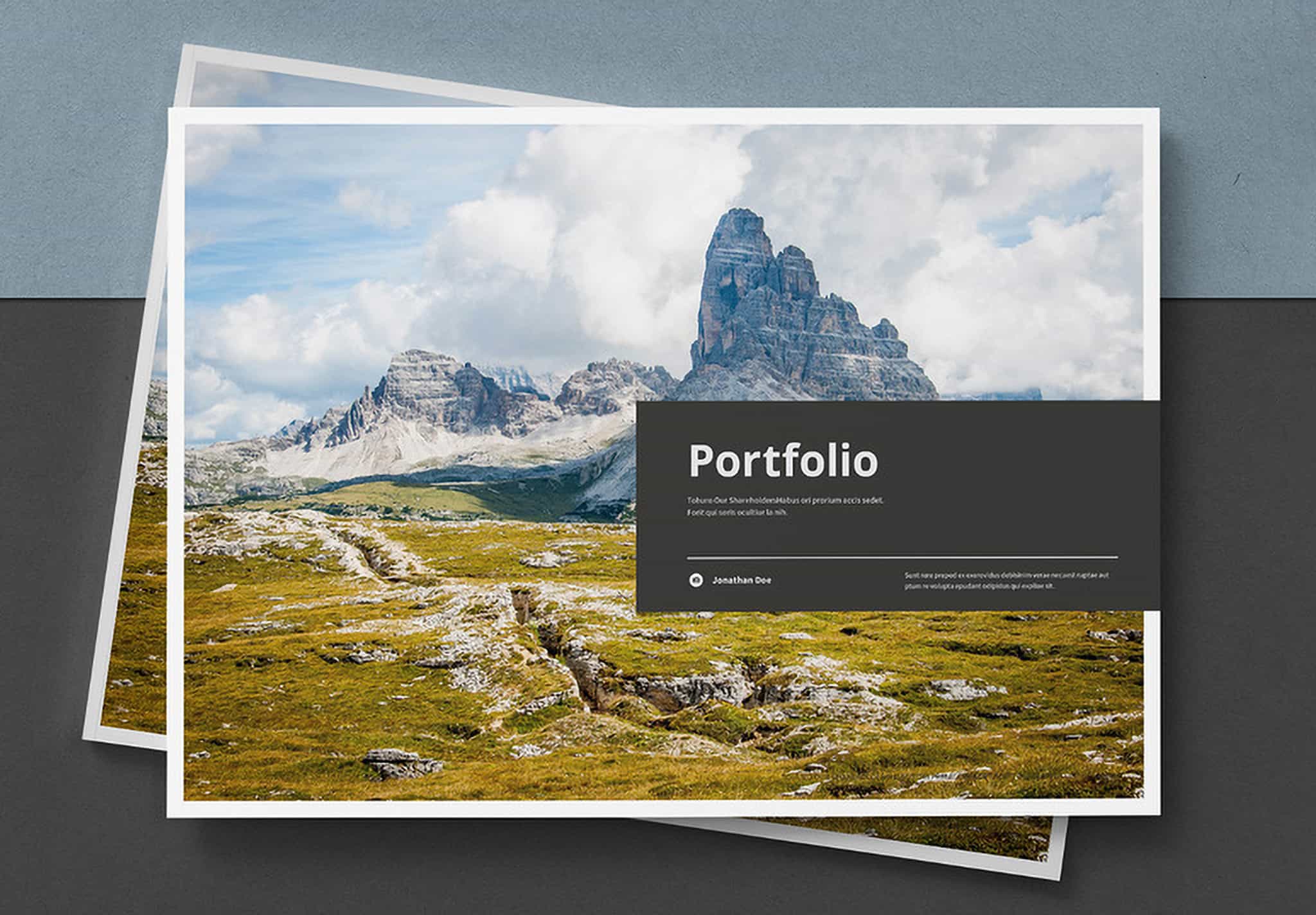
Free Download – Minimal Design Student Portfolio
Stand Out with a Professional Portfolio
In a world filled with talented people and strong competition, presenting who you are and how great your work is has become something that needs to stand out and look more professional than others. Creating a portfolio that truly meets your needs may take a lot of time and effort to make it look professional, because you know how much a good portfolio can benefit you. But if it is not done well, it can also have a negative effect. However, there is no need to worry. This template can help you solve these problems, because this portfolio template was created by an experienced graphic designer who specializes in designing portfolios in many different styles to suit people from various creative fields. He is Sirisako, a graphic designer on Adobe Stock, which is one of the most popular platforms for design resources used by professional designers.
Minimal Portfolio Template with 16 Ready-to-Use Pages
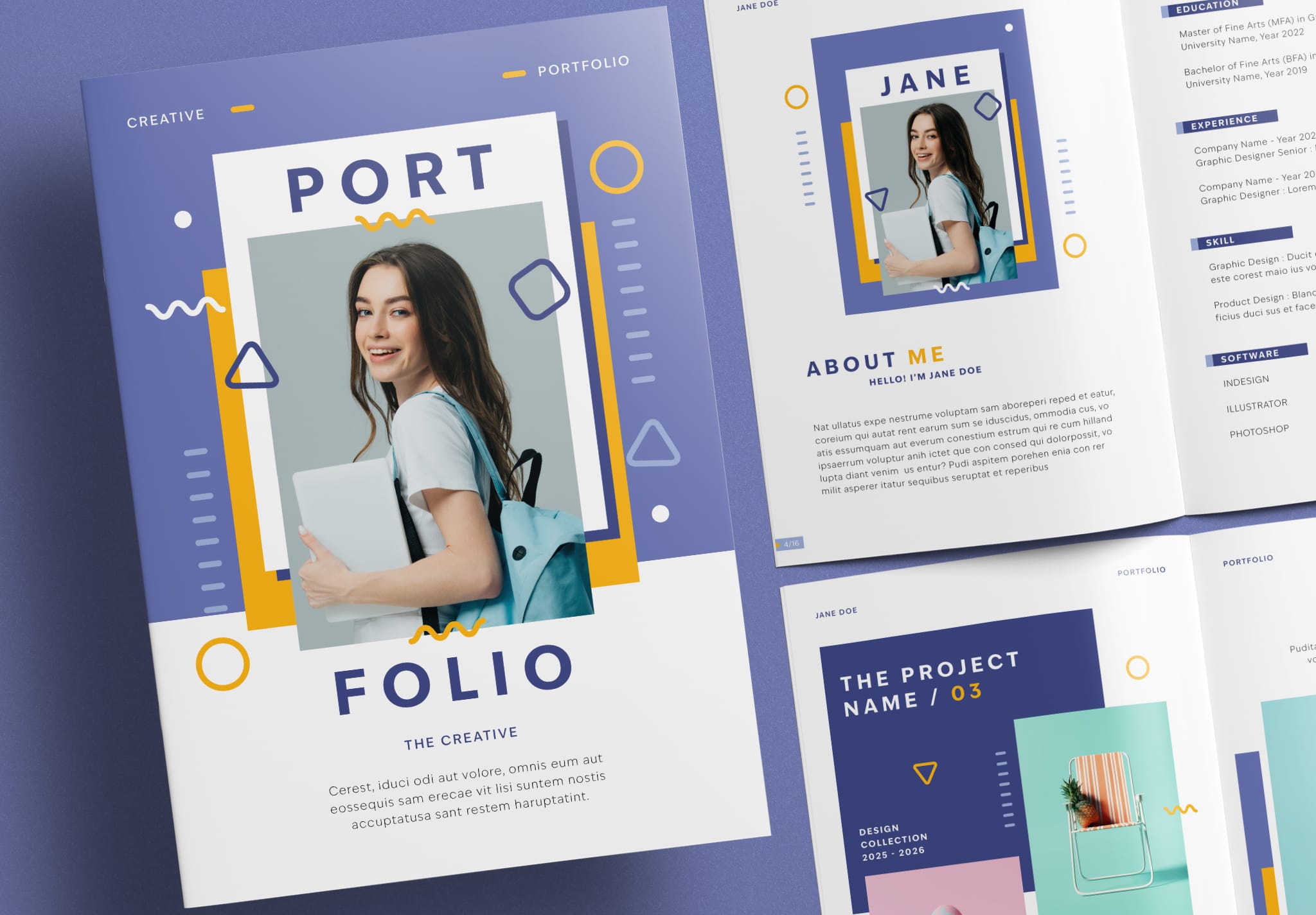
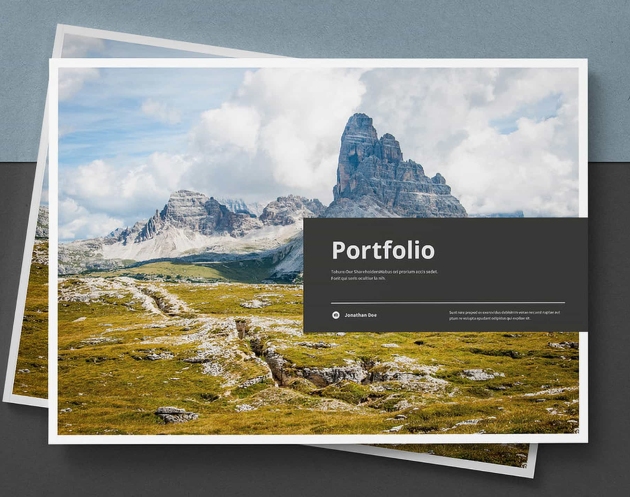
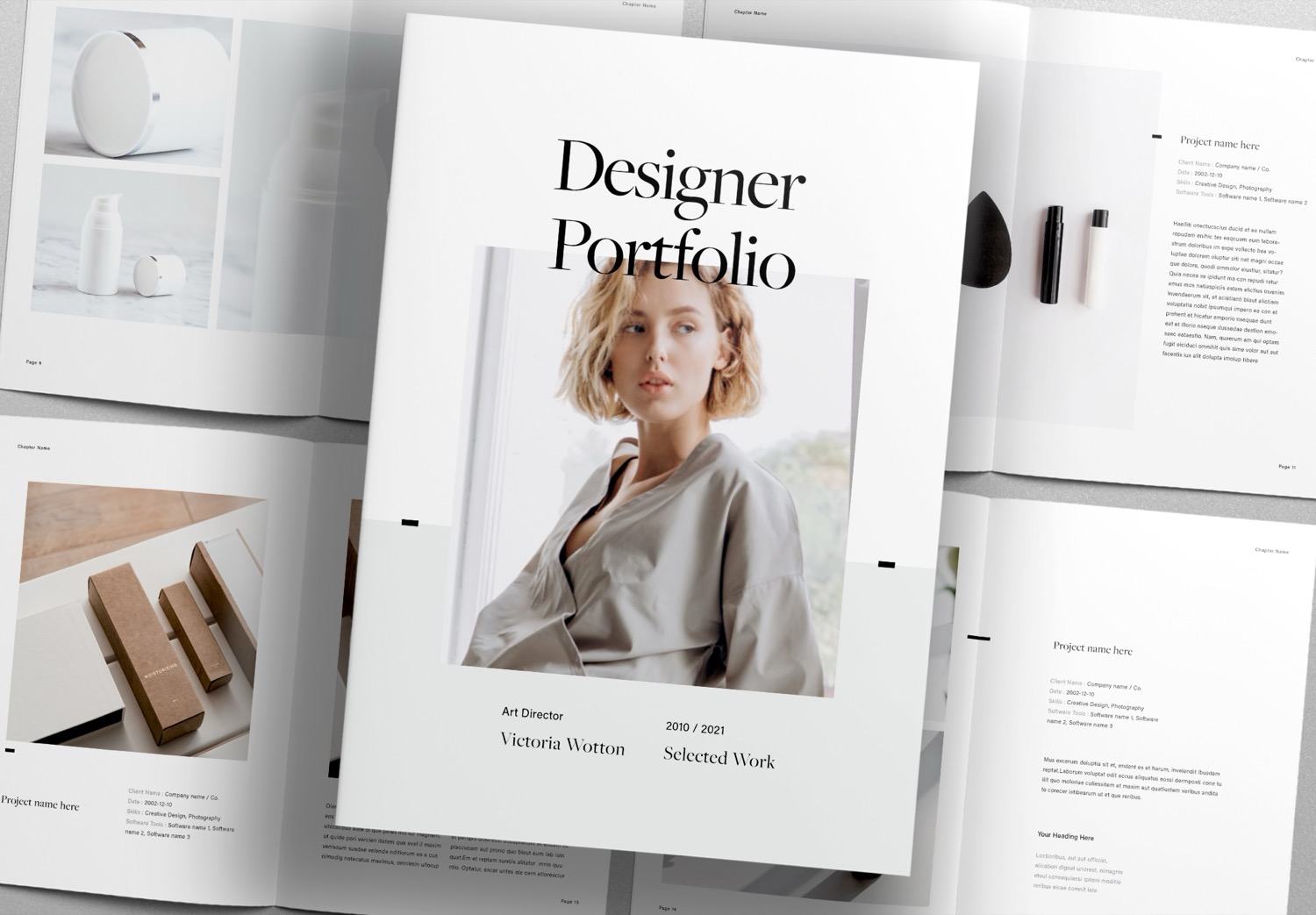
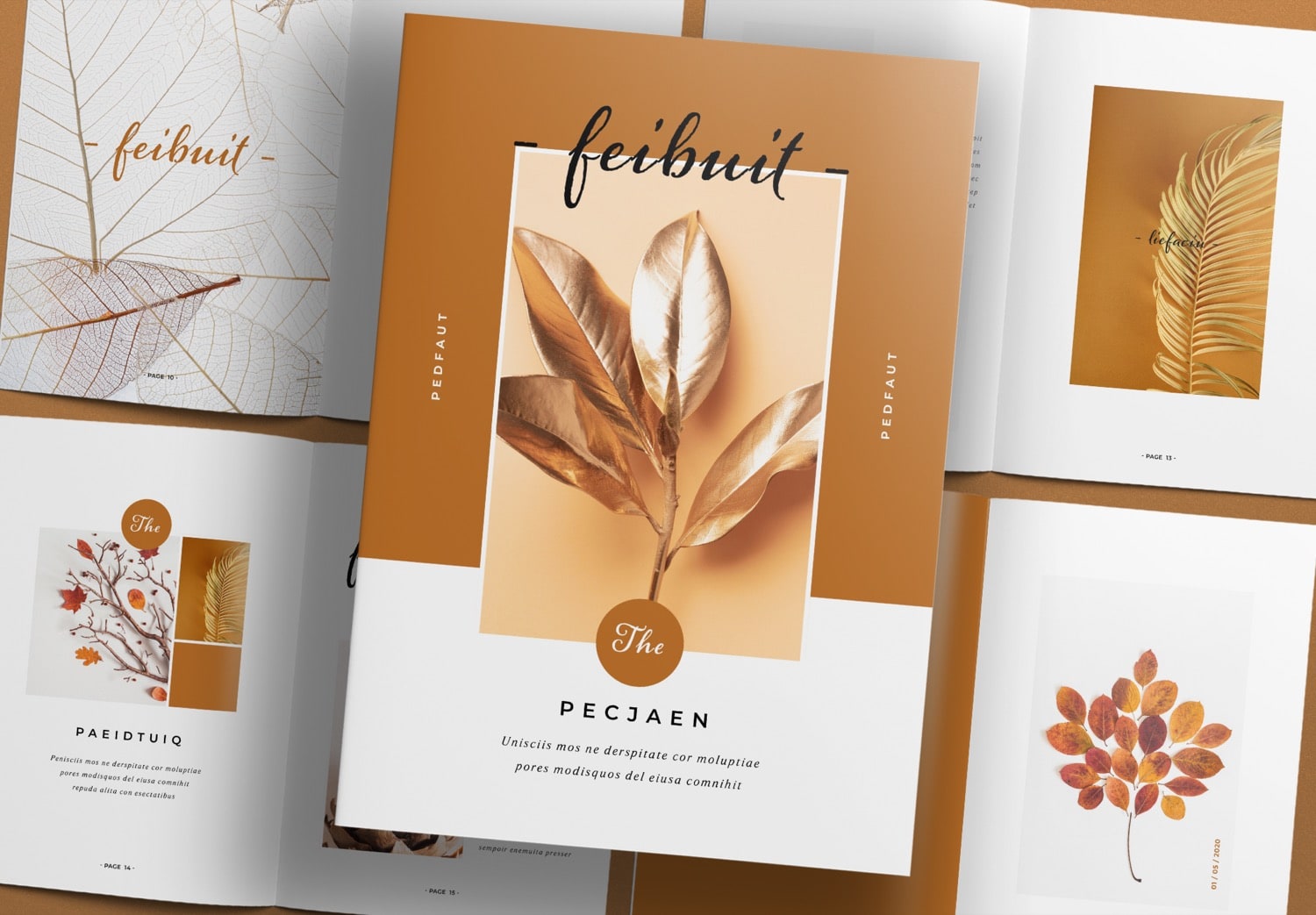
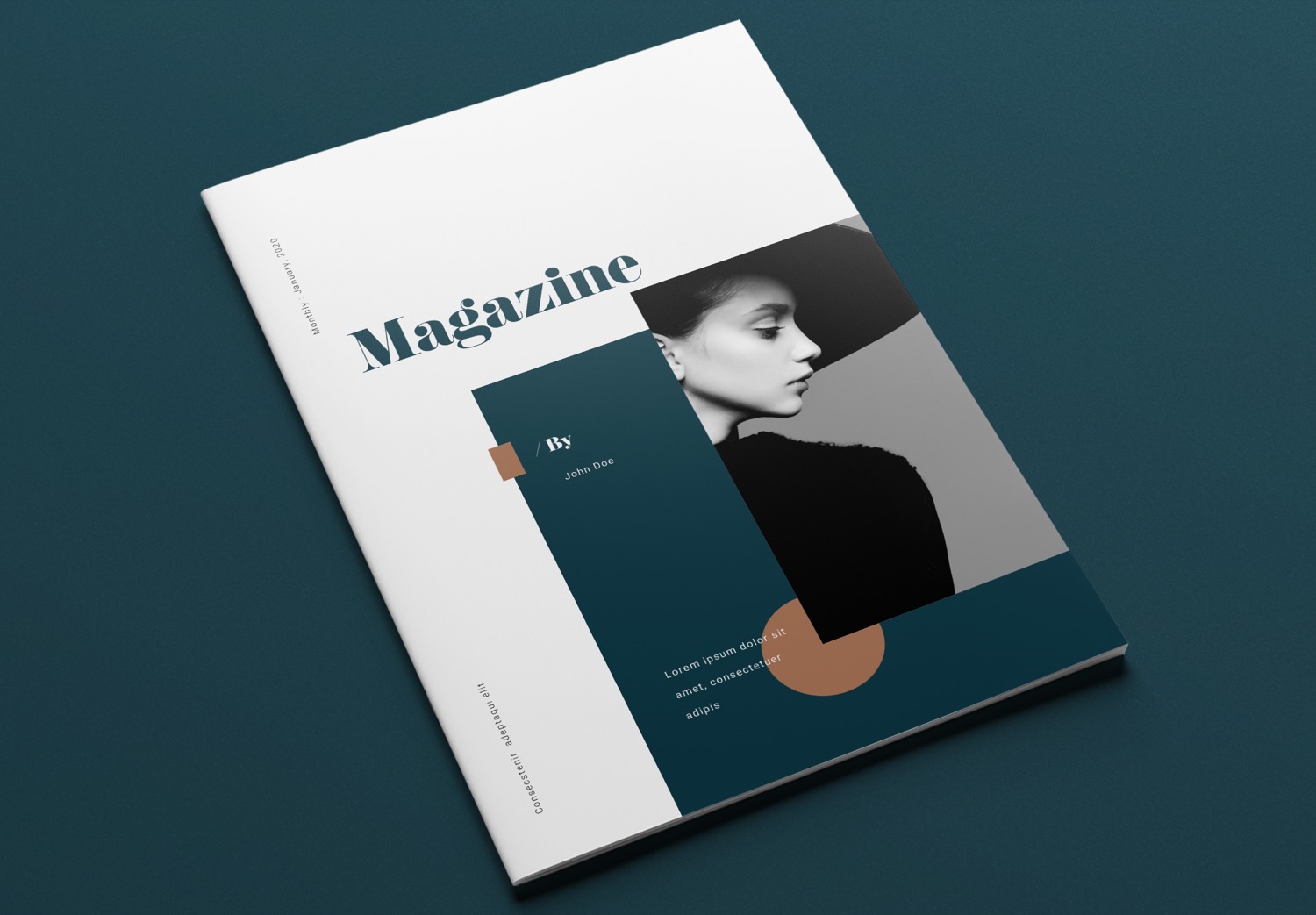
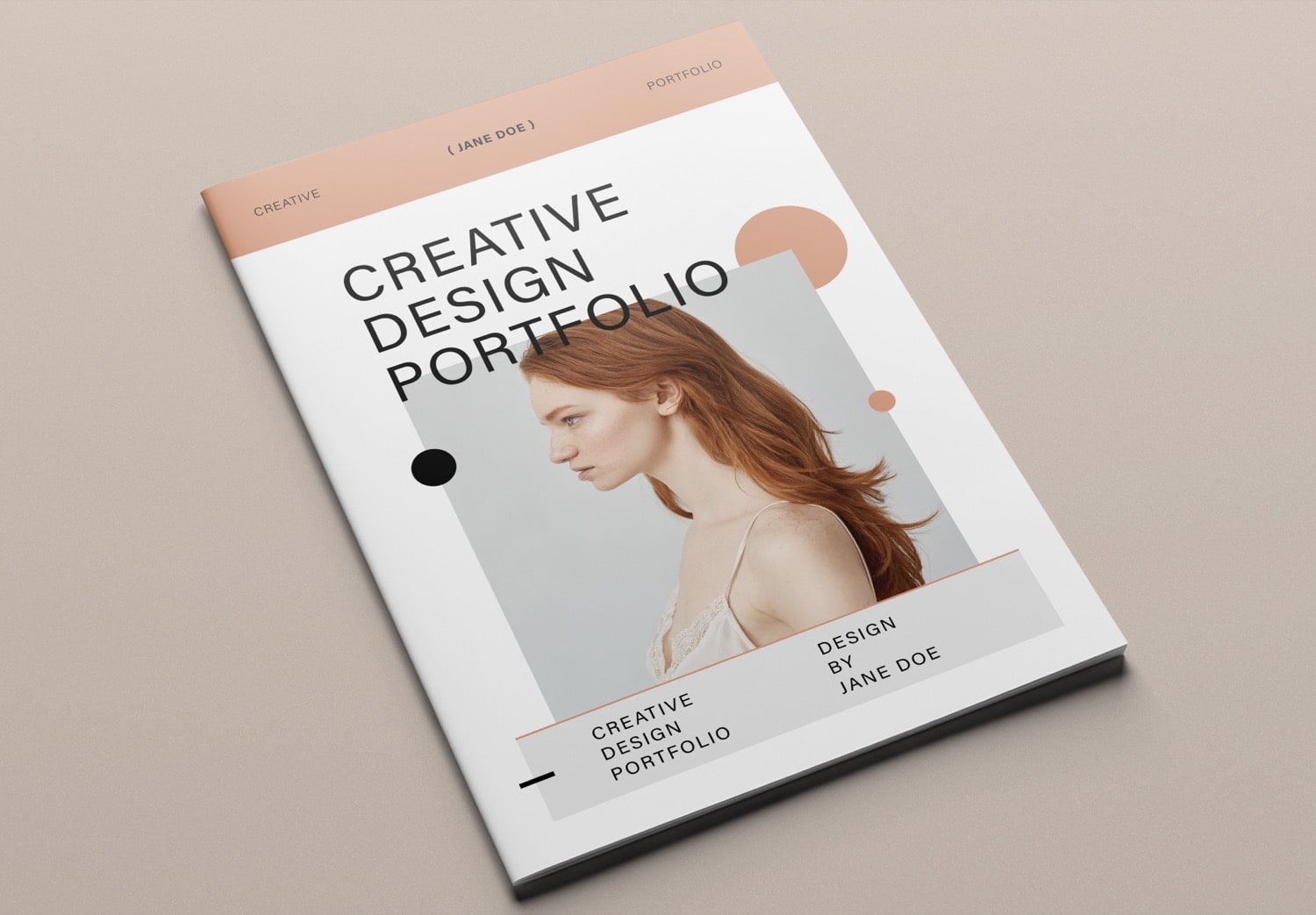
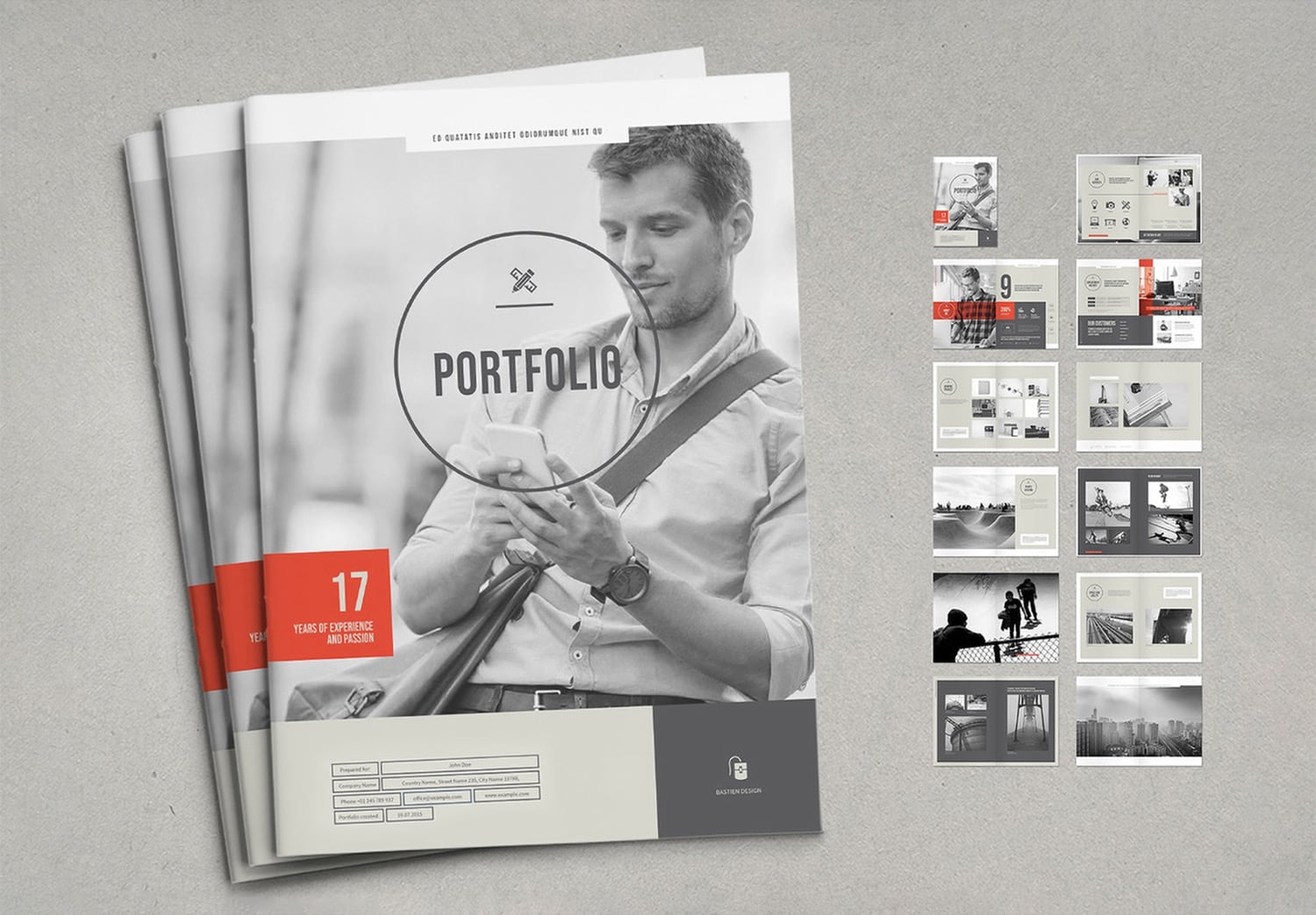
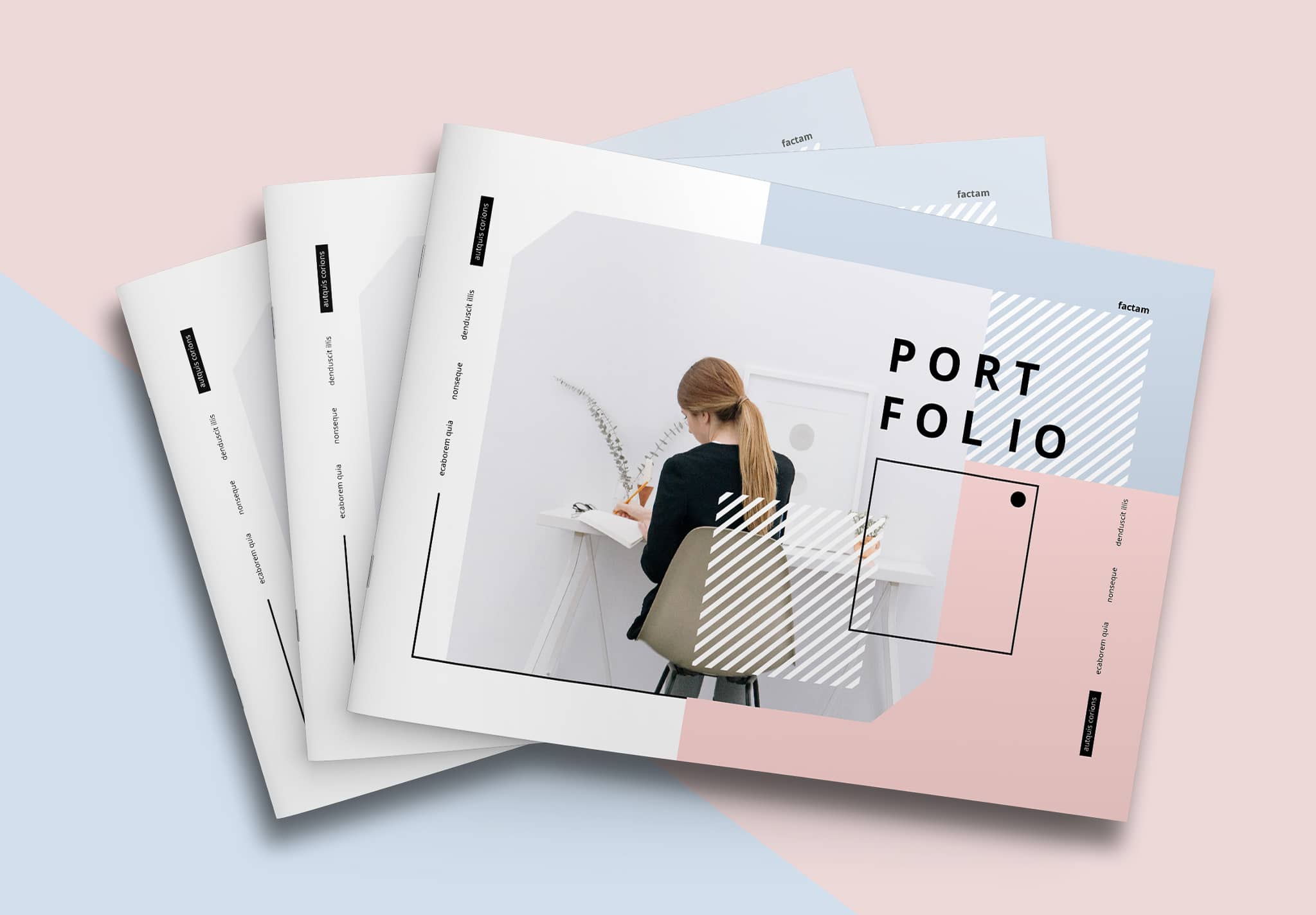
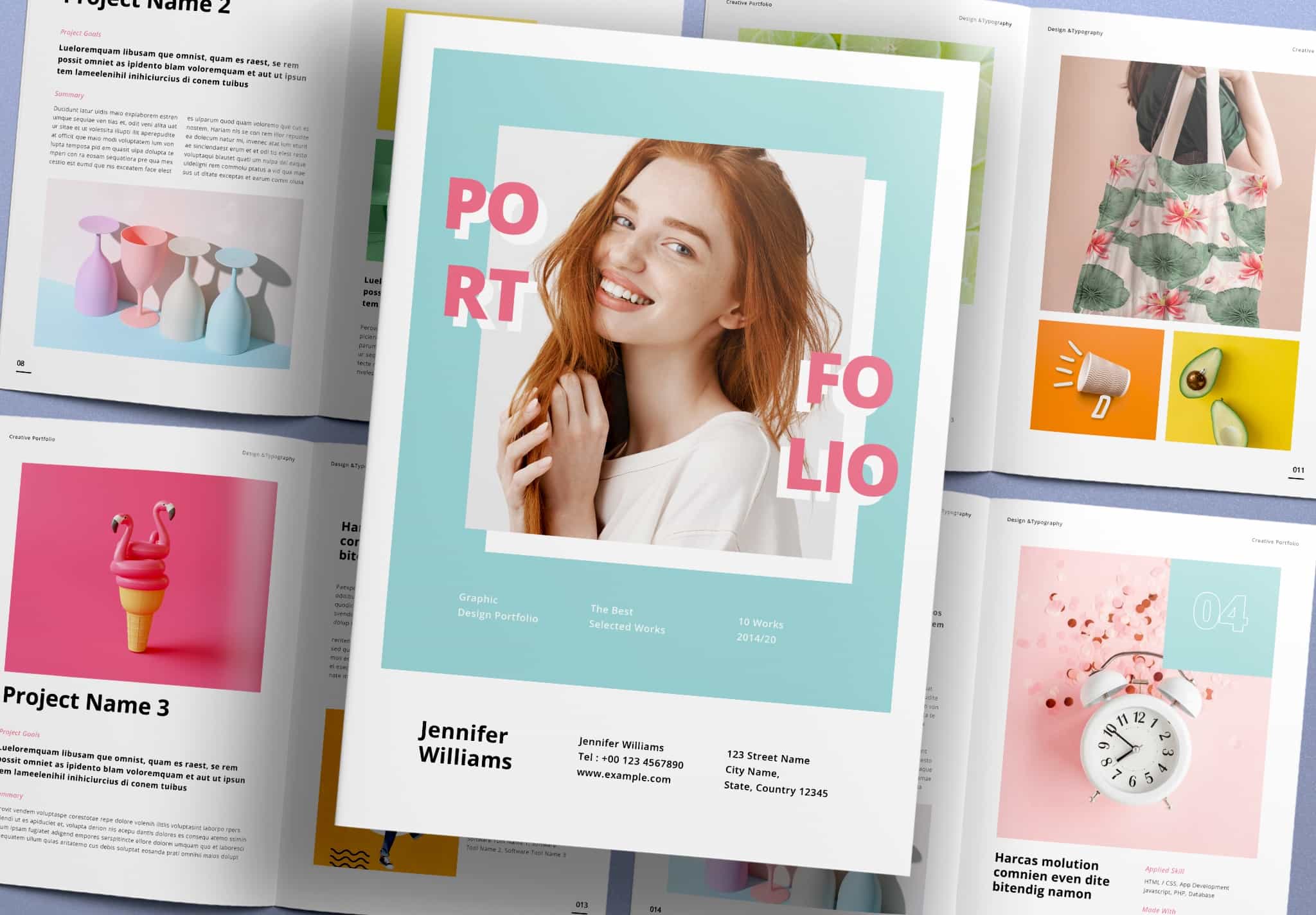
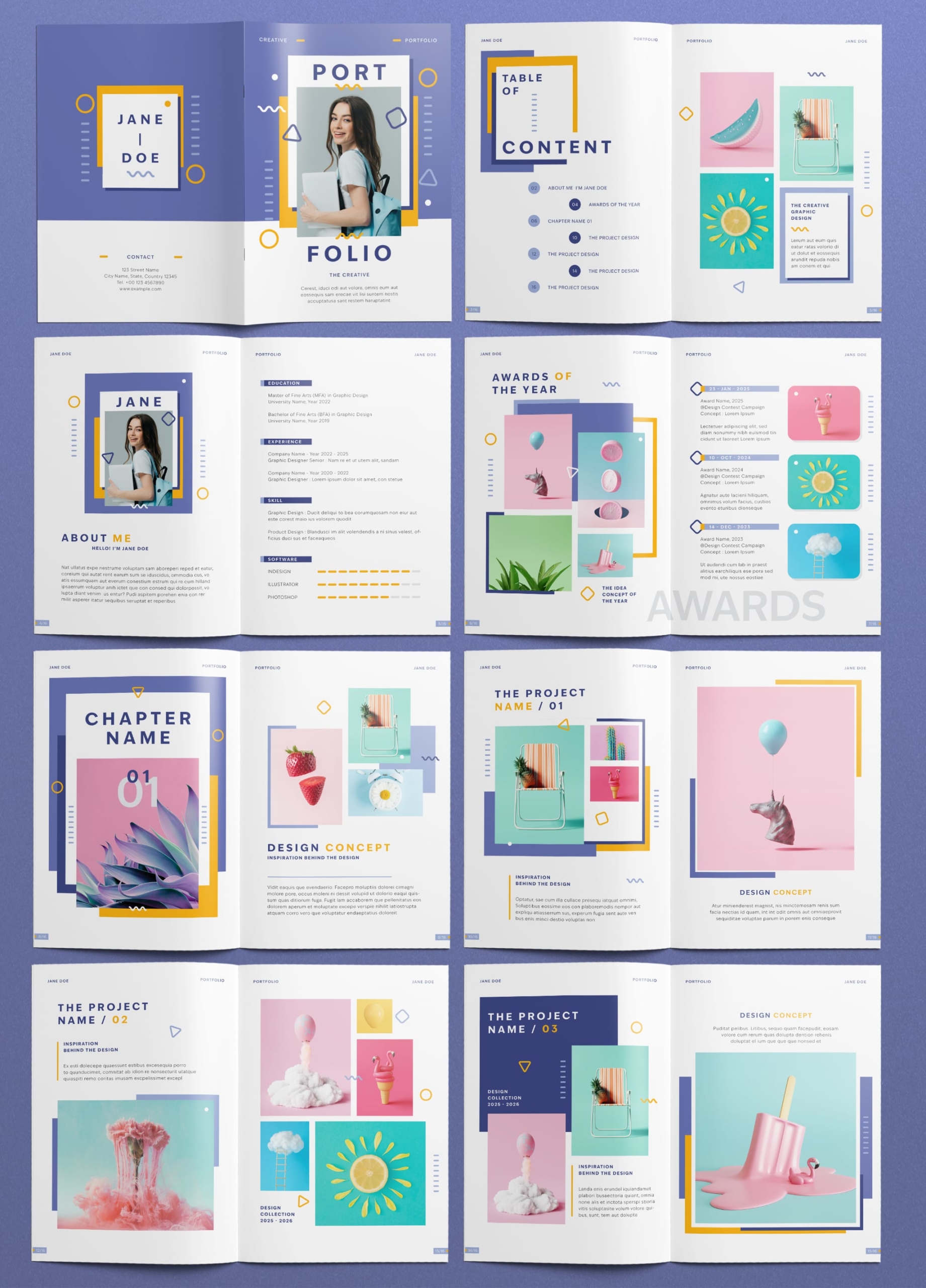
This is one of the latest works that we carefully selected. This is a minimal-style portfolio template that comes with 16 ready-to-use pages, available in both A4 and US Letter sizes. It is a style that is especially suitable for students in creative fields.
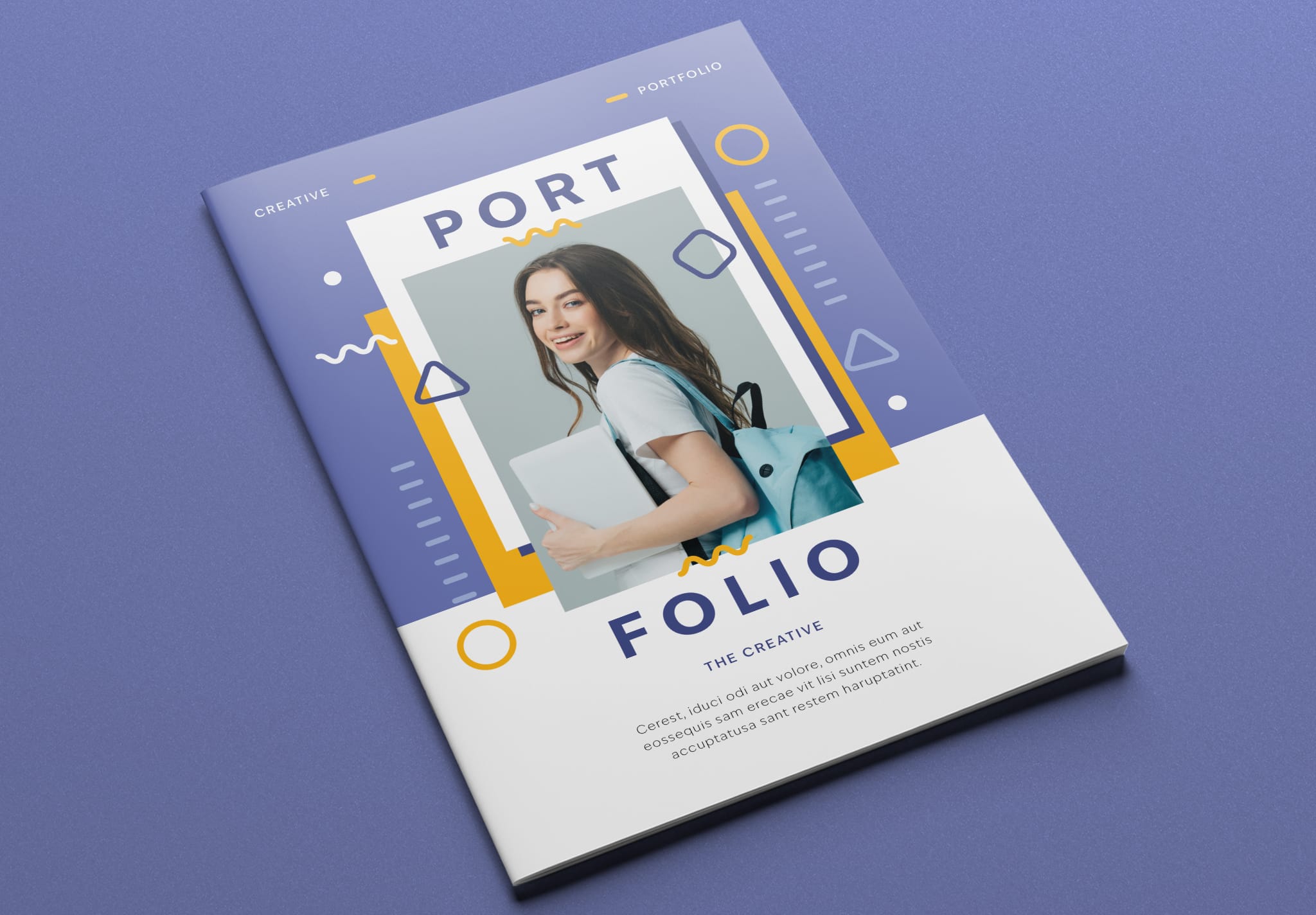
First Impressions Start with the Cover
Let’s start with the cover page. This template uses blue as the main color. It also uses yellow and white to make the cover look more modern and interesting. The decorative elements include circles, triangles, squares, and wavy lines, giving the design a bright, modern, and highly creative feel. It also uses fonts that look modern and are easy to read. You simply drag and drop your images into the placeholder frames and replace the text with your own content. It’s very easy — in just a few minutes, your cover page will be finished.
Packed with Content in a Stylish, Well-Designed Layout
Inside the template, the presentation structure already includes everything you need. This includes the table of contents page. The layout presents the headings and page numbers in a stylish way while keeping them easy to read. It does not look boring like the table of contents in typical books that simply list titles and page numbers in the usual way. You can also place images of your work here as a preview. Readers can see them before opening the full portfolio.
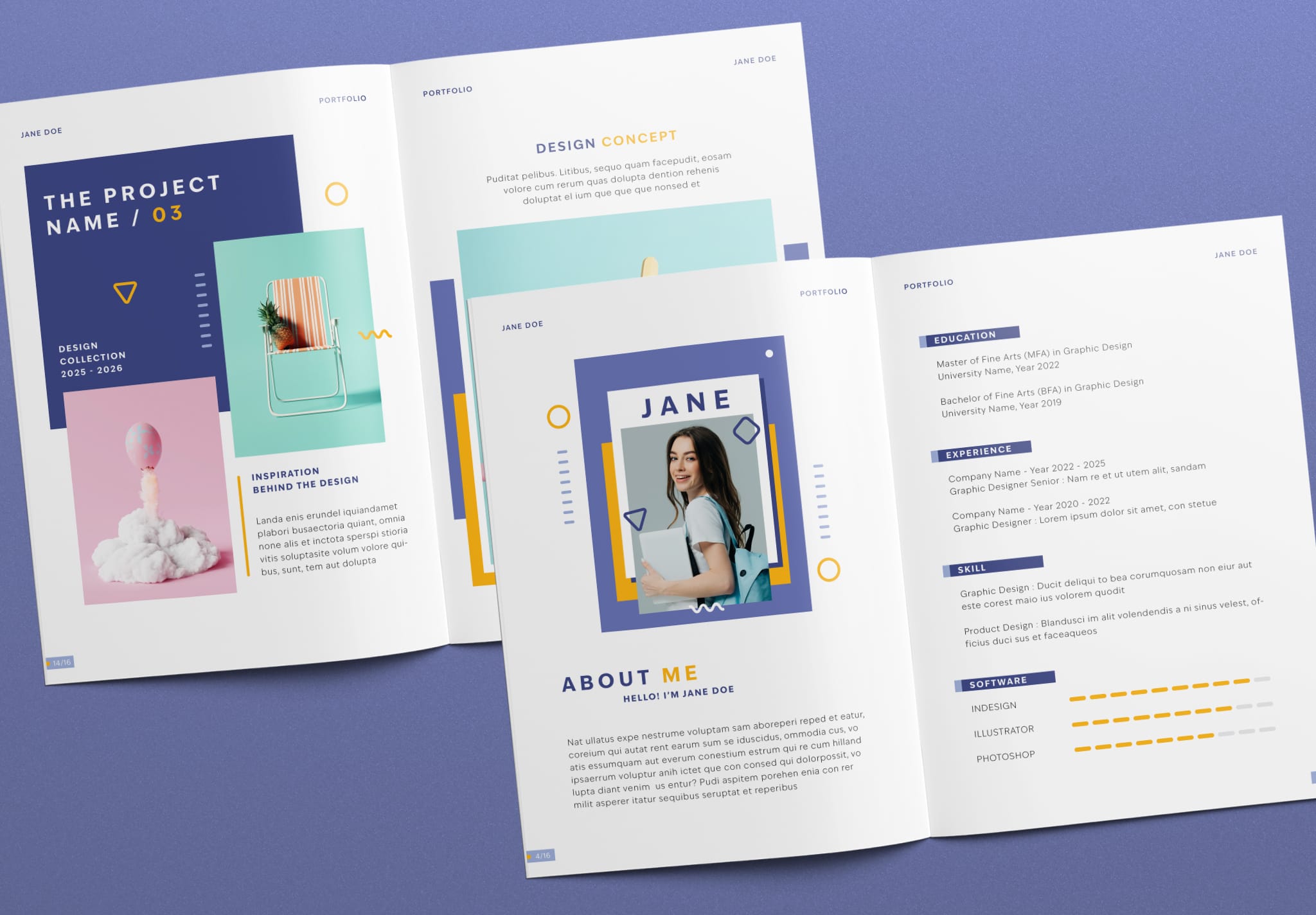
On the About Me page, there is space for you to place your photo inside a frame that matches the cover design. This helps your photo stand out more. The designed frame makes your face look more interesting and easier to remember. After that, you can replace the text with information about yourself to show who you are, your education, work experience, skills, and abilities. After readers learn about you, the next page is Awards of the Year. Here you can show what you have achieved and present the awards that support your abilities.
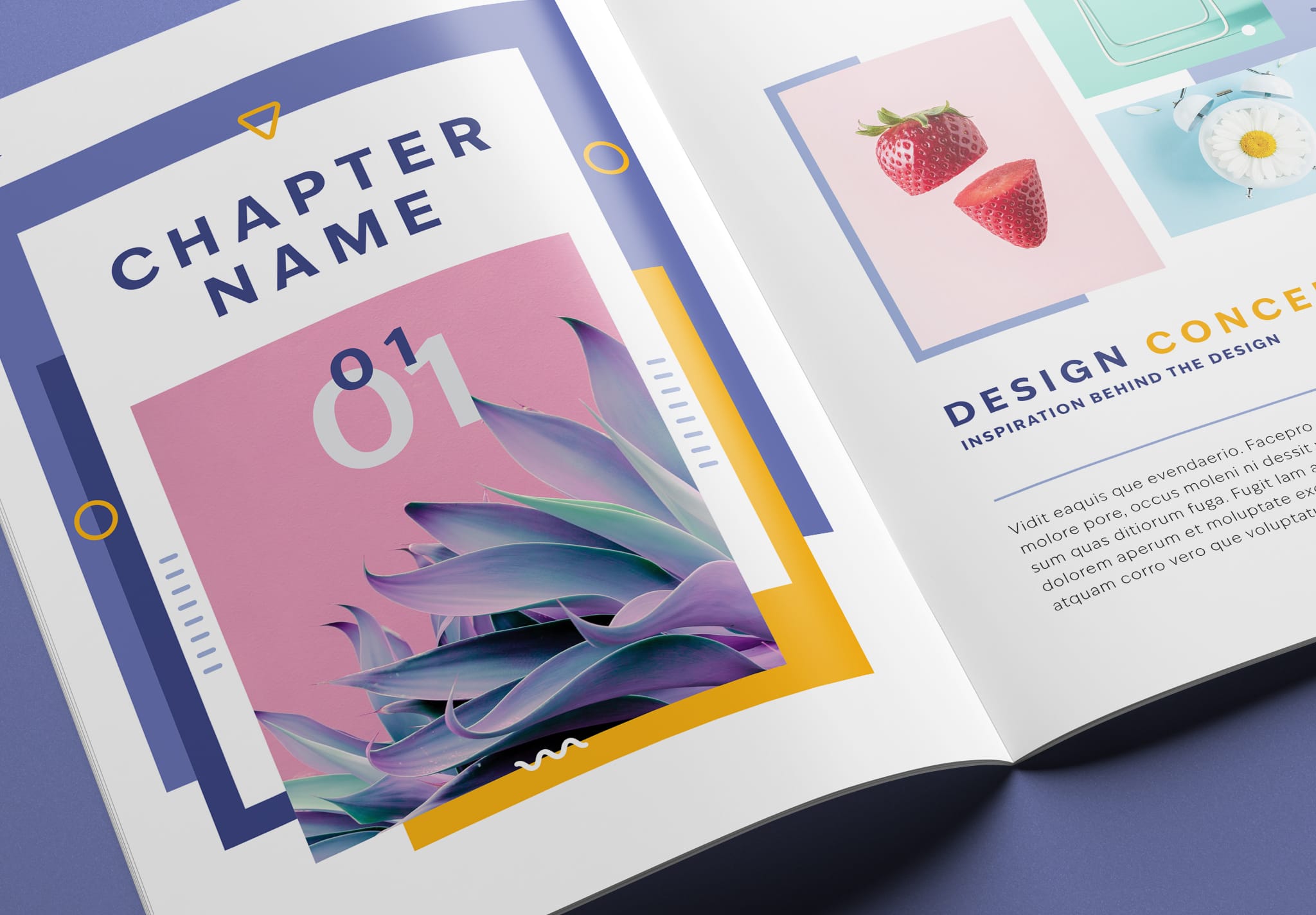
This template includes chapter pages that separate each project, making the portfolio more organized. You can place a preview image of the project and explain the concept before moving into the project content pages. The project pages also come with different layout designs, so you can choose the ones that best match your work.
Make a Strong Impression with Your Portfolio
Everything you get from this template will help make the presentation of yourself and your work stand out. The design of every page helps you look professional and shows that you pay attention to every topic and detail. This is very beneficial for you, because it will create a strong impression on anyone who reads your portfolio.
Feel Free to Download and Customize with Adobe InDesign
This portfolio template can be edited using Adobe InDesign a program that is widely used by professional designers. More importantly, the template already includes everything set up for your convenience. This includes master pages, paragraph settings, and a CMYK color system for high-quality printing. Because of this, your only task is to simply replace the images and text with your own content.
To download this template, you can Get 10 Free Trial Downloads from Adobe Stock by clicking the Full Download button. If you would like to try a sample first, we also provide a 5-page preview version of the template so you can test how it works. You can download the sample by clicking the button below.